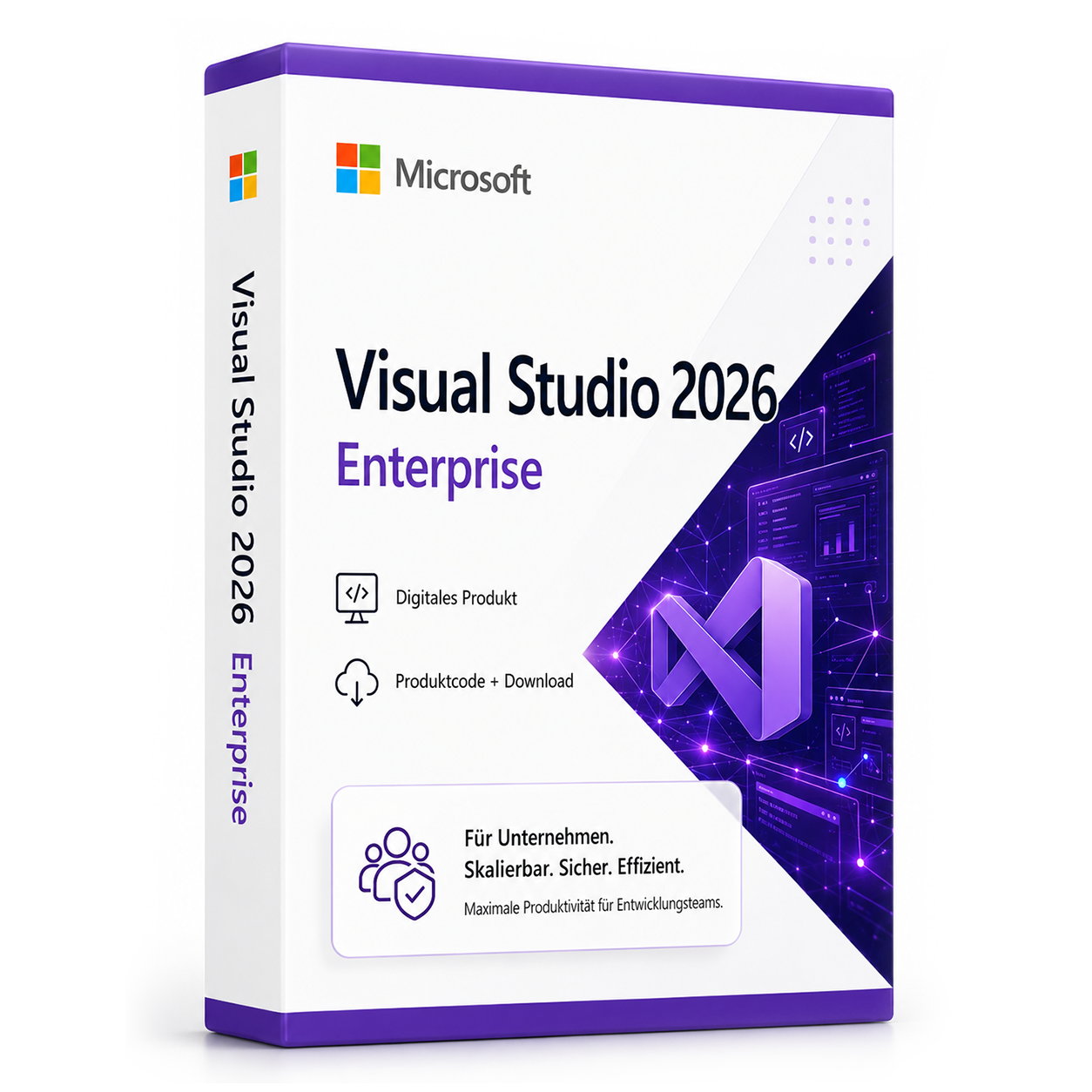


Visual Studio 2026 - Enterprise
Visual Studio 2026 Enterprise – Professional development environment Visual Studio 2026 Enterprise product code provides an advanced development platform for demanding software projects.
0 Leute schauen sich gerade das Produkt an. 0 haben es im Warenkorb.
incl. 19% VAT
In stock
- Immediate shipping via email: Product key, instructions, download & invoice in seconds.
- Full version: Permanently valid license. No subscription, no ongoing costs.
- 24/7 Premium Support: Free assistance with installation & activation.
- Buyer protection up to €20,000: Every purchase is covered by Trusted Shops secured.
Description
Visual Studio 2026 Enterprise: Advanced development platform for professional projects
Visual Studio 2026 Enterprise product code offers a modern and powerful development environment specifically designed for businesses, professional developer teams, and complex software projects. The suite integrates optimized workflows, modern tools for analysis, debugging, testing, and team organization. With the Visual Studio 2026 Enterprise product code, developers receive a reliable platform that supports demanding software landscapes and efficiently accompanies the entire lifecycle of modern applications.Comprehensive core features for efficient software development
The Enterprise edition is designed to implement professional projects securely, reliably, and scalably. It combines powerful analysis tools, integrated DevOps connections, automated testing features, and modern development standards. Companies benefit from seamless processes that shorten development times, increase quality, and allow teams to collaborate productively.In-depth code analysis
Code analysis detects errors, structural issues, and security risks while writing. Developers receive clear indications on how to optimize their projects before problems arise in later project phases. The analysis tools cover a wide range of technologies and integrate seamlessly into existing development processes.Advanced team and project integration
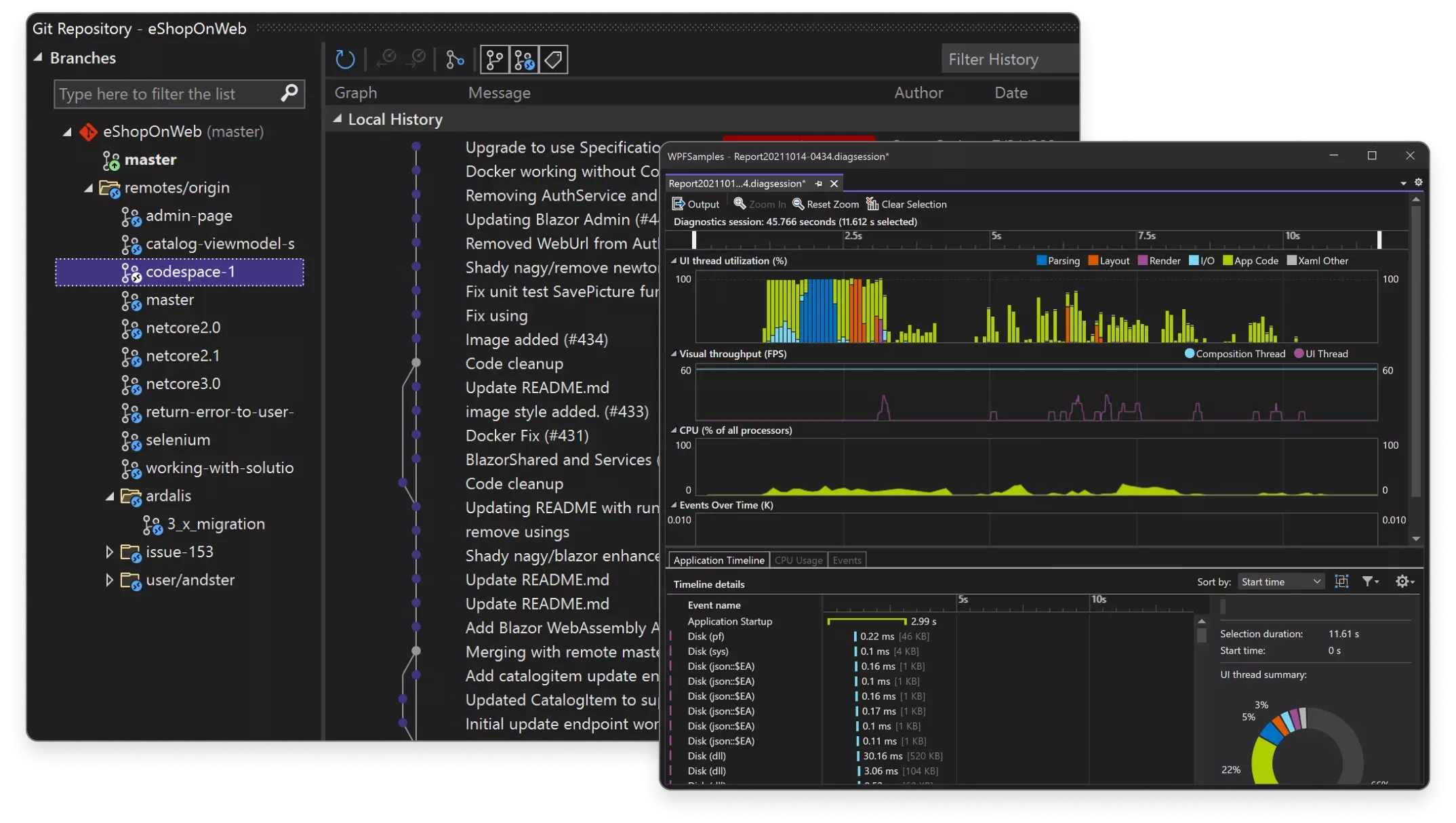
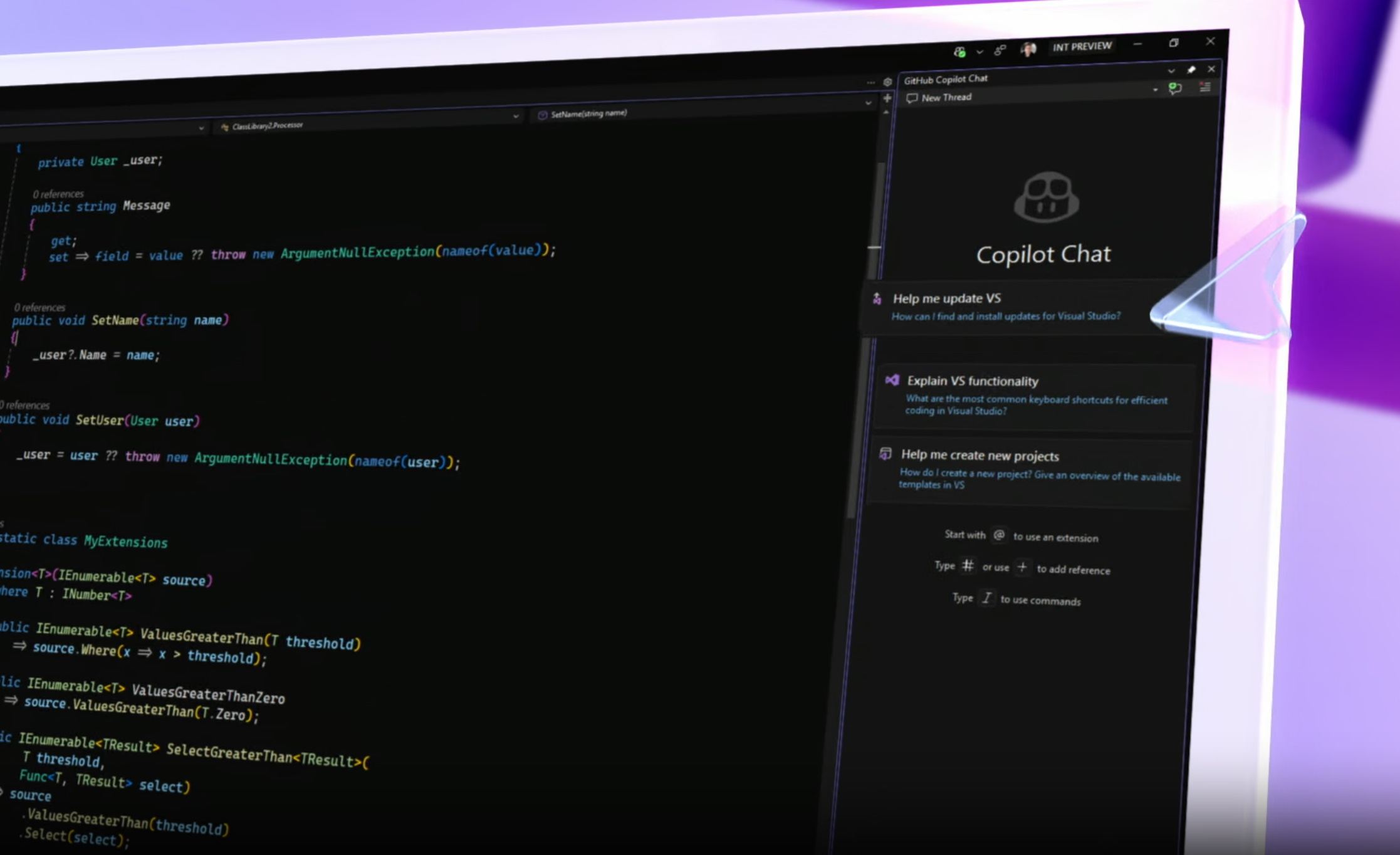
Visual Studio 2026 Enterprise enables direct connection to GitHub, Azure DevOps, and other version control systems. Project progress can be tracked precisely, builds automated, and test cycles efficiently managed. The development environment provides essential features for large teams working on complex applications.Precise debugging
With modernized debugging tools, errors can be identified and analyzed more quickly. Live analyses, real-time monitoring, and improved breakpoint controls facilitate error tracking in local projects, distributed systems, or cloud-based architectures.Versatile application areas
The Enterprise edition covers a variety of use cases – from web and desktop applications to mobile projects and enterprise solutions, as well as cloud-based architectures. It is suitable for teams developing modern, stable, and long-term software solutions.- Development of complex enterprise applications
- Modern web and cloud projects in Azure infrastructures
- Planning and implementation of mobile applications
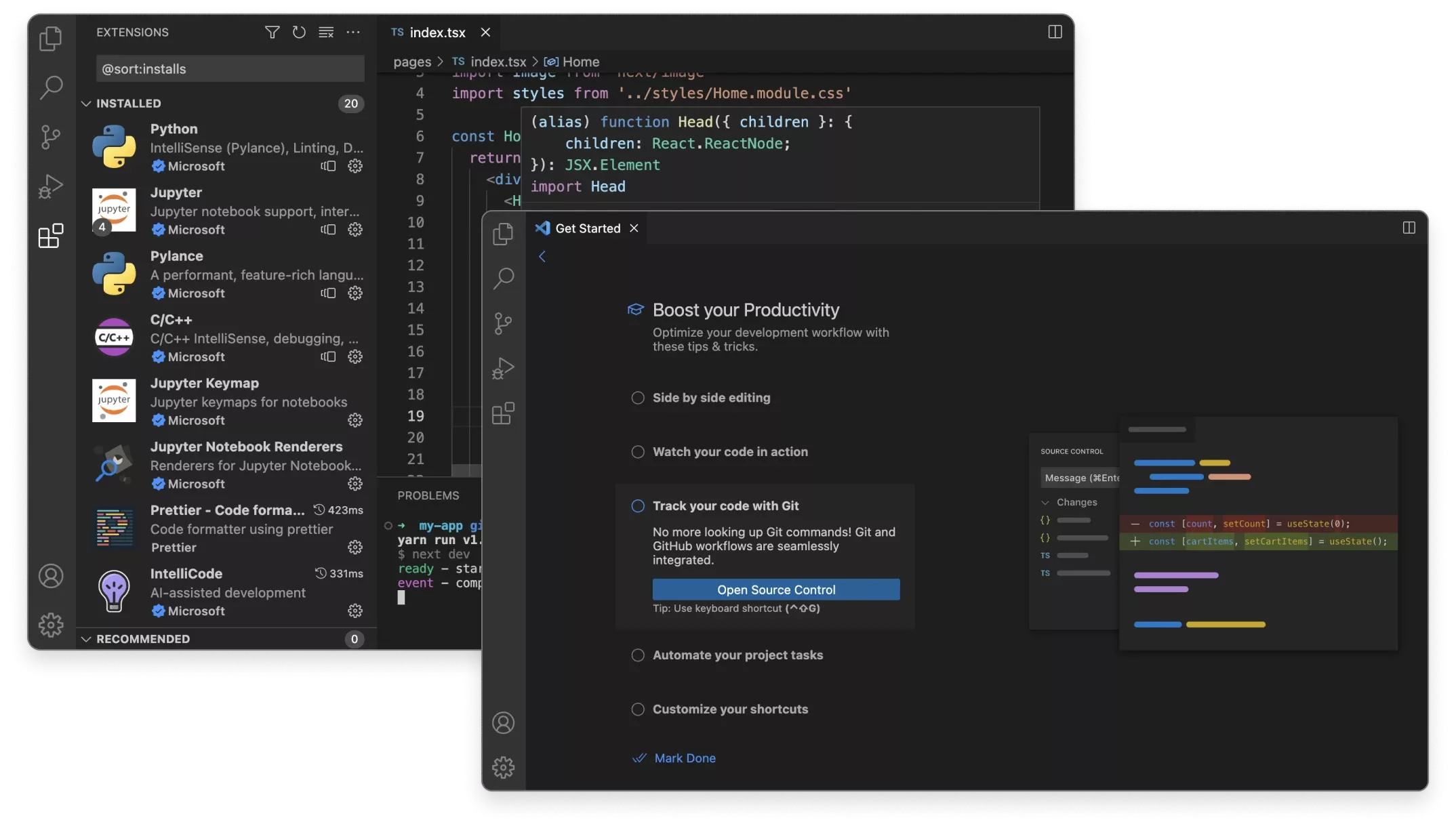
- Software architectures with .NET, C#, C++, Python, and other languages
- Implementation of comprehensive testing environments
- Optimized DevOps workflows for large teams
Thoughtful workflow and modern setup
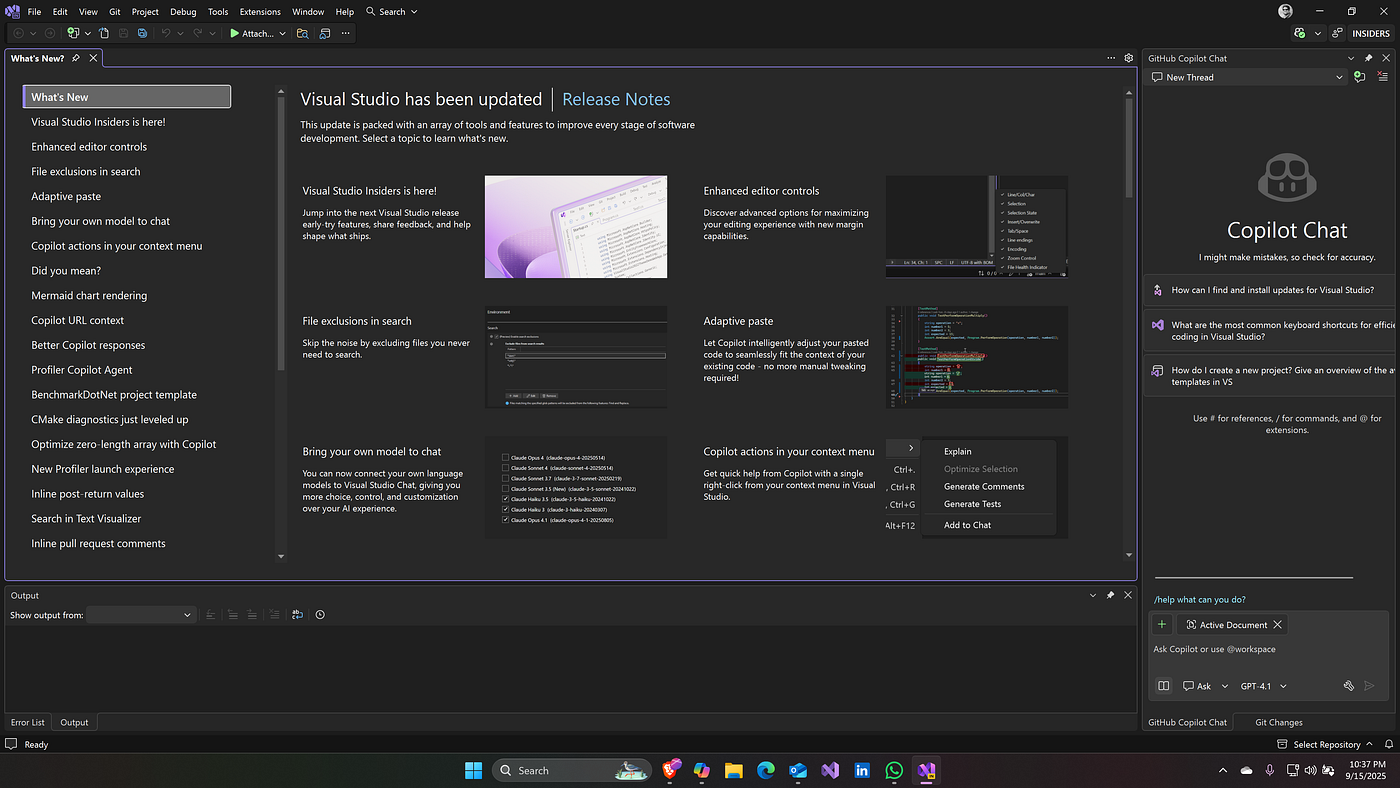
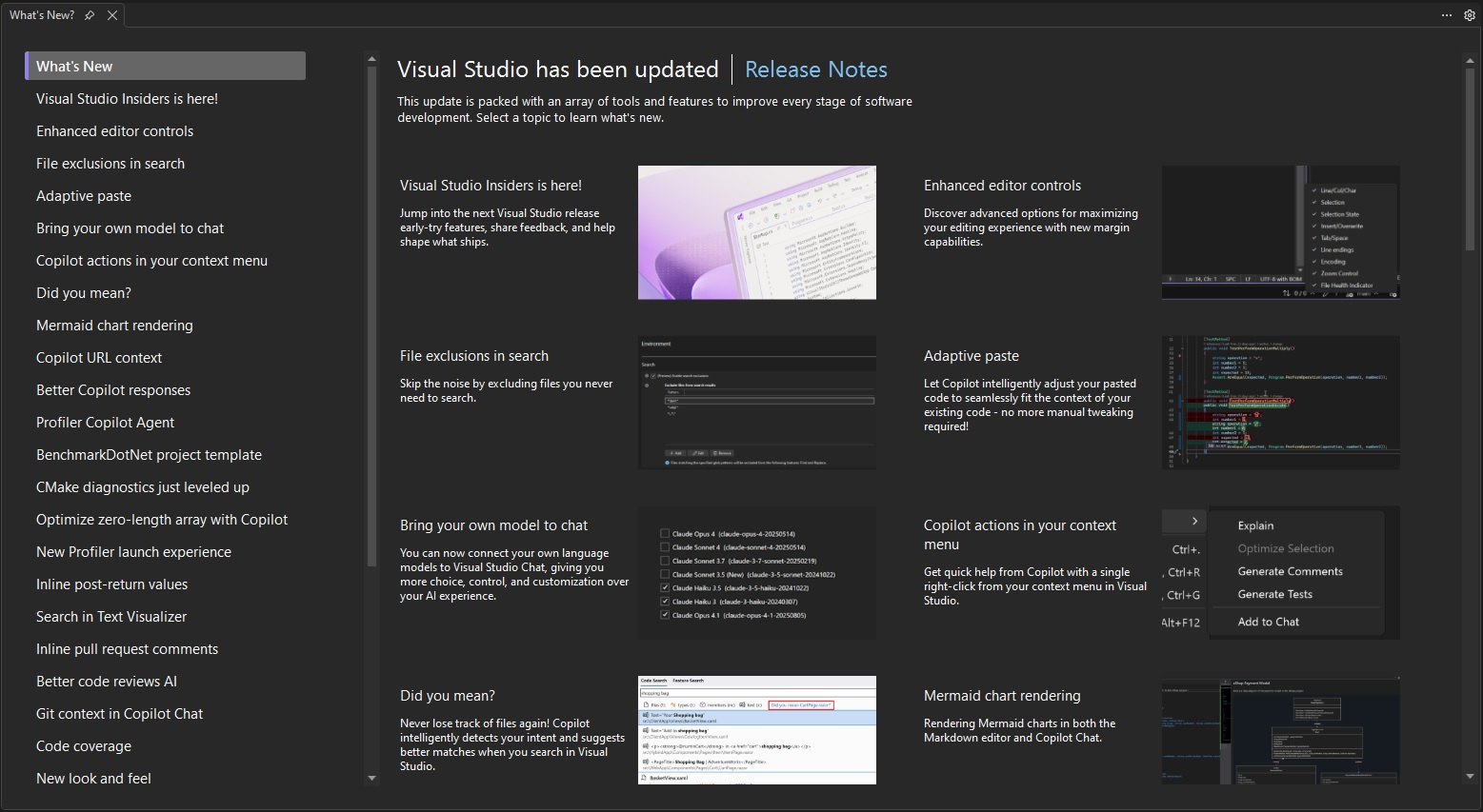
Visual Studio 2026 Enterprise guides developers clearly and structured from installation to productive use. After activation with the provided product code, projects can be created immediately, and existing workspaces imported. The user interface has been revamped to allow focused work with well-structured tools, clear navigation paths, and fast loading times. By integrating into cloud-based services, project environments can be synchronized, dependencies managed, and team projects efficiently organized. Advanced search and analysis features help quickly find the right information even in large codebases. The environment supports modernized build processes, automated tests, and optimized parallelization for improved overall performance.Note for maximum productivity
For smooth operations, it is recommended to use the integrated cloud tools in combination with local caching. This noticeably reduces loading times and builds.System requirements for Visual Studio 2026 Enterprise
For optimal performance, the system should provide modern hardware. Visual Studio 2026 Enterprise is designed to be used efficiently on both classic desktop computers and workstations and mobile devices.| Component | Minimum requirements | Recommended requirements |
|---|---|---|
| Operating system | Windows 11 (64-bit) | Windows 11 Pro/Enterprise (current version) |
| Processor | Quad-Core CPU | 8-Core CPU or higher |
| Memory | 8 GB RAM | 16–32 GB RAM |
| Graphics card | DirectX 11 compatible GPU | Current GPU with DirectX 12 support |
| Disk space | 25 GB available storage | SSD with 50 GB free space |
| Internet connection | Required for activation, updates, cloud features | |
| Additional tools | Optional: Azure integration, Git tools, container support | |
Performance note
An SSD-based installation and sufficient RAM improve compilation times and ensure smooth use of the development environment.Your benefits when purchasing from softwareking24.com
softwareking24.com offers a structured purchasing process and reliable delivery of products.Direct delivery
The product code will be provided to you after purchase in your customer account and additionally sent via email.Permanent use
This is a perpetual version without subscription or ongoing fees.Original software
You will receive an original product key from the manufacturer, including entitlement for updates and support within the product generation.Visual Studio 2026 Enterprise for professional development environments
With Visual Studio 2026 Enterprise, developers have access to a modern platform specifically designed for demanding software projects. The integrated tools support all phases of the development process and enable efficient implementation of even complex applications. The powerful analysis and debugging tools, flexible project integration, and comprehensive tool collection make Visual Studio 2026 Enterprise a reliable choice for companies looking to establish a stable development foundation in the long term.Passt dazu – oft zusammen gekauft


Related products

incl. 19% VAT
incl. 19% VAT

incl. 19% VAT
incl. 19% VAT

incl. 19% VAT
incl. 19% VAT

incl. 19% VAT

incl. 19% VAT
incl. 19% VAT

incl. 19% VAT
incl. 19% VAT
Frequently asked questions about Visual Studio 2026 - Enterprise
What programming languages is Visual Studio 2026 - Enterprise suitable for?
Visual Studio 2026 - Enterprise supports C#, C++, Python, F#, JavaScript/TypeScript, and other languages through workloads. Choose the appropriate development workloads (e.g., .NET, Desktop, Web) during installation.
Can I use Visual Studio 2026 - Enterprise on multiple PCs?
The Visual Studio 2026 - Enterprise license typically applies to one user on multiple devices (depending on the Enterprise/Professional edition). Concurrent use on many computers at the same time is not licensed.
What are the system requirements for Visual Studio 2026 - Enterprise?
Visual Studio 2026 - Enterprise requires Windows 10/11 64-bit, at least 8 GB of RAM (16 GB recommended), an SSD, and a DirectX 11-capable graphics card. Check the Microsoft documentation for the respective version.
Does Visual Studio 2026 - Enterprise include Git integration and debugging tools?
Yes, Visual Studio 2026 - Enterprise comes with Git integration, a debugger, a profiler, and IntelliSense. Team Foundation Server/Azure DevOps can be optionally integrated.
How do I obtain the product key for Visual Studio 2026 - Enterprise?
After purchasing Visual Studio 2026 - Enterprise, you will automatically receive the product key, download link, and invoice via email—usually within a few minutes. Also, check the spam folder.
Do you provide assistance with the installation of Visual Studio 2026 - Enterprise?
Yes, our support helps with the installation and activation of Visual Studio 2026 - Enterprise. Use the included instructions or contact us through the help page if an error code occurs.
Is Visual Studio 2026 - Enterprise valid permanently?
Yes, Visual Studio 2026 - Enterprise is a one-time purchase license without a subscription. The key remains valid permanently as long as the manufacturer's system requirements are met.

Visual Studio 2026 - Enterprise
199,99 €In stock