
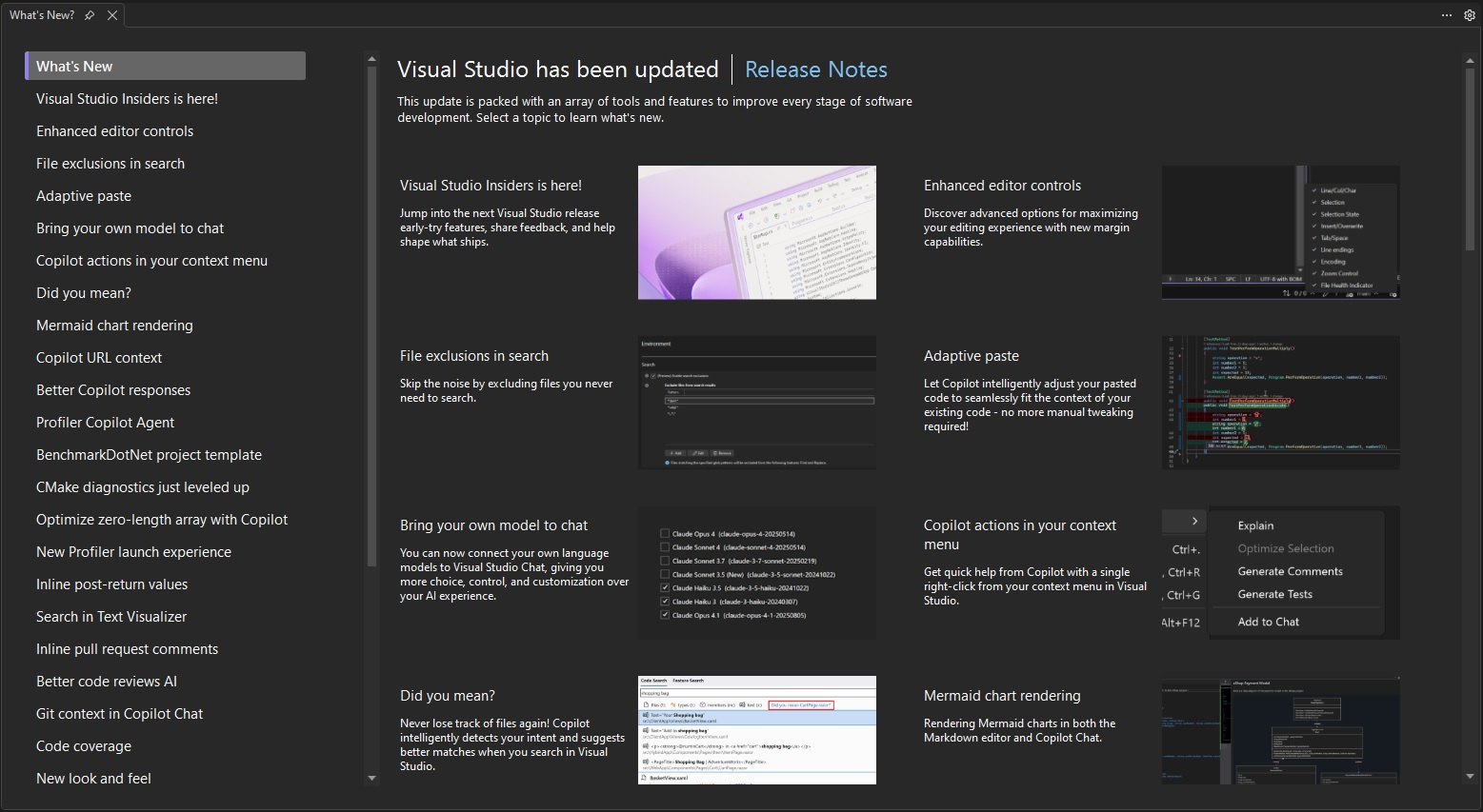
Visual Studio 2026 - Professional
Visual Studio 2026 Professional - Professional Development Environment The Visual Studio 2026 Professional Edition provides developers with a comprehensive IDE featuring state-of-the-art tools for efficient software development. With integrated AI features, advanced debugging capabilities, and seamless cloud integration, you significantly accelerate your development processes.
0 Leute schauen sich gerade das Produkt an. 0 haben es im Warenkorb.
incl. 19% VAT
In stock
- Immediate shipping via email: Product key, instructions, download & invoice in seconds.
- Full version: Permanently valid license. No subscription, no ongoing costs.
- 24/7 Premium Support: Free assistance with installation & activation.
- Buyer protection up to €20,000: Every purchase is covered by Trusted Shops secured.
Description
Visual Studio 2026 Professional: The ultimate development environment for professional software development
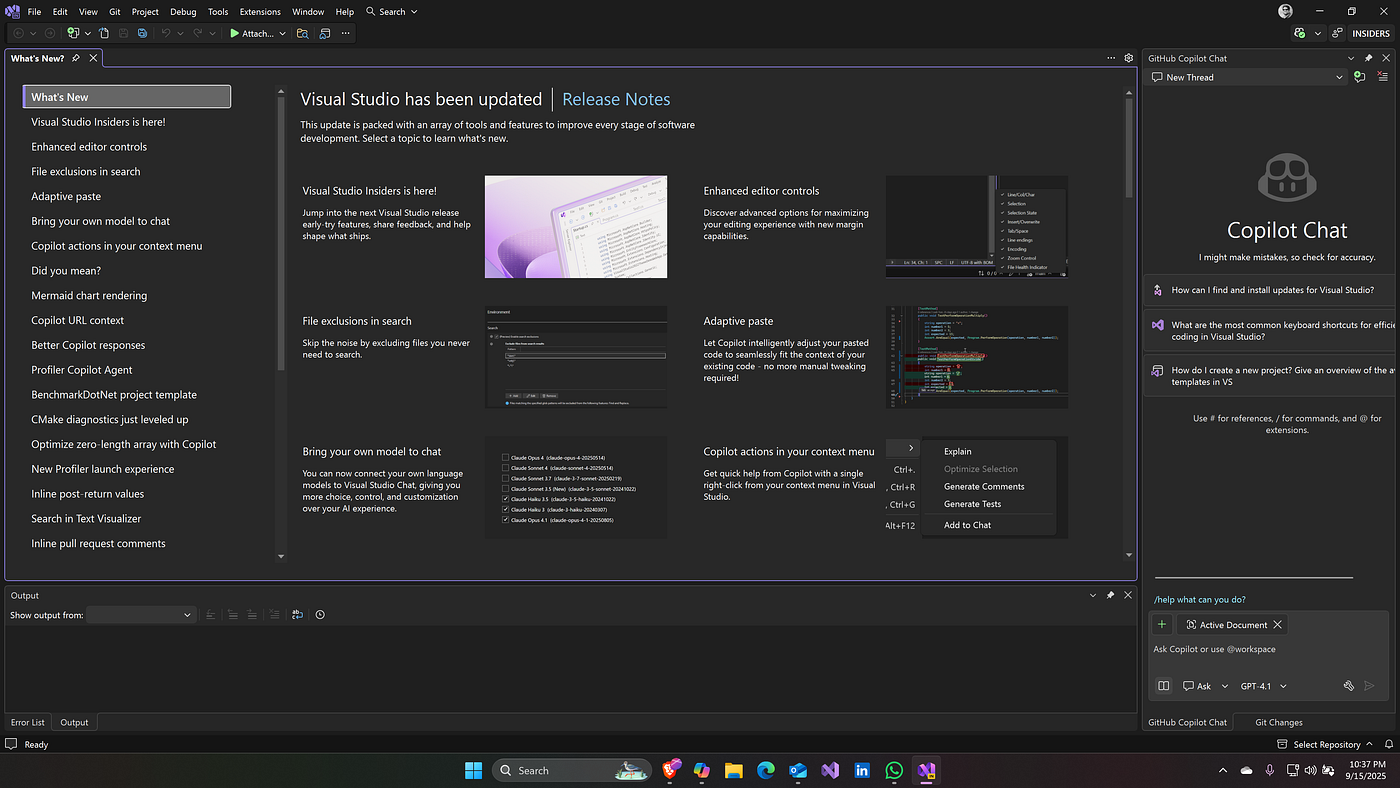
Visual Studio 2026 Professional revolutionizes the way developers create software. This professional development environment combines proven features with innovative AI technologies to elevate your productivity to a new level. Whether web applications, desktop programs, or cloud services – with Visual Studio 2026 Professional, you can efficiently and professionally tackle any development challenge.Innovative features for modern development
Visual Studio 2026 Professional offers a comprehensive set of tools specifically designed for the needs of professional development teams. From intelligent code suggestions to advanced collaboration features, the IDE supports you at every step of the development process.IntelliCode AI Assistant
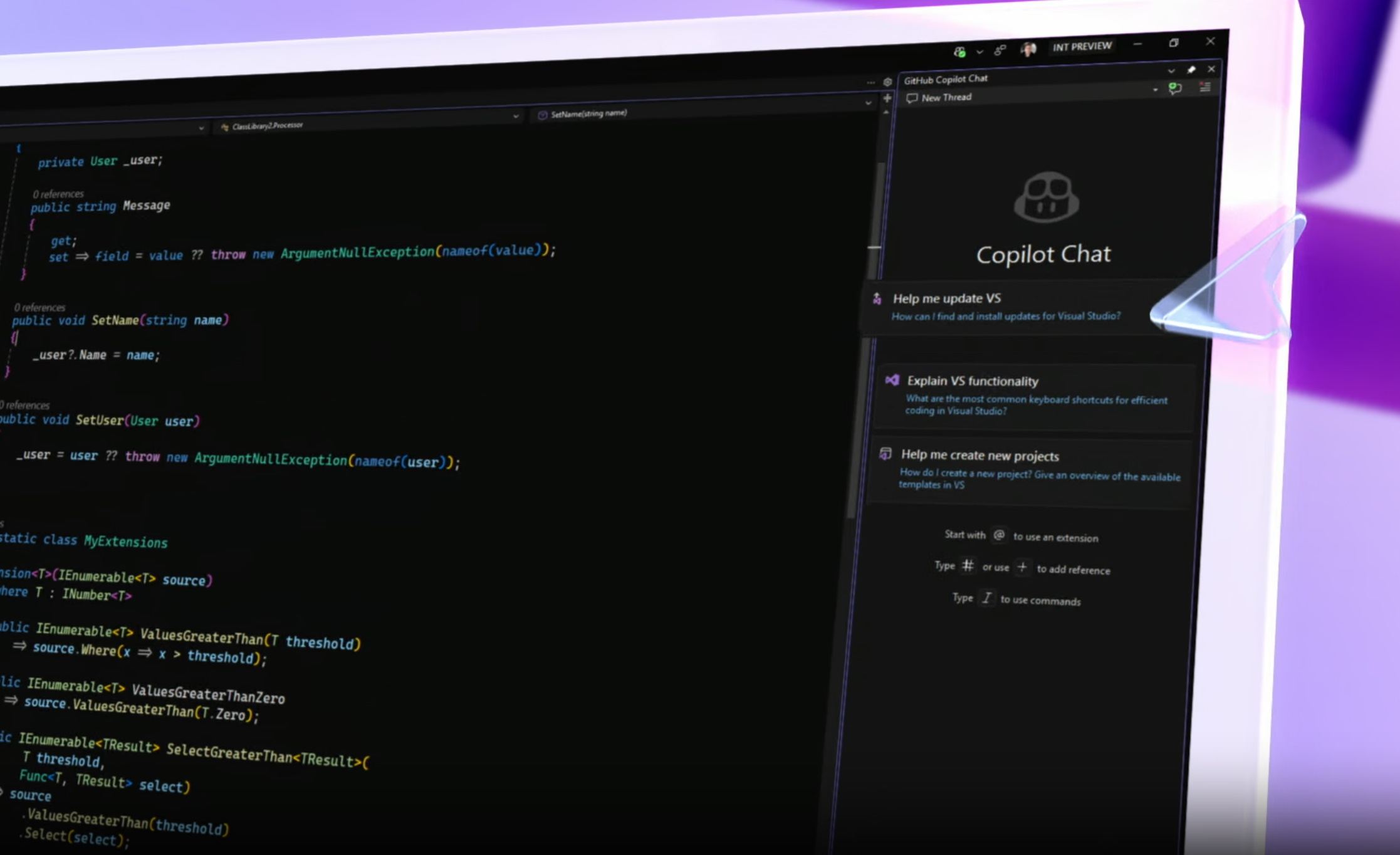
The AI-powered IntelliCode analyzes your code context and provides intelligent completions based on best practices. The AI continuously learns from your coding style, becoming increasingly precise in its suggestions, significantly boosting your coding speed.Live Share Collaboration
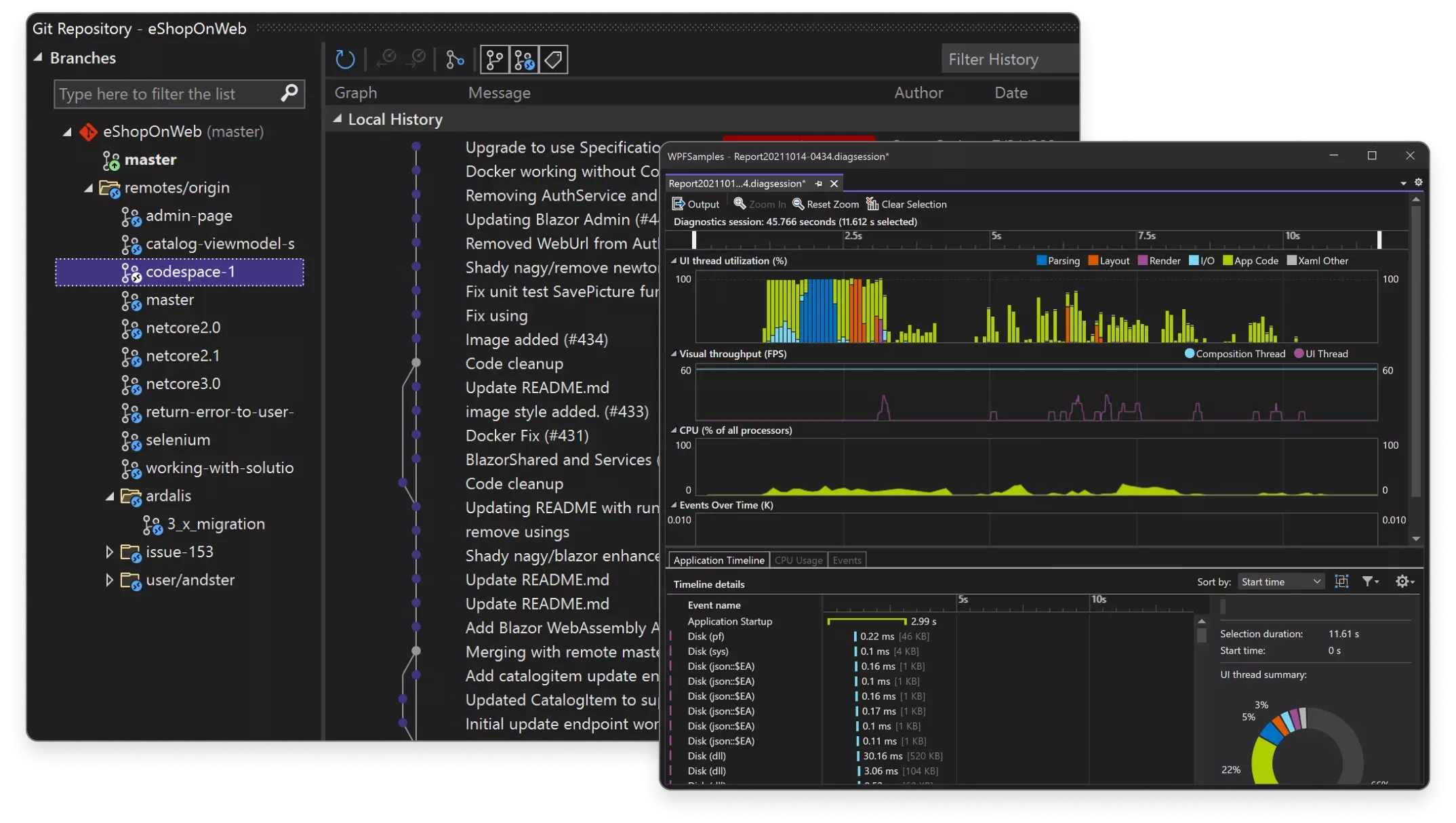
Collaborate in real-time with teammates, regardless of their location. Share your debugging sessions, edit code together, and conduct pair programming without the need for additional setup time.Performance Profiler
Identify performance bottlenecks with advanced profiling tools. Analyze CPU usage, memory consumption, and I/O operations in real-time to create optimized code that runs stably even under heavy load.Diverse application possibilities
Visual Studio 2026 Professional supports a wide range of development projects and is the ideal choice for various professions and use cases in software development.- Enterprise applications for large companies and organizations
- Cloud-native development with Azure integration and container support
- Web applications with ASP.NET Core, Blazor, and modern JavaScript frameworks
- Mobile development for iOS, Android, and Windows with .NET MAUI
- Desktop applications with WPF, Windows Forms, and WinUI 3
- Game development with Unity integration and DirectX tools
Optimized development workflow
The workflow in Visual Studio 2026 Professional is designed to provide developers with a seamless and efficient experience. From project setup to coding, testing, and deployment, the IDE supports you with intelligent features. The improved user interface offers context-sensitive tools that automatically adapt to your current task. The search functions have been enhanced to find code, settings, and menu options faster. The testing tools integrate seamlessly into the development process, allowing you to run unit tests and integration tests directly from the IDE.Productivity Tip: Git Integration
Utilize the enhanced Git integration for efficient version management. Visual Studio 2026 Professional offers improved merge tools, branch visualization, and pull request support directly in the IDE.System requirements for Visual Studio 2026 Professional
For optimal performance and a smooth development experience, we recommend the following system requirements. The minimum requirements ensure basic functionality, while the recommended specifications allow for smooth operation even with large projects.| Component | Minimum Requirements | Recommended Requirements |
|---|---|---|
| Operating System | Windows 10 Version 1909 or higher | Windows 11 Version 23H2 or higher |
| Processor | 1.8 GHz or faster processor, 2 cores | 2.8 GHz or faster, 4 cores or more |
| Memory | 8 GB RAM | 16 GB RAM or more |
| Graphics Card | DirectX 9 capable GPU with 1280 x 720 resolution | DirectX 11 capable GPU with 1920 x 1080 or higher |
| Disk Space | 20 GB free space (SSD recommended) | 50 GB free space on SSD |
| Internet Connection | Broadband internet required for installation, activation, and updates | |
| Additional Requirements | Administrator rights for installation, .NET Framework 4.8 or higher | |
Performance optimization for large projects
For optimal performance with large solutions containing many projects, we recommend using an SSD and at least 16 GB of RAM. The solution filter feature allows you to load only the necessary projects, significantly reducing startup times.Your benefits when purchasing at softwareking24.com
As a customer of softwareking24.com, you benefit from a transparent purchasing process and reliable service.Direct Provisioning
The product code will be made available to you immediately in your customer account after purchase and sent to you via email simultaneously.Permanent Use
Permanent version without subscription - you receive the full version of Visual Studio 2026 Professional without monthly costs.Original Software
You will receive an original product key from the manufacturer with full support and update rights.Start your professional software development today
Visual Studio 2026 Professional provides you with everything you need for successful software projects. With advanced AI features, a powerful debugging environment, and seamless cloud integration, you are well-equipped for the challenges of modern software development. The combination of proven features and innovative advancements makes Visual Studio 2026 Professional the ideal choice for developers who value efficiency, quality, and future-proof technologies. Optimize your development workflow and increase your productivity with Microsoft’s professional development environment.Passt dazu – oft zusammen gekauft


Related products

incl. 19% VAT
incl. 19% VAT

incl. 19% VAT
incl. 19% VAT

incl. 19% VAT
incl. 19% VAT

incl. 19% VAT

incl. 19% VAT
incl. 19% VAT

incl. 19% VAT
incl. 19% VAT
Frequently asked questions about Visual Studio 2026 - Professional
Which programming languages is Visual Studio 2026 - Professional suitable for?
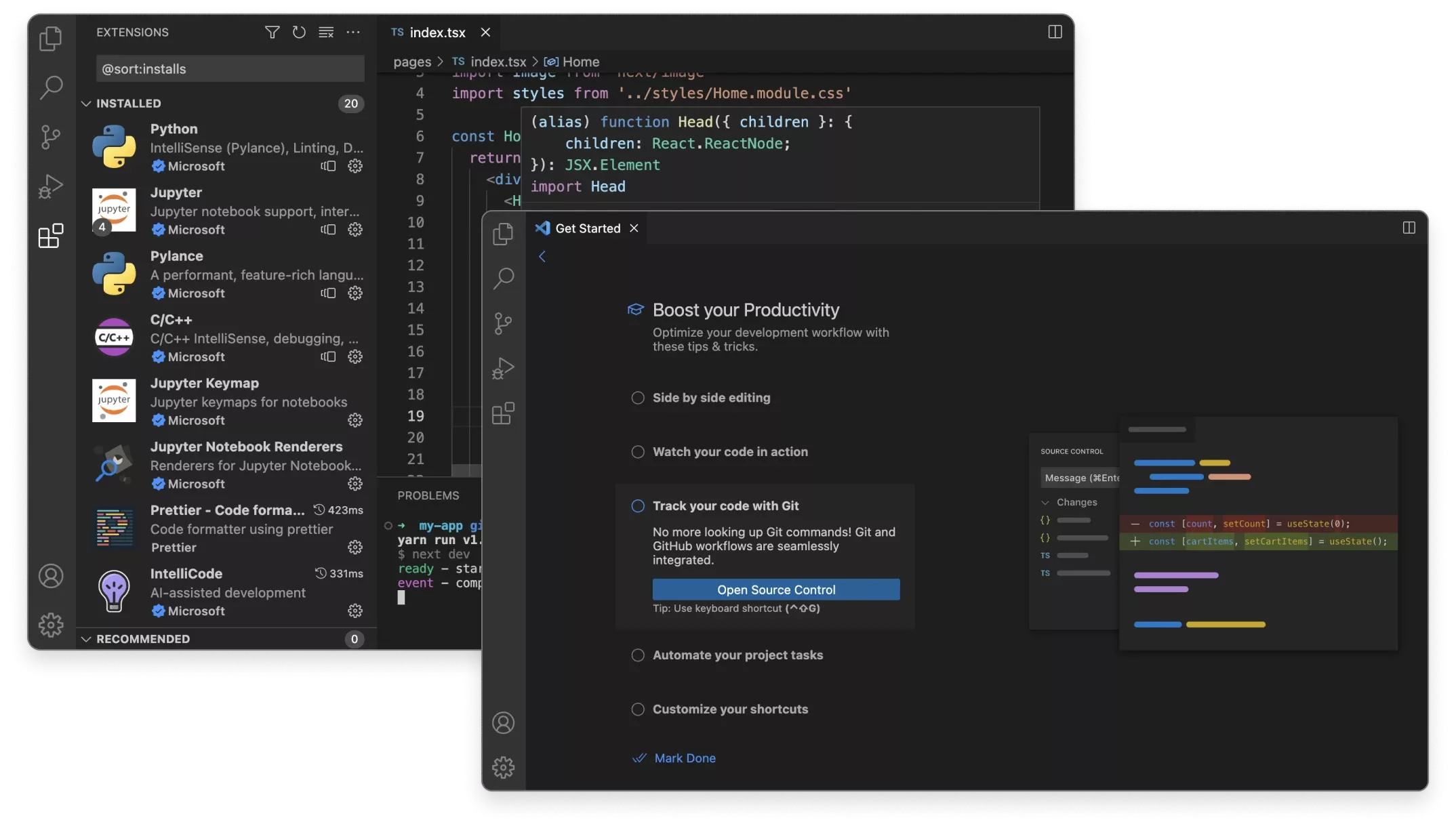
Visual Studio 2026 - Professional supports C#, C++, Python, F#, JavaScript/TypeScript, and other languages through workloads. Choose the appropriate development workloads (e.g., .NET, Desktop, Web) during installation.
Can I use Visual Studio 2026 - Professional on multiple PCs?
The Visual Studio 2026 - Professional license typically applies to one user on multiple devices (depending on the Enterprise/Professional edition). Parallel use on many computers simultaneously is not licensed.
What are the system requirements for Visual Studio 2026 - Professional?
Visual Studio 2026 - Professional requires Windows 10/11 64-bit, at least 8 GB of RAM (16 GB recommended), an SSD, and a DirectX 11-capable graphics card. Check the Microsoft documentation for the respective version.
Does Visual Studio 2026 - Professional include Git integration and debugging tools?
Yes, Visual Studio 2026 - Professional comes with Git integration, a debugger, a profiler, and IntelliSense. Team Foundation Server/Azure DevOps can be optionally integrated.
How do I obtain the product key for Visual Studio 2026 - Professional?
After purchasing Visual Studio 2026 - Professional, you will automatically receive the product key, download link, and invoice via email—usually within a few minutes. Also, check your spam folder.
Do you provide assistance with the installation of Visual Studio 2026 - Professional?
Yes, our support helps with the installation and activation of Visual Studio 2026 - Professional. Use the included instructions or contact us through the help page if an error code occurs.
Is Visual Studio 2026 - Professional valid indefinitely?
Yes, Visual Studio 2026 - Professional is a one-time purchase license without a subscription. The key remains valid indefinitely as long as the manufacturer's system requirements are met.

Visual Studio 2026 - Professional
49.99€In stock