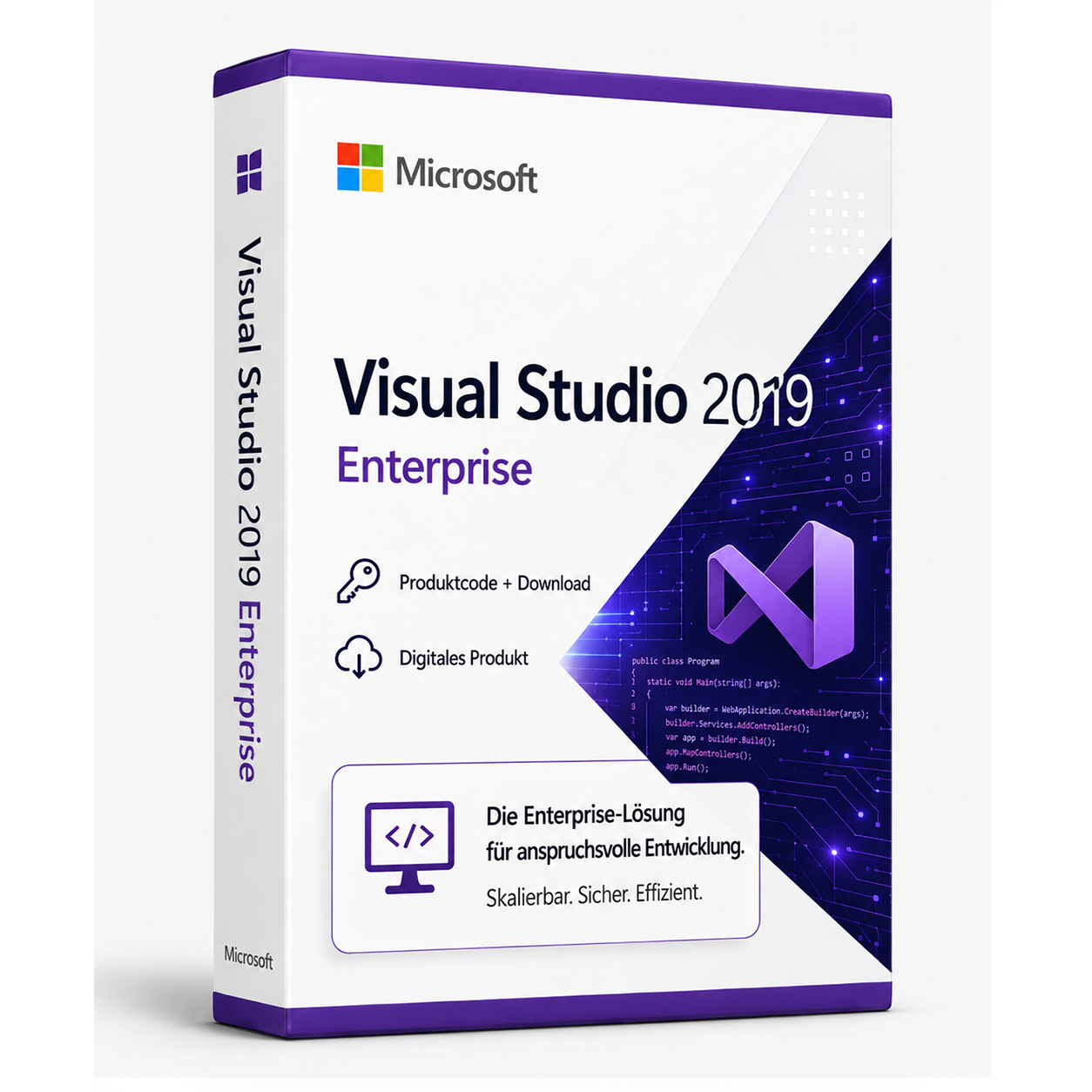

Microsoft Visual Studio 2019 Enterprise
Buy Microsoft Visual Studio Enterprise 2019 license cheaply and download directly from the test winner Softwareking24.com Microsoft Visual Studio Enterprise 2019:... Die Lizenz wird als Produktschlüssel per E-Mail geliefert und ist dauerhaft gültig (kein Abo). Lieferung erfolgt digital per E-Mail mit Produktschlüssel, Download-Link und Rechnung durch SoftwareKing24.
0 Leute schauen sich gerade das Produkt an. 0 haben es im Warenkorb.
incl. 19% VAT
In stock
- Immediate shipping via email: Product key, instructions, download & invoice in seconds.
- Full version: Permanently valid license. No subscription, no ongoing costs.
- 24/7 Premium Support: Free assistance with installation & activation.
- Buyer protection up to €20,000: Every purchase is covered by Trusted Shops secured.
Description
Buy Visual Studio Enterprise 2019 license cheaply and download directly from the award-winning Softwareking24.com
Microsoft Visual Studio Enterprise 2019: Development environment for teams of all sizes
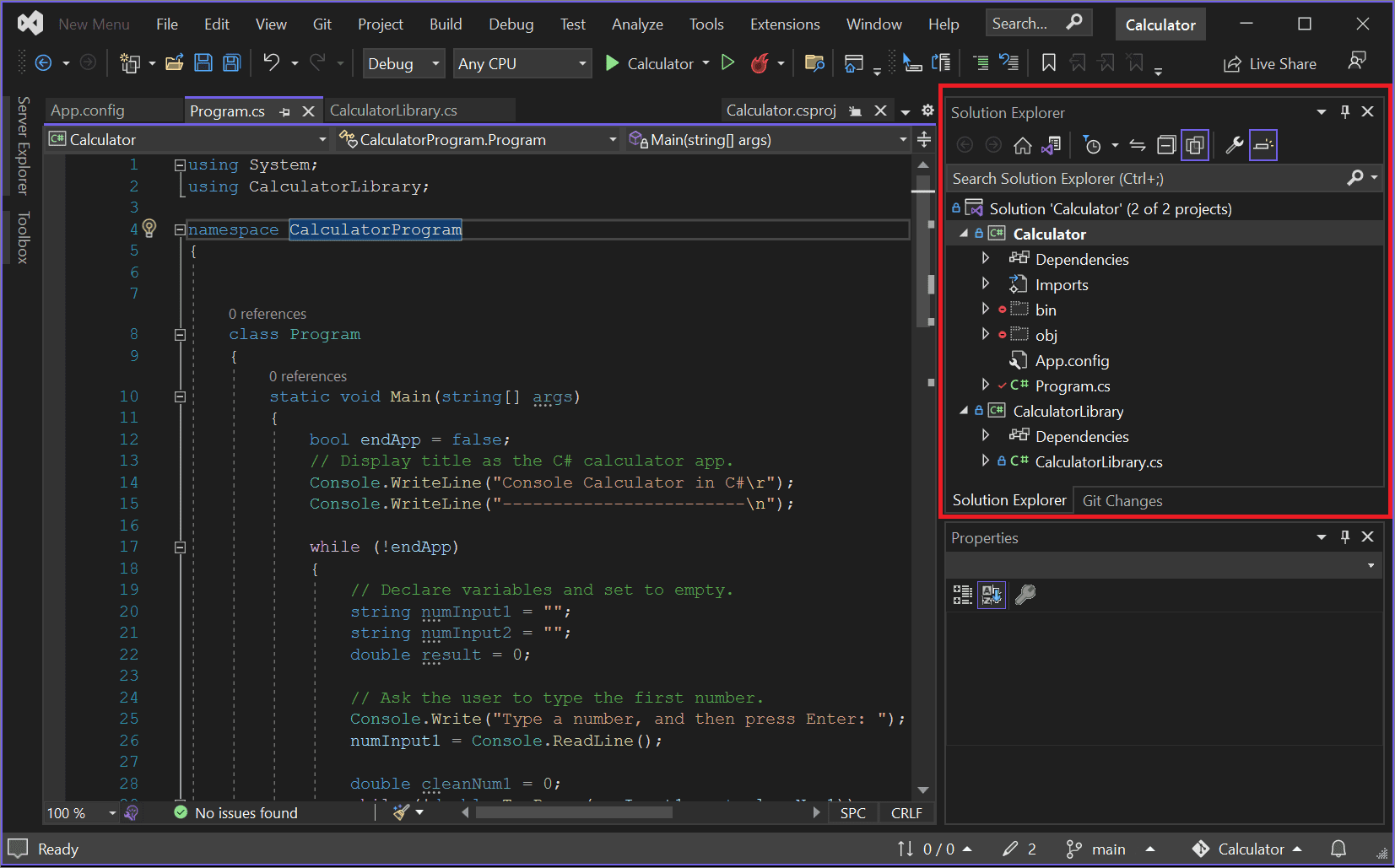
With the development environment Microsoft Visual Studio 2019 Enterprise, complex enterprise applications can be deployed. The Enterprise version of the end-to-end solution is particularly suitable for larger companies or programming teams. It impresses with a wide range of tools for designing and reviewing programs. Visual Studio can also be linked with various services and subscriptions, allowing each company to assemble the development environment it needs. Buying Visual Studio Enterprise 2019 means opting for an integrated solution that meets high demands for quality and scalability.Develop and test cross-platform apps
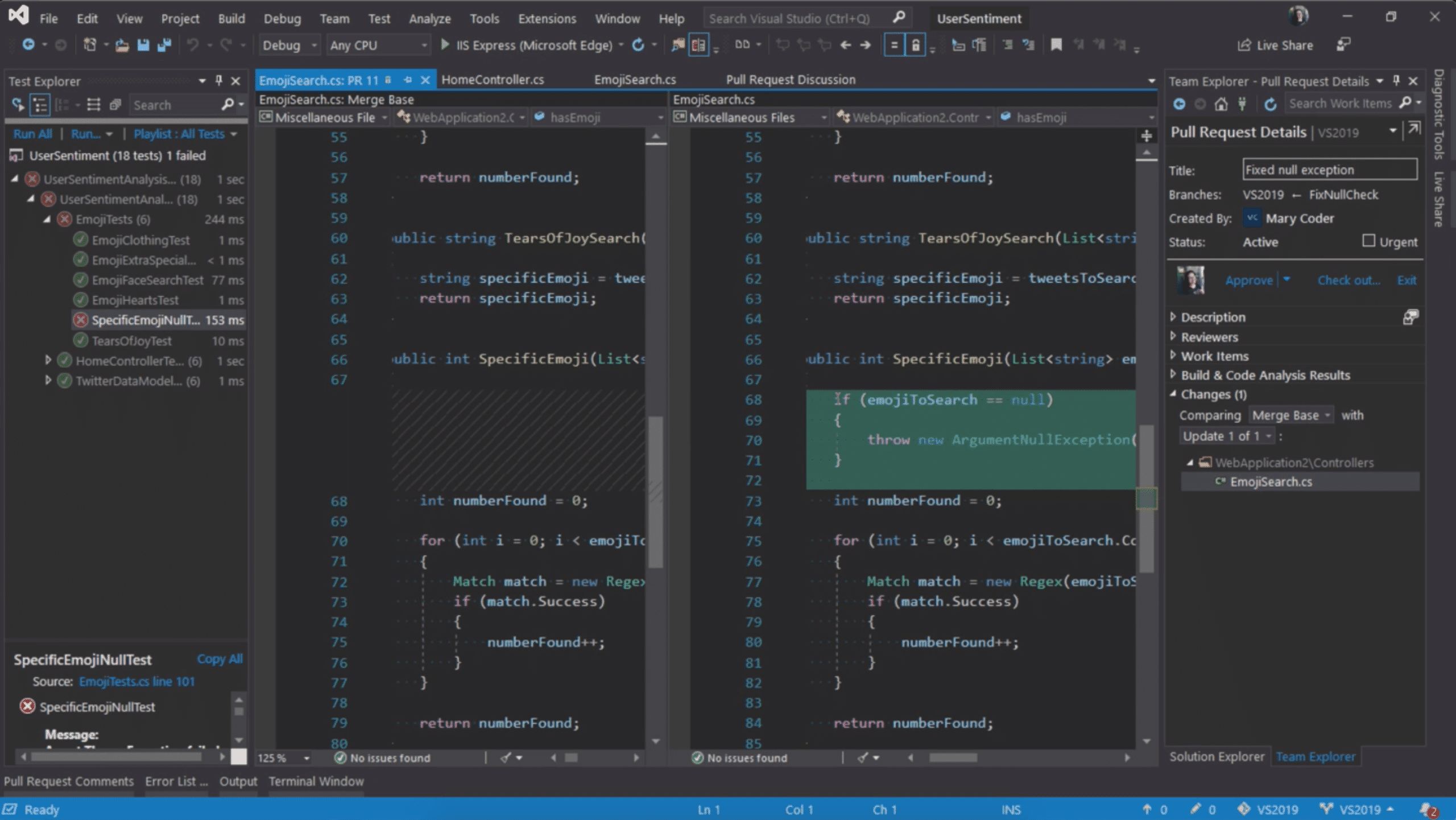
Buying Visual Studio Enterprise 2019 means also getting Visual Studio for PC. This allows for quick and easy creation of web apps and software for mobile devices. A development environment like Visual Studio Enterprise 2019 helps developers spend more time coding and less time debugging. The program includes a suite of component tests for code and automatically runs tests while you write the code. Test results can be visualized in real-time. This ensures that code is compatible with architectural dependency rules. Visual Studio Enterprise can also provide a complete DevOps toolchain if needed, which includes automated CI/CD pipelines, for example. With the thoughtful test planning of the software, the root cause of problems can be understood faster and better, allowing for quicker bug fixes. Manual and exploratory tests can also be managed effectively. Additionally, the easy integration of load testing into the development process is helpful, allowing for an unrestricted number of virtual users. The advanced debugging and diagnostic tools enable the identification of errors in desktop, web, cloud, and mobile apps being developed. A special highlight is IntelliTrace, the historical debugging tool that assists teams with issues that would otherwise be difficult to reproduce. With Code Map, visual debugging of applications is also possible, making dependencies understandable even for very large codebases.Highly productive programming in modern software
In developing Visual Studio 2019, the manufacturing US company focused on creating a fast and reliable product that is very easy to use. Therefore, many popular and proven features from Visual Studio 2017 were adopted. Nevertheless, users can expect more options and even more stable features. Refactorings and navigation have also been improved. The debugger has received an upgrade as well. Visual Studio 2019 stands for fast solution loads and builds. Additionally, users of the developer software benefit from enhanced collaboration capabilities within teams. Among other things, the Live Share feature facilitates successful real-time cooperation among multiple programmers. Furthermore, digital assistants are intended to support individual developers and teams. An important part of this function is IntelliCode. It autonomously makes productive suggestions for improving the written code.Buy Microsoft Visual Studio Enterprise 2019 cheaply at Softwareking24
Microsoft Visual Studio Enterprise 2019 Download - System Requirements
| Supported Operating Systems | Visual Studio 2019 can be installed and run on the following operating systems (64-bit is recommended, ARM is not supported):
|
| Hardware |
|
| Supported Languages | Visual Studio is now available in English, Chinese (Simplified), Chinese (Traditional), Czech, French, German, Italian, Japanese, Korean, Polish, Portuguese (Brazil), Russian, Spanish, and Turkish. You can select the language of Visual Studio during installation. The Visual Studio Installer is available in the same 14 languages and matches the languages for Windows where available. Note: Visual Studio Team Foundation Server Office Integration 2019 is available in the ten languages supported by Visual Studio Team Foundation Server 2019. |
Passt dazu – oft zusammen gekauft


Related products

incl. 19% VAT

incl. 19% VAT

incl. 19% VAT
incl. 19% VAT

incl. 19% VAT
incl. 19% VAT

incl. 19% VAT
incl. 19% VAT

incl. 19% VAT
incl. 19% VAT
Frequently asked questions about Microsoft Visual Studio 2019 Enterprise
What programming languages is Microsoft Visual Studio 2019 Enterprise suitable for?
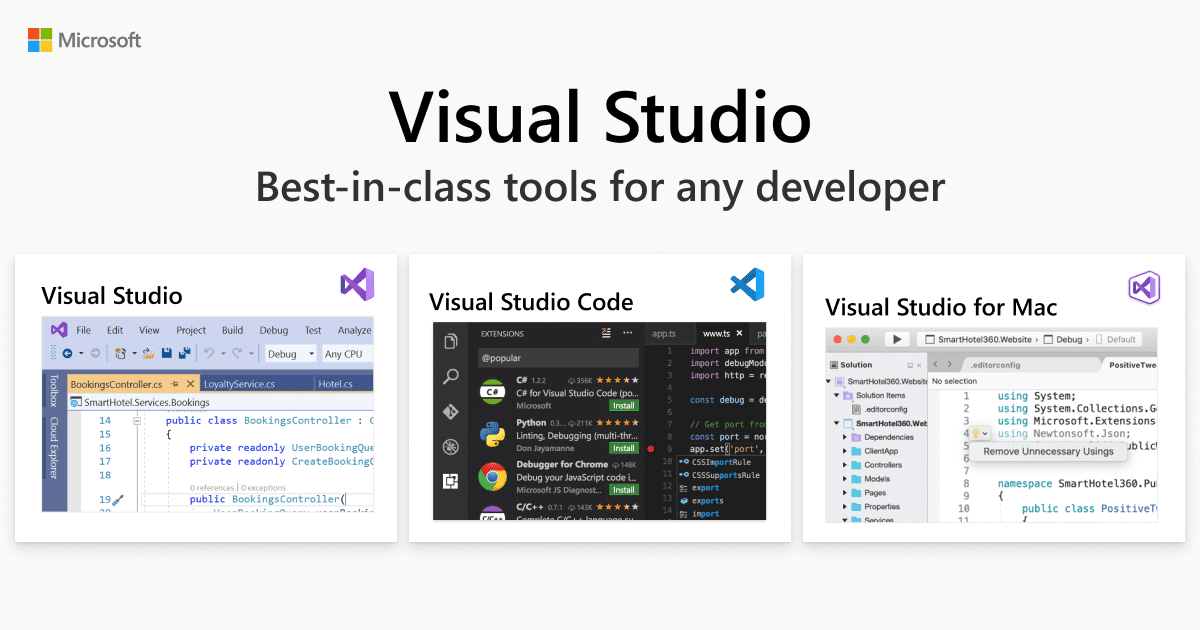
Microsoft Visual Studio 2019 Enterprise supports C#, C++, Python, F#, JavaScript/TypeScript, and other languages through workloads. Choose the appropriate development workloads (e.g., .NET, Desktop, Web) during installation.
Can I use Microsoft Visual Studio 2019 Enterprise on multiple PCs?
The Microsoft Visual Studio 2019 Enterprise license generally applies to one user on multiple devices (depending on the Enterprise/Professional edition). Concurrent use on many computers at the same time is not licensed.
What are the system requirements for Microsoft Visual Studio 2019 Enterprise?
Microsoft Visual Studio 2019 Enterprise requires Windows 10/11 64-bit, at least 8 GB of RAM (16 GB recommended), an SSD, and a DirectX 11-capable graphics card. Check the Microsoft documentation for the respective version.
Does Microsoft Visual Studio 2019 Enterprise include Git integration and debugging tools?
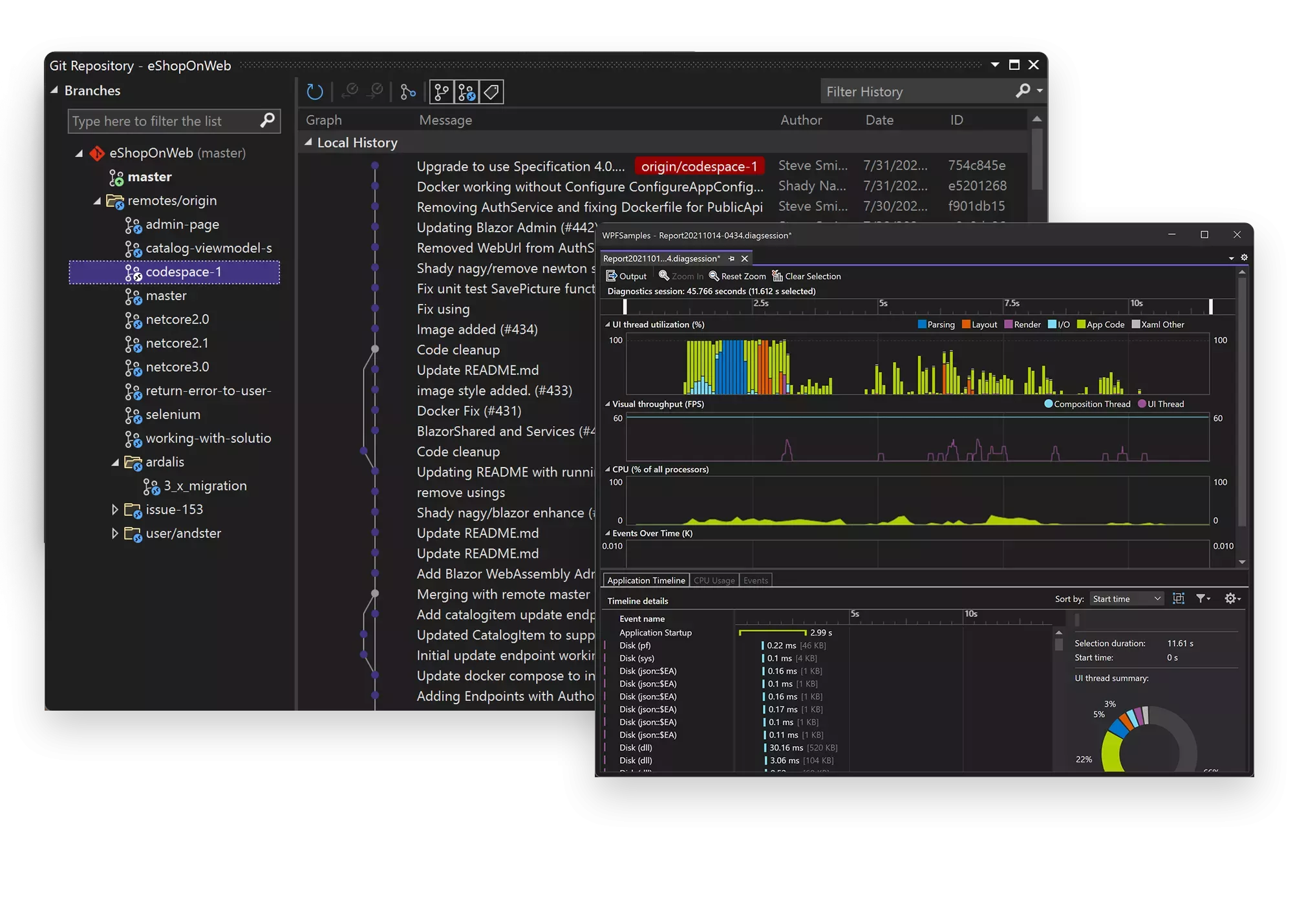
Yes, Microsoft Visual Studio 2019 Enterprise comes with Git integration, a debugger, a profiler, and IntelliSense. Team Foundation Server/Azure DevOps can be optionally integrated.
How do I obtain the product key for Microsoft Visual Studio 2019 Enterprise?
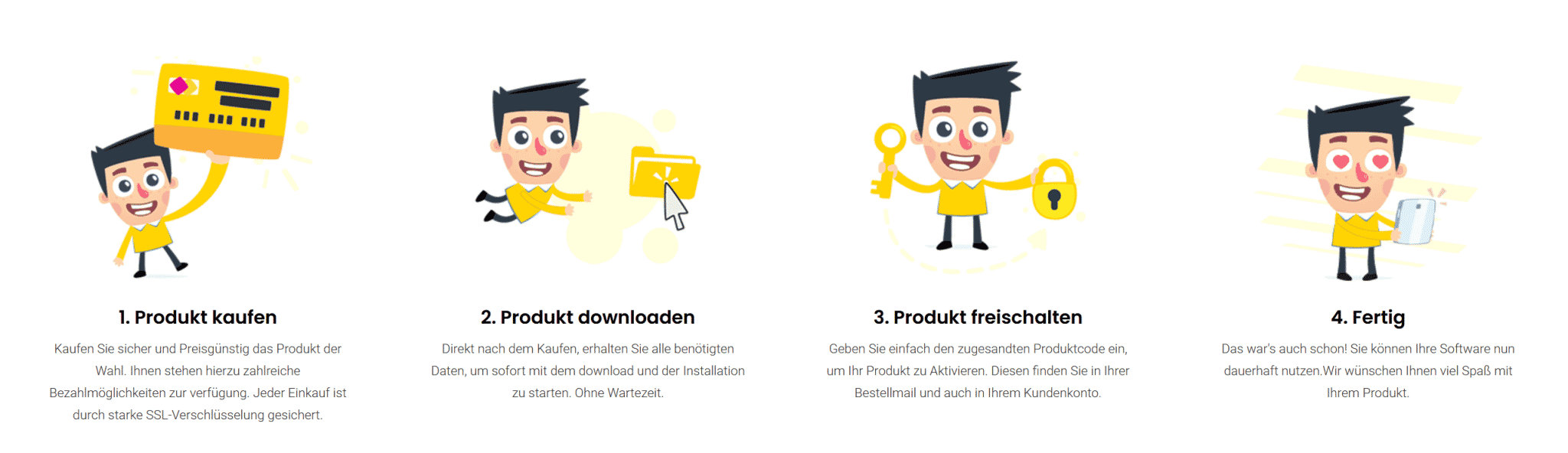
After purchasing Microsoft Visual Studio 2019 Enterprise, you will automatically receive the product key, download link, and invoice via email—usually within a few minutes. Also, check your spam folder.
Do you offer assistance with the installation of Microsoft Visual Studio 2019 Enterprise?
Yes, our support helps with the installation and activation of Microsoft Visual Studio 2019 Enterprise. Use the included instructions or contact us through the help page if an error code occurs.
Is Microsoft Visual Studio 2019 Enterprise valid permanently?
Yes, Microsoft Visual Studio 2019 Enterprise is a one-time purchase license without a subscription. The key remains valid permanently as long as the manufacturer's system requirements are met.

Microsoft Visual Studio 2019 Enterprise
19.99€In stock