
- Condition
- New
- License term
- Lifetime
- Delivery
- Digital delivery after payment
- SKU / GTIN
- 0882954008725
- Manufacturer
- Adobe
Adobe PC Software · Item no. 211515
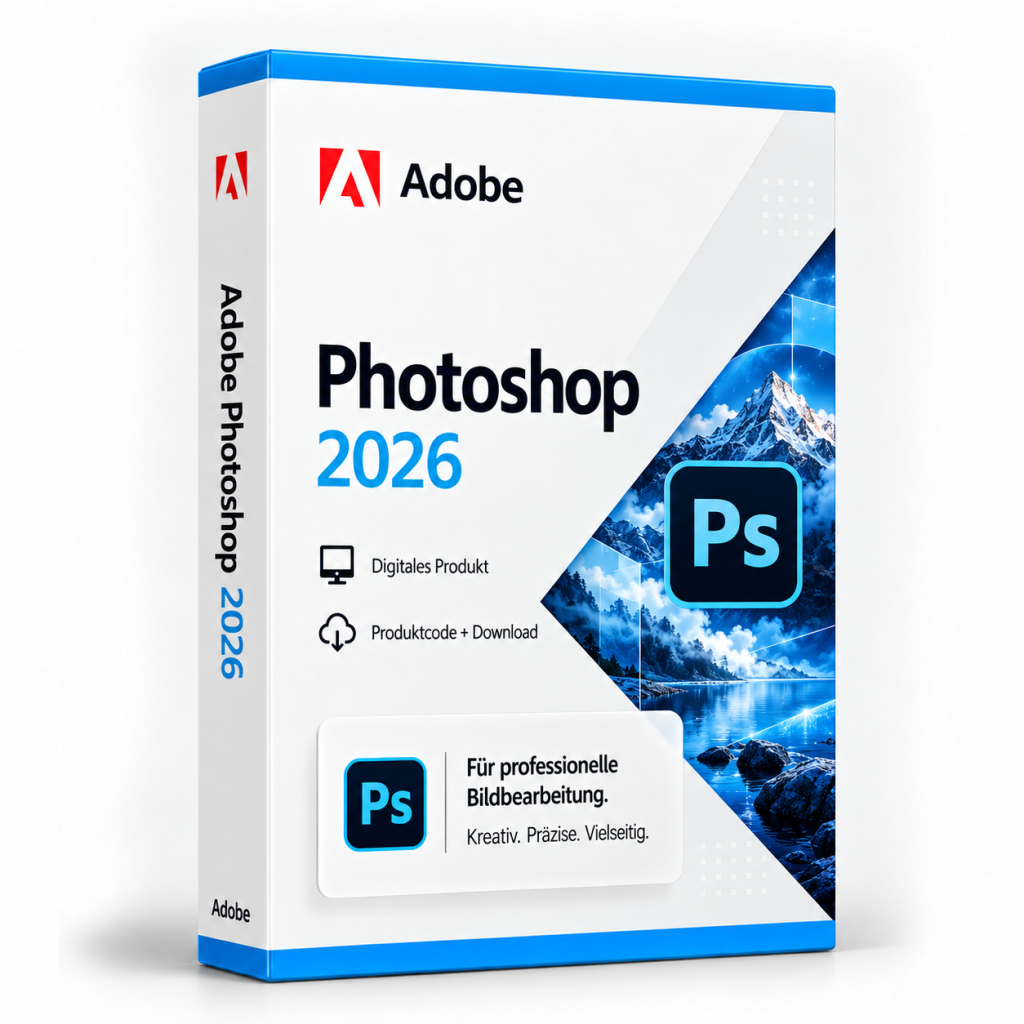
Adobe Photoshop 2026
Adobe Photoshop 2026 is used for image editing, retouching and compositing. Layers, masks and selections separate parts of a file.
In stock
PC Software·Adobe
Adobe Photoshop 2026
Adobe Photoshop 2026: image editing with layers, masks and retouching
Adobe Photoshop 2026 is Adobe's image editing application in version 27.x for Windows. It is used for correcting and retouching photos as well as for combining several images into a composite and designing graphics for the web, social media and print. Photoshop is aimed at photographers, graphic designers, agencies and online retailers who edit large numbers of images themselves.
Layers, masks and adjustments
Work in Photoshop is based on layers. Image elements, text and adjustments sit separately on top of each other and can be changed individually. Adjustment layers change brightness, contrast or colour without overwriting the image pixels themselves. Photoshop 2026 adds, among others, the Clarity, Dehaze and Grain adjustment layers. Masks determine where a layer or adjustment takes effect, for example when only the sky in a landscape photo is to be darkened. Because edits can be adjusted afterwards in this way, this approach is also suitable for jobs with several rounds of corrections.
For cut-outs, for example product photos for an online shop, selection tools are available that separate subjects from the background. The Remove tool eliminates distracting objects or people in the image, such as passers-by in the background of an architectural shot. For composites, the Harmonize feature matches the light, shadows and colours of an inserted subject to the new background.
Buy Adobe Photoshop 2026: licence and scope of delivery
You receive a lifetime licence for Adobe Photoshop 2026 (version 27.x) for Windows. The licence can be used without time limit. Activation requires registration and an internet connection. The scope of delivery includes:
- the licence details for Adobe Photoshop 2026
- information on downloading the application (all downloads are also available under Software Download)
- the invoice with VAT shown separately
Once your payment has been received, your licence details are displayed directly on the order confirmation page and also sent to you by email. After that, you can retrieve them again at any time: with a customer account under My Product Codes, without a customer account via the Guest Portal.
If you have any questions about installation or activation, our Support team is available around the clock by email, and you will also find information under Guides and FAQ. You will find further Adobe programs in the category Adobe and under PC Software.
System requirements
According to Adobe, the 2026 generation of desktop applications supports Windows 11 versions 24H2 and 23H2 and Windows 10 versions 22H2 and 21H2, each as a 64-bit version. An internet connection is required for activation and online services. Before purchasing, please check whether your PC meets Adobe's current hardware requirements for Photoshop.
Related products

Microsoft Office 2016 Professional Plus
65
18.99€incl. 19% VAT
Add to Cart
Microsoft Office 2013 Standard
127
19.99€incl. 19% VAT
Add to Cart
Microsoft Office 2021 Professional Plus & Windows 11 Professional (Bundle)
41
39.99€incl. 19% VAT
Add to Cart
Microsoft Project 2016 Professional
113
19.99€incl. 19% VAT
Add to Cart
Microsoft Visual Studio 2019 Enterprise
97
19.99€incl. 19% VAT
Add to Cart
Microsoft Visual Studio 2017 Professional
11
24.99€incl. 19% VAT
Add to Cart
Microsoft Office 2010 Professional Plus
84
12.99€incl. 19% VAT
Add to Cart
Microsoft Visio 2021 Professional
73
24.99€incl. 19% VAT
Add to Cart