
- Condition
- New
- License term
- Lifetime
- Delivery
- Digital delivery after payment
- SKU / GTIN
- 0882954008726
- Manufacturer
- Adobe
Adobe PC Software · Item no. 211519
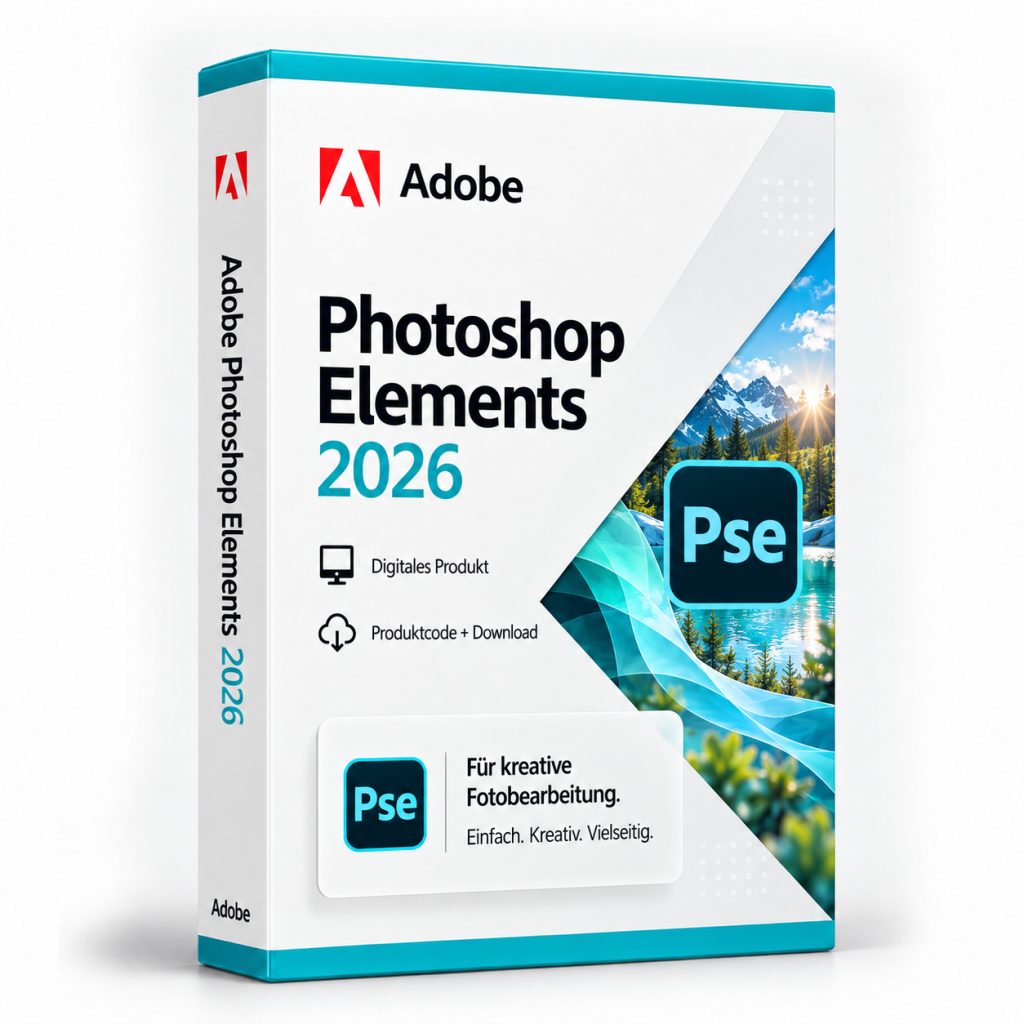
Adobe Photoshop Elements 2026
Adobe Photoshop Elements 2026 organises and edits personal photos. Quick, Guided and Advanced modes offer different levels of control.
In stock
PC Software·Adobe
Adobe Photoshop Elements 2026
Adobe Photoshop Elements 2026: organise and edit photos
Adobe Photoshop Elements 2026 is Adobe's photo application for home users, here in the version for Windows. It combines managing your own photo collection with image editing that ranges from quick corrections to working with layers. Elements is suitable for anyone who wants to organise and improve holiday photos, family pictures or scanned prints and use them to create cards, collages or photo books.
Organizer and editing modes
In the Organizer, photos from various sources are collected, sorted and found again. In version 2026, images can also be imported from cloud services such as Google Drive and OneDrive, and photos from a smartphone are transferred via QR code. For editing, Elements offers a Quick mode for common corrections, Guided Edits that lead you step by step through a specific task, and an Advanced mode with layers and selection tools.
New in Photoshop Elements 2026
The Restore Photo feature removes damage and signs of wear from old photos, for example scanned family pictures. The Remove tool automatically detects people in the background so that they can be taken out of the image in a few clicks. Generate Image creates an image or background from a text description, and Insert Object places a described object in a selected area of the image. For your own designs, Adobe Express templates are available for social media posts, cards and photo books. New crop handles, contextual taskbars and a spell checker make editing easier.
Buy Adobe Photoshop Elements 2026: licence and scope of delivery
You receive a lifetime licence for Adobe Photoshop Elements 2026 (version 2026) for Windows. The licence can be used without time limit. Activation requires signing in with an Adobe ID and an internet connection. The scope of delivery includes:
- the licence details for Adobe Photoshop Elements 2026
- information on downloading the application (all downloads are also available under Software Download)
- the invoice with VAT shown separately
Once your payment has been received, your licence details are displayed directly on the order confirmation page and also sent to you by email. After that, you can retrieve them again at any time: with a customer account under My Product Codes, without a customer account via the Guest Portal.
If you have any questions about installation or activation, our Support team is available around the clock by email, and you will also find information under Guides and FAQ. You will find further Adobe programs in the category Adobe and under PC Software.
System requirements
| Processor | Intel Core 8th to 15th generation or comparable AMD processor with AVX2 and SSE4.2; Windows on ARM is not supported |
|---|---|
| Operating system | Windows 11 version 23H2 or later, 64-bit only; Windows 10 is not supported |
| Memory (RAM) | 8 GB, 16 GB recommended |
| Storage space | 9 GB for installation plus space for online content and temporary files; cannot be installed on removable flash storage or on case-sensitive drives |
| Graphics | 1.5 GB of GPU memory, DirectX 12 compatible driver |
| Display | 1280 × 800 pixels at 100% scaling, 1920 × 1080 pixels recommended |
| Internet | for activation and downloading features and online content |
Minimum requirements according to Adobe. As Windows 10 is not supported, please check your PC's Windows version before purchasing.
Related products

Microsoft Office 2019 Professional Plus – Phone activation
107
14.99€incl. 19% VAT
Add to Cart
Microsoft Office 2021 Professional Plus
73
24.99€incl. 19% VAT
Add to Cart
Microsoft Office 2007 Professional Plus
58
11.99€incl. 19% VAT
Add to Cart
Microsoft Project 2016 Standard
16
79.99€incl. 19% VAT
Add to Cart
Microsoft Office 2013 Standard
127
19.99€incl. 19% VAT
Add to Cart
Microsoft Office 2013 Professional Plus
111
19.99€incl. 19% VAT
Add to Cart
Microsoft Publisher 2016
11
24.99€incl. 19% VAT
Add to Cart
Microsoft Visual Studio 2019 Professional
106
24.99€incl. 19% VAT
Add to Cart