
- Condition
- New
- License term
- Lifetime
- Delivery
- Digital delivery after payment
- SKU / GTIN
- 0882954008728
- Manufacturer
- Adobe
Adobe PC Software · Item no. 211527
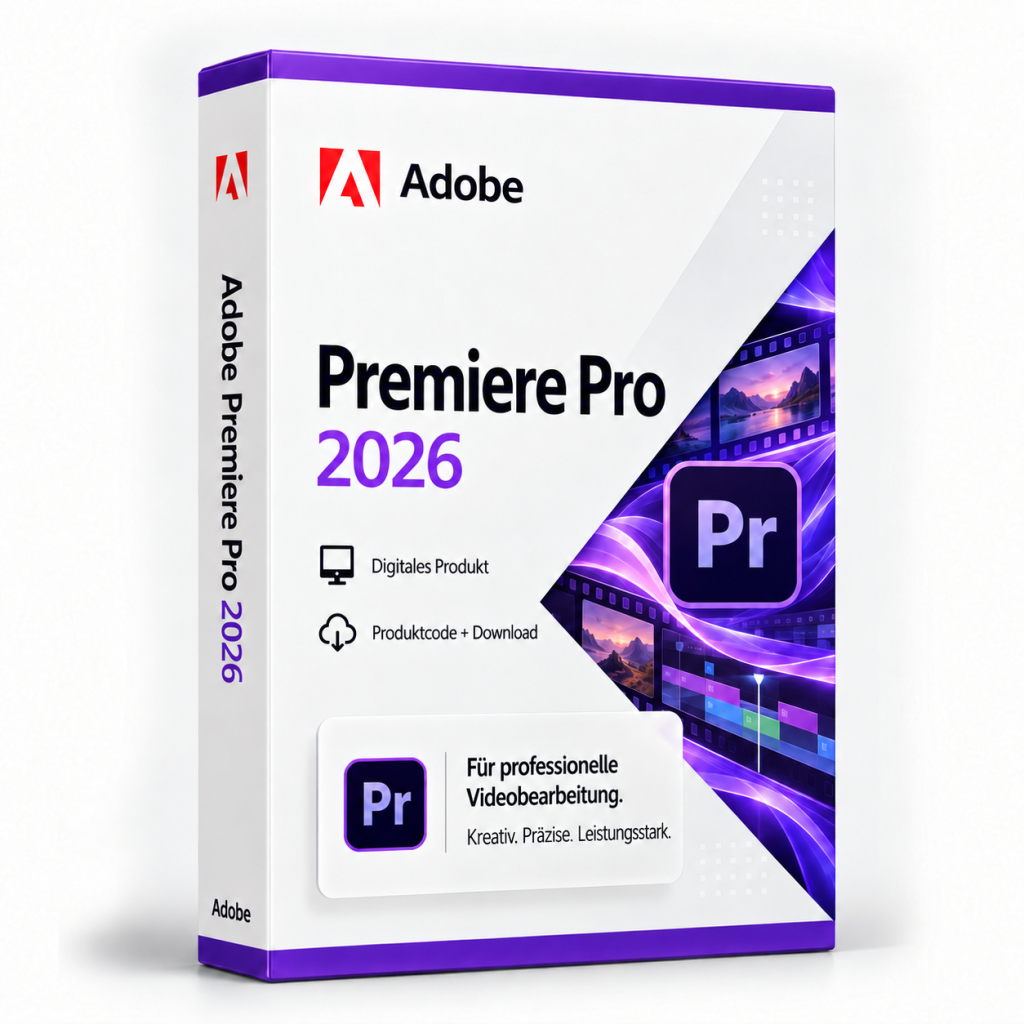
Adobe Premiere Pro 2026
Adobe Premiere Pro 2026 is an application for video editing, colour and sound. The 26.x line adds Media Intelligence and dialogue tools.
In stock
PC Software·Adobe
Adobe Premiere Pro 2026
Adobe Premiere Pro 2026: video editing with revised masks
Adobe Premiere Pro 2026 is Adobe's video editing application in version 26.x for Windows. Adobe now markets the application under the name Adobe Premiere. It covers the workflow from reviewing footage through editing, colour correction and audio to export, and is suitable for corporate films, social media videos, documentaries and longer productions. This version is aimed at video producers, agencies, content creators and companies that edit their videos themselves.
Editing, colour and audio
At the centre is the multitrack Timeline, on which video, audio, titles and graphics are arranged on top of each other. Editing tools such as Ripple, Roll, Slip and Slide change edit points without creating gaps or requiring subsequent clips to be moved by hand. For footage shot with several cameras, for example at interviews or events, there is multi-camera editing, in which you switch between the synchronised angles. Extensive camera footage can be edited using proxy files as lighter working copies and then output in full quality.
With Lumetri Color, exposure, white balance, contrast and colour mood are corrected, and scopes help match several shots. Audio is mixed via clip and track settings, and titles, graphics and captions are created directly in the project. For export, resolution, frame rate, codec and bitrate are saved as a preset, so recurring formats for the web, social media or clients remain consistent.
Masks and tracking in version 26.x
With version 26.0, Adobe revised the masks. Rectangle, ellipse and pen masks are created from the toolbar, can be rotated, scaled and feathered, and combined using blend modes. Tracking follows a subject in both directions, takes 3D perspective into account if required and shows the result in a live preview. This makes it possible, for example, to make a face unrecognisable or brighten a single area of the image selectively. Also new is the Object Mask: people or objects are detected with a mouse click, masked and tracked through the clip. Adobe introduced this feature in version 26.0 as a beta, and the underlying model runs on your own computer.
Buy Adobe Premiere Pro 2026: licence and scope of delivery
You receive a lifetime licence for Adobe Premiere Pro 2026 (version 26.x) for Windows. The licence can be used without time limit. Activation requires an Adobe ID, acceptance of the licence terms and an internet connection. The scope of delivery includes:
- the licence details for Adobe Premiere Pro 2026
- information on downloading the application (all downloads are also available under Software Download)
- the invoice with VAT shown separately
Once your payment has been received, your licence details are displayed directly on the order confirmation page and also sent to you by email. After that, you can retrieve them again at any time: with a customer account under My Product Codes, without a customer account via the Guest Portal.
If you have any questions about installation or activation, our Support team is available around the clock by email, and you will also find information under Guides and FAQ. You will find further Adobe programs in the category Adobe and under PC Software.
System requirements
According to Adobe, the 2026 generation of video applications supports only Windows 11 version 24H2 on Windows. An internet connection is required for activation and online services. Before purchasing, please check whether your PC meets Adobe's current hardware requirements for Premiere.
Related products

Microsoft Office 2016 Standard
127
14.99€incl. 19% VAT
Add to Cart
Microsoft Office 2007 Professional Plus
58
11.99€incl. 19% VAT
Add to Cart
Microsoft Office 2019 Professional Plus – Phone activation
107
14.99€incl. 19% VAT
Add to Cart
Microsoft Office 2016 Home & Student
8
39.99€incl. 19% VAT
Add to Cart
Microsoft Office 2021 Professional Plus & Windows 11 Professional (Bundle)
41
39.99€incl. 19% VAT
Add to Cart
Microsoft Office 2013 Professional Plus
111
19.99€incl. 19% VAT
Add to Cart
Microsoft Office 2019 Professional Plus
96
19.99€incl. 19% VAT
Add to Cart
Microsoft Office 2019 Home & Student
13
59,99 €incl. 19% VAT
Add to Cart