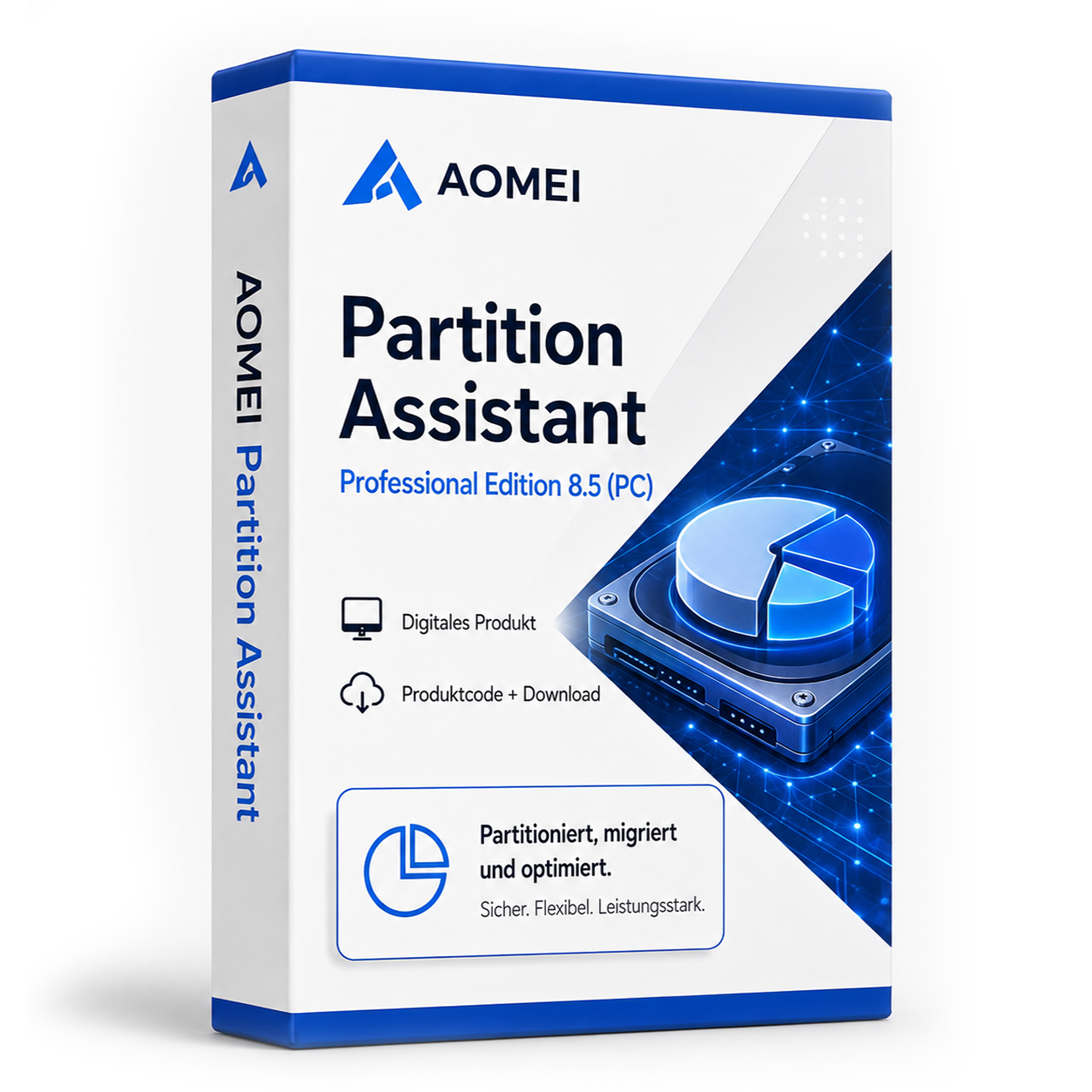
AOMEI Partition Assistant Professional Edition 8.5 (PC)
AOMEI Partition Assistant Professional Edition 8.5 - Professional Disk Partitioning AOMEI Partition Assistant Professional Edition 8.5 is a comprehensive solution for managing and optimizing your disk partitions. This professional software allows you to safely resize, move, and merge partitions without data loss. With advanced features for system migration, SSD optimization, and disk conversion, version 8.5 provides everything you need for efficient management of your storage media.
0 Leute schauen sich gerade das Produkt an. 0 haben es im Warenkorb.
incl. 19% VAT
In stock
- Immediate shipping via email: Product key, instructions, download & invoice in seconds.
- Full version: Permanently valid license. No subscription, no ongoing costs.
- 24/7 Premium Support: Free assistance with installation & activation.
- Buyer protection up to €20,000: Every purchase is covered by Trusted Shops secured.
Description
AOMEI Partition Assistant Professional Edition 8.5: Comprehensive Disk Management
AOMEI Partition Assistant Professional Edition 8.5 sets the standard for professional disk partitioning and disk management. This mature software solution offers a comprehensive toolkit for managing your storage media, from basic partitioning tasks to complex system migrations. With AOMEI Partition Assistant Professional Edition 8.5, you can optimize your disk usage, migrate systems to faster SSDs, and resolve storage issues without time-consuming reinstallations - all with a user-friendly interface that both beginners and experienced users will appreciate.Core Features for Professional Partitioning
AOMEI Partition Assistant Professional Edition 8.5 integrates advanced partitioning technologies into an intuitive user interface. The software is specifically designed to simplify the complex tasks of disk management while ensuring maximum security for your data.Advanced Partitioning Operations
The software allows for the safe resizing, moving, and merging of partitions without data loss. The feature for extending system partitions is particularly useful when the Windows system drive runs low on space. Intelligent algorithms ensure that all operations are performed safely and reliably, while a preview function displays the planned changes before execution.System Migration and SSD Clone
AOMEI Partition Assistant Professional Edition 8.5 provides powerful tools for migrating your operating system to an SSD or larger hard drive. The intelligent cloning algorithm transfers only occupied sectors, saving time and preserving the lifespan of the target SSD. The 4K alignment feature automatically optimizes partitions for maximum SSD performance, while system bootability remains guaranteed after migration.MBR to GPT Conversion
The software allows for conversion between MBR and GPT partition tables without data loss and operating system reinstallation. This is particularly important for systems transitioning from BIOS to UEFI or that need to utilize disks over 2 TB. The conversion is performed safely and reliably, maintaining the system's bootability.Diverse Application Areas for Different Users
AOMEI Partition Assistant Professional Edition 8.5 is applicable in numerous disk management scenarios and supports various workflows for private users, IT administrators, and tech enthusiasts.- Optimizing storage usage by adjusting partition sizes
- System migration from HDD to SSD for improved performance
- Preparing new hard drives for commissioning
- Resolving storage issues without system reinstallation
- Converting partition styles for modern system requirements
- Creating data backups and system backups
Intuitive Workflows and Safe Operations
The installation of AOMEI Partition Assistant Professional Edition 8.5 is straightforward and guides you through a structured setup process. The clearly organized user interface displays all existing disks and partitions in a clear graphical representation, providing both technical details and visual information. The working principle is based on an operations list that collects all planned changes and executes them only after explicit confirmation. This approach allows for careful planning of complex partitioning projects and minimizes the risk of errors. Before executing critical operations, the software warns of potential risks and recommends appropriate backup measures. The creation of bootable media also enables partitioning operations outside the running operating system.Tip for Safe Partitioning
Always perform a complete data backup before extensive partitioning operations. Use the preview function to review planned changes before executing them. For system partitions, creating bootable media is advisable to avoid conflicts with running system processes.System Requirements for AOMEI Partition Assistant Professional Edition 8.5
AOMEI Partition Assistant Professional Edition 8.5 is compatible with a wide range of Windows versions and has moderate requirements for system hardware. For optimal performance with large disks, we recommend adhering to the recommended system requirements.| Component | Minimum Requirements | Recommended Requirements |
|---|---|---|
| Operating System | Windows 7 | Windows 10 or Windows 11 |
| Processor | 1 GHz 32-bit or 64-bit processor | Modern multi-core processor |
| RAM | 1 GB RAM | 4 GB RAM or more |
| Disk Space | 200 MB free space | 500 MB free space |
| Administrator Rights | Required for partitioning operations | |
| Supported File Systems | NTFS, FAT32, FAT16, FAT12, EXT2, EXT3 | |
Performance Optimization
For best performance during partitioning operations, close other running applications, especially those with intensive disk activity. When migrating to SSDs, use the sector-by-sector clone only when necessary, as this significantly extends operation time. For large disks, working with bootable media is advisable to avoid conflicts with the operating system.Your Benefits When Purchasing at softwareking24.com
As a customer of softwareking24.com, you benefit from a transparent purchasing process and reliable service for your disk management.Immediate Provisioning
The product code will be made available to you immediately in your customer account after purchase and sent via email simultaneously.Permanent Professional License
You receive a permanent professional license without subscription or recurring costs - a one-time investment for long-term use.Original Software
You receive an original product key from the manufacturer with full functionality and installation rights.Master Your Disk Management with Professional Tools
AOMEI Partition Assistant Professional Edition 8.5 offers a proven and reliable solution for anyone who values efficient disk management.Passt dazu – oft zusammen gekauft


Related products

incl. 19% VAT
incl. 19% VAT

incl. 19% VAT

incl. 19% VAT

incl. 19% VAT
incl. 19% VAT
Frequently asked questions about AOMEI Partition Assistant Professional Edition 8.5 (PC)
Which versions of Windows is AOMEI Partition Assistant Professional Edition 8.5 (PC) suitable for?
AOMEI Partition Assistant Professional Edition 8.5 (PC) supports Windows 10 and 11 (64-bit). Check the manufacturer's specifications for older versions of Windows – partition tools may require admin rights.
Do I need administrator rights for AOMEI Partition Assistant Professional Edition 8.5 (PC)?
Yes, administrator rights are generally required for AOMEI Partition Assistant Professional Edition 8.5 (PC) (Registry, drivers, partitions). Start the setup as an administrator and back up important data beforehand.
Is AOMEI Partition Assistant Professional Edition 8.5 (PC) usable with SSD and HDD?
Yes, AOMEI Partition Assistant Professional Edition 8.5 (PC) works on SSD and HDD drives. It is advisable to perform a complete backup before making changes with partitioning tools.
How do I obtain the product key for AOMEI Partition Assistant Professional Edition 8.5 (PC)?
After purchasing AOMEI Partition Assistant Professional Edition 8.5 (PC), you will automatically receive the product key, download link, and invoice via email – usually within a few minutes. Also, check the spam folder.
Do you offer assistance with the installation of AOMEI Partition Assistant Professional Edition 8.5 (PC)?
Yes, our support helps with the installation and activation of AOMEI Partition Assistant Professional Edition 8.5 (PC). Use the included instructions or contact us through the help page if an error code occurs.
Is AOMEI Partition Assistant Professional Edition 8.5 (PC) valid permanently?
Yes, AOMEI Partition Assistant Professional Edition 8.5 (PC) is a one-time purchase license without a subscription. The key remains permanently valid as long as the manufacturer's system requirements are met.

AOMEI Partition Assistant Professional Edition 8.5 (PC)
14.99€In stock