
InDesign 2026 System Requirements: What Does Your Computer Need?
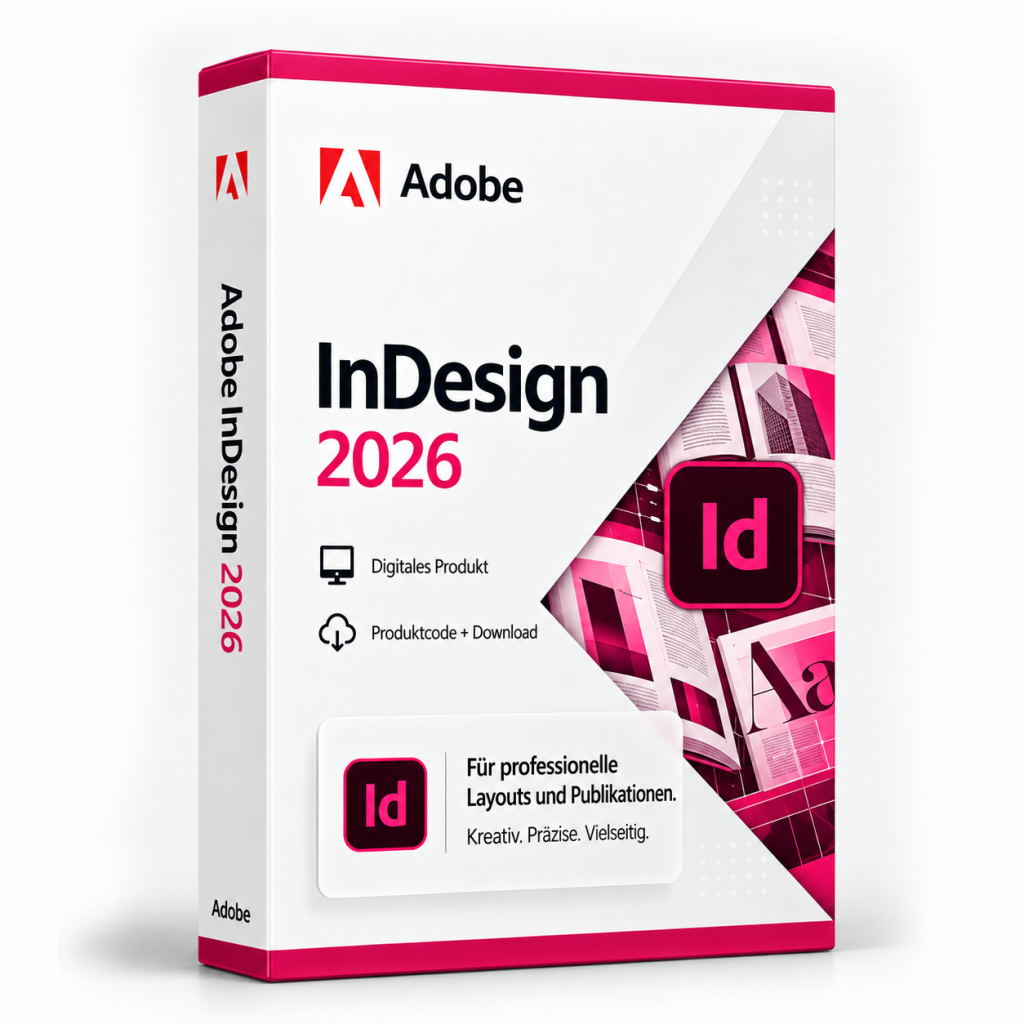
Adobe InDesign 2026 needs a current 64-bit operating system (Windows or macOS), a modern multi-core processor, enough RAM, free storage space (ideally on an SSD) and a graphics card with up-to-date drivers. Adobe publishes the binding minimum values on its official system requirements page.
To run Adobe InDesign 2026, you need a current 64-bit operating system (Windows or macOS), a modern multi-core processor, enough RAM, free storage space (ideally on an SSD) and a graphics card with up-to-date drivers. Adobe sets the exact minimum values and publishes them on its official system requirements page. Check your computer against that list before you buy. The steps below show you how.
Requirements at a glance
InDesign is a layout application for brochures, magazines, books and digital publications. How smoothly it runs depends a lot on the size of your projects. A single-page flyer needs far less power than a catalogue with hundreds of high-resolution images. The table below shows what to look for in each component.
| Component | What to look for |
|---|---|
| Operating system | A current 64-bit Windows or a current macOS version that Adobe officially supports |
| Processor | A modern multi-core CPU with 64-bit support |
| Memory (RAM) | At least Adobe's minimum. More helps with large, image-heavy documents |
| Storage | Space for the installation, caches, fonts and project files, ideally on an SSD |
| Graphics | A dedicated or integrated GPU with current drivers |
| Display | Enough resolution for panels and spreads. A calibratable screen for print work |
| Internet | Usually required for installation, activation and updates |
Operating system: stay up to date
New software releases usually expect a current operating system. On Windows 11 Home or Pro, install the latest version available. Microsoft ships feature updates on an ongoing basis, and each version has its own end-of-support date.
If you are still on Windows 10, take a closer look. Support for Windows 10 Home and Pro ended on October 14, 2025. Since then, security updates have only been available through Microsoft's paid or time-limited ESU programme, which runs until October 2028 at the latest for businesses. For consumer terms, check with Microsoft directly. To find out whether InDesign 2026 still officially supports Windows 10, check Adobe's system requirements.
The same applies on a Mac. Make sure your macOS version appears on Adobe's list, and install any pending system updates first.
Memory and storage
RAM is the component you will notice most in daily work. Having several large documents open, placing lots of images or running InDesign alongside other creative apps all benefit from extra memory. Adobe's minimum is fine for simple layouts, but more RAM gives you useful headroom for demanding projects.
Storage is about more than the installation itself. InDesign creates cache and recovery files, and you also need room for fonts, linked images and exports such as PDFs. An SSD makes launching the app, opening documents and exporting noticeably faster. Leave space for future updates as well.
Graphics and display
InDesign can use the graphics processor to render pages more smoothly, for example when you zoom or scroll through long documents. A modern integrated GPU handles many tasks well. Current drivers matter most, because outdated graphics drivers often cause display glitches or crashes.
A higher screen resolution lets panels, tools and spreads fit side by side. If you design for print, choose a monitor you can colour-calibrate.
Step by step: check your computer
- Identify your operating system: On Windows, open Settings > System > About. On a Mac, choose "About This Mac" from the Apple menu.
- Check processor and RAM: Both are listed in the same window.
- Check free storage: On Windows, look under "This PC" in File Explorer. On a Mac, go to System Settings > General > Storage.
- Update graphics drivers: On Windows, use Windows Update or your GPU vendor's software. On a Mac, drivers come with system updates.
- Compare with Adobe: Match your values against Adobe's official system requirements.
- Install updates: Apply all pending operating system updates before installing.
If your system meets the requirements, you can install and set up Adobe InDesign 2026 straight away. If it only just meets them, running fewer programs at the same time and placing large images as links rather than embedding them both help performance.
Frequently asked questions
Does InDesign 2026 run on Windows 10?
Adobe's official system requirements tell you whether Windows 10 is still supported. Either way, support for Windows 10 Home and Pro ended on October 14, 2025, so moving to a current version of Windows 11 makes sense for security reasons.
Do I need a dedicated graphics card?
Not necessarily. A modern integrated GPU with current drivers is enough for many layout tasks. A more powerful graphics card can make very large documents render more smoothly.
Is a laptop enough for InDesign 2026?
Yes, as long as it meets Adobe's minimum requirements. For longer sessions, an external monitor gives you more workspace and more reliable colour judgement.
Adobe InDesign 2026
Digital delivery · 49.99 EUR
Ähnliche Artikel
Windows Server 2025 Support: How Long Will It Get Updates?
Windows Server 2025 is in mainstream support until October 9, 2029. Extended support with security updates follows, and ...
Windows 8.1 or 8.1 Pro: Which Edition Is Right for You?
For everyday tasks, standard Windows 8.1 is enough. Choose Windows 8.1 Pro if you need BitLocker, incoming Remote Deskto...
Buying a Windows 11 Pro Key Legally: What to Look For
You can buy a Windows 11 Pro key from Microsoft or from retailers that deliver licenses digitally. Check for clear licen...
comment Kommentare (0)
Noch keine Kommentare. Schreiben Sie den ersten!
Kommentar hinterlassen