
Windows 8.1 or 8.1 Pro: Which Edition Is Right for You?
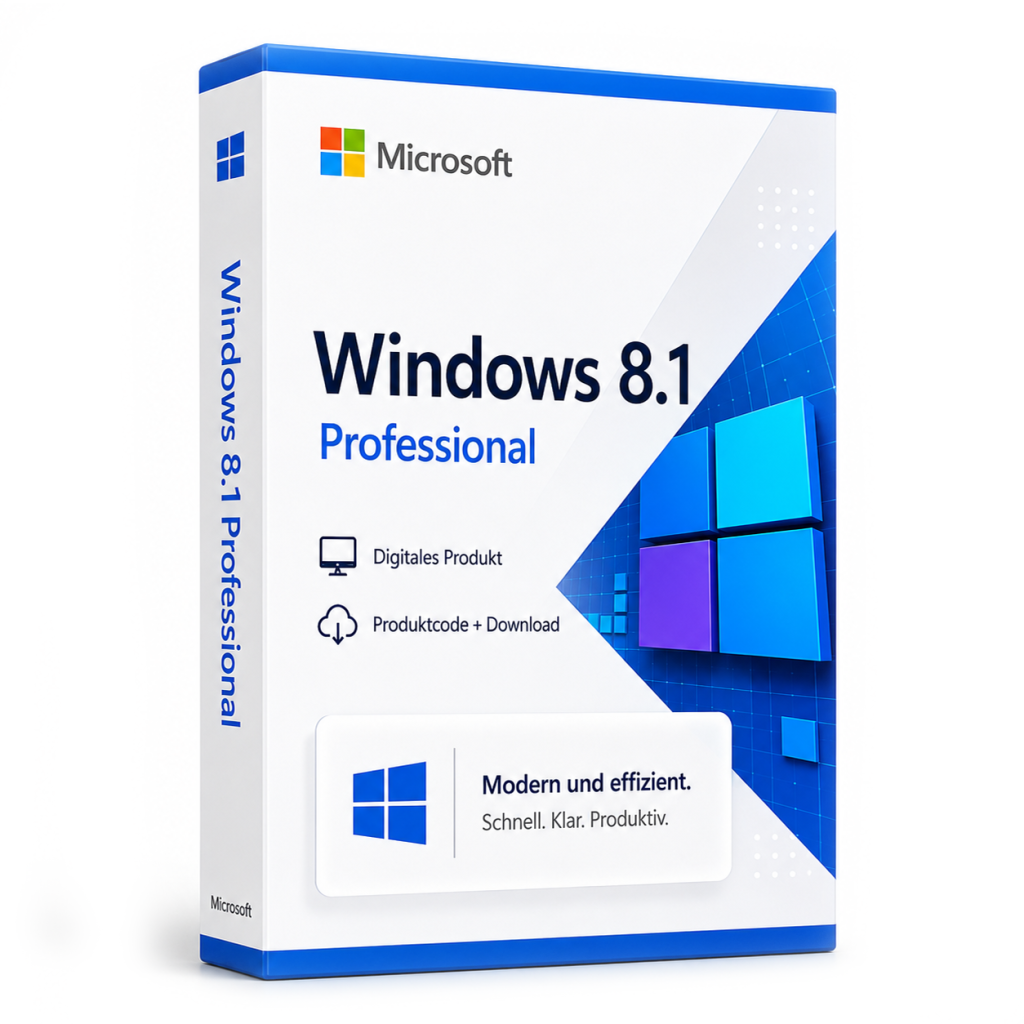
For everyday tasks, standard Windows 8.1 is enough. Choose Windows 8.1 Pro if you need BitLocker, incoming Remote Desktop, domain join or Group Policy.
If you mainly browse the web, write documents and play media, the standard edition of Windows 8.1 covers your needs. Windows 8.1 Pro makes sense when you need features such as BitLocker drive encryption, remote access to your own PC via Remote Desktop, joining a company domain or Group Policy. Keep in mind that both editions belong to an older generation of Windows.
The two editions at a glance
For consumers and small businesses, Windows 8.1 came in two main editions: the standard edition, usually just called "Windows 8.1", and the Pro edition. Both share the same interface with the Start screen, tiles and the classic desktop. Pro includes everything in the standard edition and adds tools aimed at freelancers, small offices and power users.
Feature comparison
| Feature | Windows 8.1 | Windows 8.1 Pro |
|---|---|---|
| Desktop, Start screen, apps | Yes | Yes |
| BitLocker drive encryption | No | Yes |
| Encrypting File System (EFS) | No | Yes |
| PC as Remote Desktop host | No | Yes |
| Domain join (business networks) | No | Yes |
| Group Policy Editor | No | Yes |
| Client Hyper-V (virtualisation, 64-bit) | No | Yes |
| Boot from virtual hard disk (VHD) | No | Yes |
When the standard edition is enough
If you use your PC at home, don't need to control it remotely and don't require full-disk encryption, the standard edition handles typical tasks well. You can still open a Remote Desktop connection to another computer from it; you just can't use your own PC as the target of such a connection.
When Windows 8.1 Pro is the better fit
- Data protection: BitLocker encrypts entire drives, which is useful on laptops that could be lost or stolen.
- Remote access: You want to connect to your computer via Remote Desktop.
- Business use: The PC needs to join a Windows domain and be managed centrally.
- Testing and development: Hyper-V lets you run virtual machines directly on Windows.
- Fine-grained control: Group Policy gives you more detailed control over system settings.
If you know you need at least one of these features, Pro is the more suitable choice. Details on the edition and what's included are available for Microsoft Windows 8.1 Professional.
Important: check the support status
Windows 8.1 is an older version of Windows. Microsoft generally no longer provides security updates for older versions; you can check the exact support status directly with Microsoft. Without current security updates, such a system should not be exposed to the internet unprotected. Typical use cases include machines needed for legacy software or hardware, test environments and offline systems.
It is also worth knowing the timeline for its successors. Support for Windows 10 (Home/Pro) ended on October 14, 2025. Since then, security updates are only available through Microsoft's paid or time-limited Extended Security Updates (ESU) programme (for businesses until October 2028 at the latest); please refer to Microsoft for the terms that apply to home users. Windows 11 Home/Pro, by contrast, receives ongoing feature updates, and each version has its own end-of-support date, so if you need a system for everyday online use, install the current version there.
How to decide
- Define the purpose: everyday PC, offline machine, test environment or business workstation?
- Check whether you need BitLocker, incoming Remote Desktop, domain join or Hyper-V.
- Make sure your hardware and software work with Windows 8.1.
- Check the current support status with Microsoft.
- If you need at least one Pro feature, choose Windows 8.1 Pro; otherwise, the standard edition will do.
Good to know: purchased Windows licences are perpetual. Unlike a subscription such as Microsoft 365, there are no recurring licence fees.
Frequently asked questions
Can Windows 8.1 Pro do everything the standard edition can?
Yes. Pro includes the full feature set of the standard edition and adds extra features for security, management and virtualisation.
Do home users need the Pro edition?
Usually not. It becomes useful if you want to encrypt your laptop with BitLocker or access your PC remotely via Remote Desktop.
Is Windows 8.1 still suitable for everyday internet use?
As it is an older version, check its support status with Microsoft first. For a system that is permanently online, a currently supported version of Windows is the safer foundation.
Microsoft Windows 8.1 Professional
Digital delivery · 14.99 EUR
Ähnliche Artikel
Buying a Windows 11 Pro Key Legally: What to Look For
You can buy a Windows 11 Pro key from Microsoft or from retailers that deliver licenses digitally. Check for clear licen...
comment Kommentare (0)
Noch keine Kommentare. Schreiben Sie den ersten!
Kommentar hinterlassen