
Used Windows Server 2019 with Proof of License: What to Check
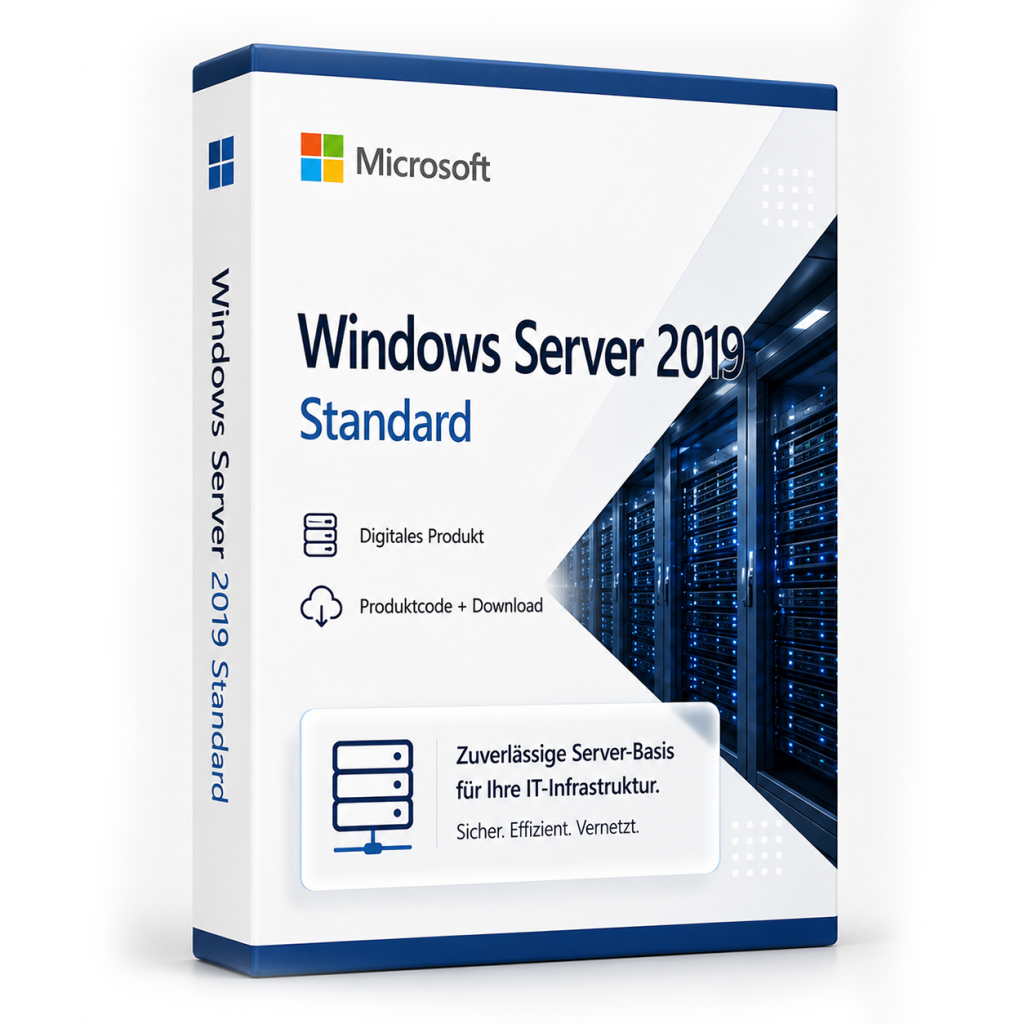
Under an EU Court of Justice ruling, perpetual licenses may be resold within the EU if the original owner makes their copy unusable. Look for clear documentation. Windows Server 2019 gets security updates until January 9, 2029.
Yes, you can buy Windows Server 2019 as a pre-owned license. The Court of Justice of the European Union ruled that reselling a perpetual software license within the EU is permitted, provided the original buyer makes their own copy unusable. Proof of license documents where the license came from, and Windows Server 2019 continues to receive security updates under extended support until January 9, 2029.
Legal background: the UsedSoft ruling
The trade in pre-owned software in the EU is based on the ruling of July 3, 2012 in case C-128/11 (UsedSoft v Oracle). According to this decision, a perpetual license may be resold. The key condition is that the original licensee renders their copy unusable, so the license is not used twice.
Purchased (non-subscription) licenses for Windows are perpetual. Subscriptions such as Microsoft 365 work differently: they are only valid for the subscription term. Please note that this article does not constitute legal advice. For questions about your specific situation, consult a qualified professional.
What proof of license should cover
In practice, proof of license usually means documents that show where a license comes from and that it was transferred properly. For your own records, for example during a software audit, the following items are useful:
- Product name and edition: clearly stated, e.g. Windows Server 2019 Standard.
- Invoice: a proper invoice issued to your company or to you.
- Origin details: information showing that the license was transferred from a previous owner.
- Confirmation of deactivation: a statement that the previous owner has made their original copy unusable, which is the condition referred to in the court's ruling.
- License scope: what the license covers, such as the number of licensed cores.
Keep these documents together with the product key in a secure place so you can produce them quickly when needed.
Step by step: buying a pre-owned server license
- Define your needs: How many physical cores does your server have, and how many virtual machines will it run? Windows Server 2019 uses core-based licensing; Microsoft's licensing terms explain the exact rules.
- Check for additional licenses: Use Microsoft's documentation to find out whether your scenario requires further licenses, for example for user or device access.
- Consider the support period: Estimate how long the server will be in service and compare that with the end of support.
- Ask for documentation: Find out before purchase which records you will receive.
- Activate and document: Install and activate the server, then file the invoice, proof documents and key in your license management system.
One option is Microsoft Windows Server 2019 Standard. Delivery details and license scope are listed on the product page.
Is Windows Server 2019 still worth it?
For servers, the support period matters: without security updates, the risk to your network grows. Here is an overview of current Windows Server generations:
| Version | Support status |
|---|---|
| Windows Server 2016 | Extended support until January 12, 2027 |
| Windows Server 2019 | Extended support until January 9, 2029 |
| Windows Server 2022 | Mainstream support ended October 13, 2026; extended support (security updates) until October 14, 2031 |
| Windows Server 2025 | Mainstream support until October 9, 2029, followed by extended support |
Windows Server 2019 is in extended support, so it still receives security updates but no new features. That can be enough for environments meant to run reliably for a few more years, especially if your applications are built around Server 2019. If you plan to run the server much longer, a newer version is worth considering. Server 2016, on the other hand, is close to its end of support and is hardly suitable for new deployments.
Frequently asked questions
Is a pre-owned Windows Server license legal?
Under the EU court ruling of July 3, 2012 (C-128/11), reselling a perpetual license within the EU is permitted if the original seller makes their copy unusable. For individual cases, please seek legal advice.
Will a pre-owned license still get updates?
Security updates depend on the product's support lifecycle, not on whether the license is new or pre-owned. Windows Server 2019 receives security updates until January 9, 2029.
How many licenses does my server need?
That depends on the number of physical cores and your use case, since Windows Server 2019 is licensed per core. Microsoft's licensing terms are the authoritative source.
Microsoft Windows Server 2019 Standard
Digital delivery · 34.99 EUR
Ähnliche Artikel
InDesign 2026 System Requirements: What Does Your Computer Need?
Adobe InDesign 2026 needs a current 64-bit operating system (Windows or macOS), a modern multi-core processor, enough RA...
Windows Server 2025 Support: How Long Will It Get Updates?
Windows Server 2025 is in mainstream support until October 9, 2029. Extended support with security updates follows, and ...
Windows 8.1 or 8.1 Pro: Which Edition Is Right for You?
For everyday tasks, standard Windows 8.1 is enough. Choose Windows 8.1 Pro if you need BitLocker, incoming Remote Deskto...
Buying a Windows 11 Pro Key Legally: What to Look For
You can buy a Windows 11 Pro key from Microsoft or from retailers that deliver licenses digitally. Check for clear licen...
comment Kommentare (0)
Noch keine Kommentare. Schreiben Sie den ersten!
Kommentar hinterlassen