
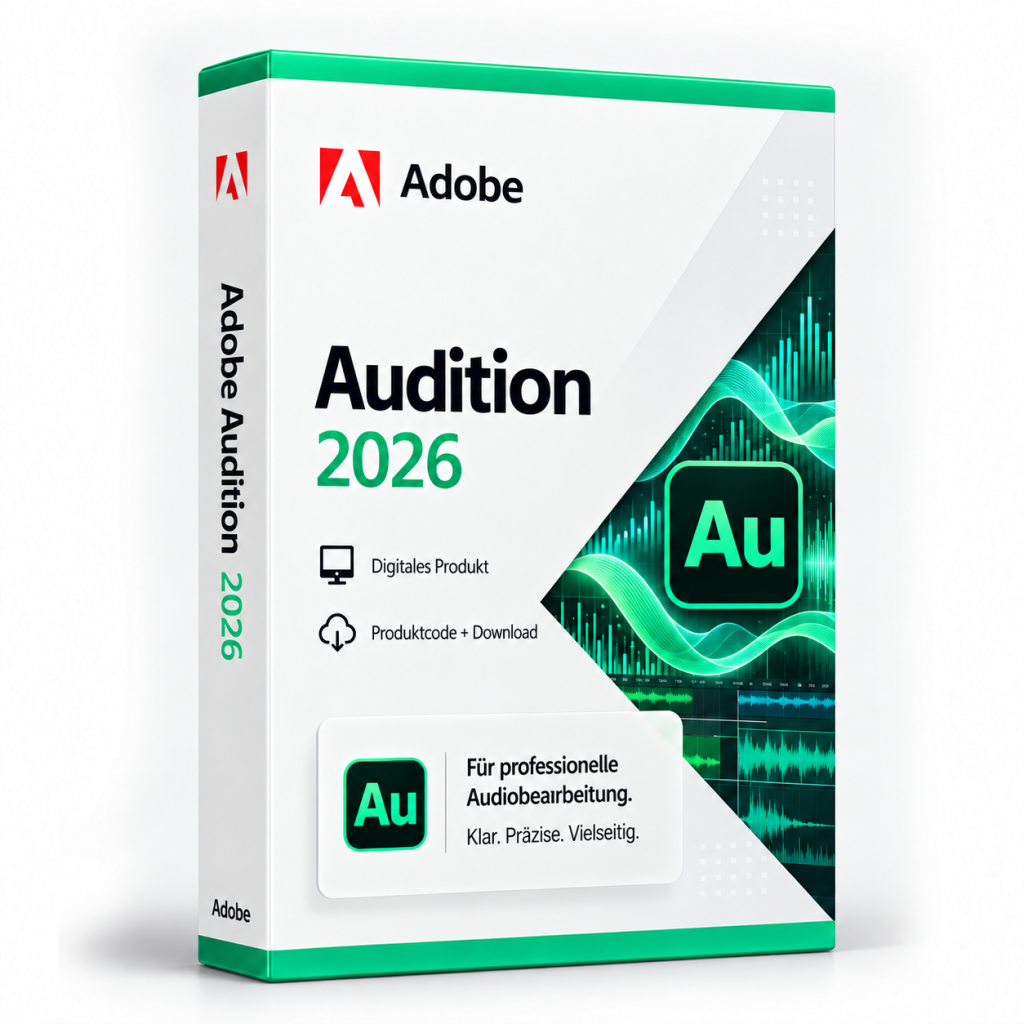
- Condition
- New
- License term
- Lifetime
- Delivery
- Digital nach Zahlungseingang
- SKU / GTIN
- 0882954008729
- Manufacturer
- Adobe
Adobe PC Software · Item no. 211625
Adobe Audition 2026
Adobe Audition 2026 bringt Sprachaufnahmen, Podcasts, Musik und Sounddesign in eine kontrollierbare Audioproduktion. Multitrack-Mix, Spektralbearbeitung und Restaurationswerkzeuge führen vom Rohmaterial zur fertigen Datei.
In stock
PC Software·Adobe
Adobe Audition 2026
Adobe Audition 2026: audio editing, multitrack mixing and audio restoration
Adobe Audition 2026 is Adobe's audio application in version 26.x for Windows. It combines a Waveform Editor for precise editing of individual files with a Multitrack Editor in which several tracks are recorded, edited and mixed. Audition is suitable for podcasts and audiobooks, for post-processing voice recordings and interviews, and for the sound of video productions. Since version 26.0, Audition also runs natively on Windows devices with ARM processors.
Recording, multitrack editing and effects
In the Waveform Editor, you record audio via a microphone or a device connected to the line input of the sound card and edit the file directly. Effects are applied permanently to the audio data here. The Multitrack Editor, by contrast, records on several tracks, including simultaneously, for example when two speakers are recorded with separate microphones. With punch-in, Audition plays the section before a marked point, records only within the marked range and then continues playback. This allows you to re-record a single slip of the tongue without repeating the entire passage. Audition stacks multiple takes on top of each other so that you can select the right one.
When creating a multitrack session, you set the sample rate and bit depth and specify whether the tracks are mixed down to a mono, stereo or 5.1 master. Each clip and each track has its own Effects Rack with up to 16 effects, which is saved together with the session. Premiere Pro projects (.prproj) can be imported directly to edit the sound of a video edit in Audition.
Restoration, loudness and mixing
The Spectral Frequency Display shows a recording according to its frequency components: time on the horizontal axis, frequency on the vertical axis, loud components in bright colours. Unwanted noises such as a cough become visible as a separate area and can be removed selectively without altering the rest of the recording.
The Essential Sound panel brings together common tasks. Clips are classified as Dialogue, Music, SFX or Ambience and then receive the appropriate controls. For dialogue, noise reduction, reduction of rumble and hum, a DeEsser against harsh sibilance as well as dynamics, EQ and voice enhancement are available. The loudness of several clips can be matched automatically. Music can be brought to a target duration by remixing or stretching and lowered automatically with Auto-Ducking as soon as someone speaks, as is common for podcasts with background music.
In the Match Loudness panel, you measure the loudness of one or more files and adjust it to a standard, such as EBU R128 with a target loudness of −23 LUFS or ATSC A/85 with −24 LUFS. A true peak limit prevents the signal from exceeding a defined maximum level.
Buy Adobe Audition 2026: licence and scope of delivery
You receive a lifetime licence for Adobe Audition 2026 (version 26.x) for Windows. The licence can be used without time limit. Activation requires an Adobe ID, acceptance of the licence terms and an internet connection. The scope of delivery includes:
- the licence details for Adobe Audition 2026
- information on downloading the application (all downloads are also available under Software Download)
- the invoice with VAT shown separately
Once your payment has been received, your licence details are displayed directly on the order confirmation page and also sent to you by email. After that, you can retrieve them again at any time: with a customer account under My Product Codes, without a customer account via the Guest Portal.
If you have any questions about installation or activation, our Support team is available around the clock by email, and you will also find information under Guides and FAQ. You will find further Adobe programs in the category Adobe and under PC Software.
System requirements
| Processor | Intel 6th generation or later or AMD Ryzen 1000 series or later, each with AVX2; Windows on ARM: Qualcomm Snapdragon X |
|---|---|
| Operating system | Windows 11 version 24H2; Windows on ARM: Windows 11 24H2 (build 26100.2033) |
| Memory (RAM) | 8 GB |
| Graphics | 2 GB of GPU memory |
| Storage space | 8 GB for installation plus additional space required during installation, cannot be installed on removable flash storage; additional fast drive for media |
| Display | 1920 × 1080 pixels |
| Sound card | ASIO compatible or Microsoft Windows Driver Model |
| Network storage | 1 Gigabit Ethernet (HD only) |
Minimum requirements according to Adobe. Adobe recommends 16 GB of RAM for HD media and 32 GB or more for 4K, 8 GB of GPU memory and a fast internal SSD for the application and cache.
Related products

Microsoft Office 2019 Professional Plus
96
18,32 CHFincl. 19% VAT
Add to Cart
Microsoft Office 2021 Professional Plus & Windows 11 Professional (Bundle)
41
36,65 CHFincl. 19% VAT
Add to Cart
Microsoft Project 2016 Standard
16
73,32 CHFincl. 19% VAT
Add to Cart
Microsoft Visio 2021 Professional
73
22,91 CHFincl. 19% VAT
Add to Cart
Microsoft Visual Studio 2017 Enterprise
12
18,32 CHFincl. 19% VAT
Add to Cart
Microsoft Office 2016 Professional Plus – Retail
113
27,49 CHFincl. 19% VAT
Add to Cart
Microsoft Project 2019 Professional
65
18,32 CHFincl. 19% VAT
Add to Cart
Microsoft Office 2016 Standard
127
13,74 CHFincl. 19% VAT
Add to Cart