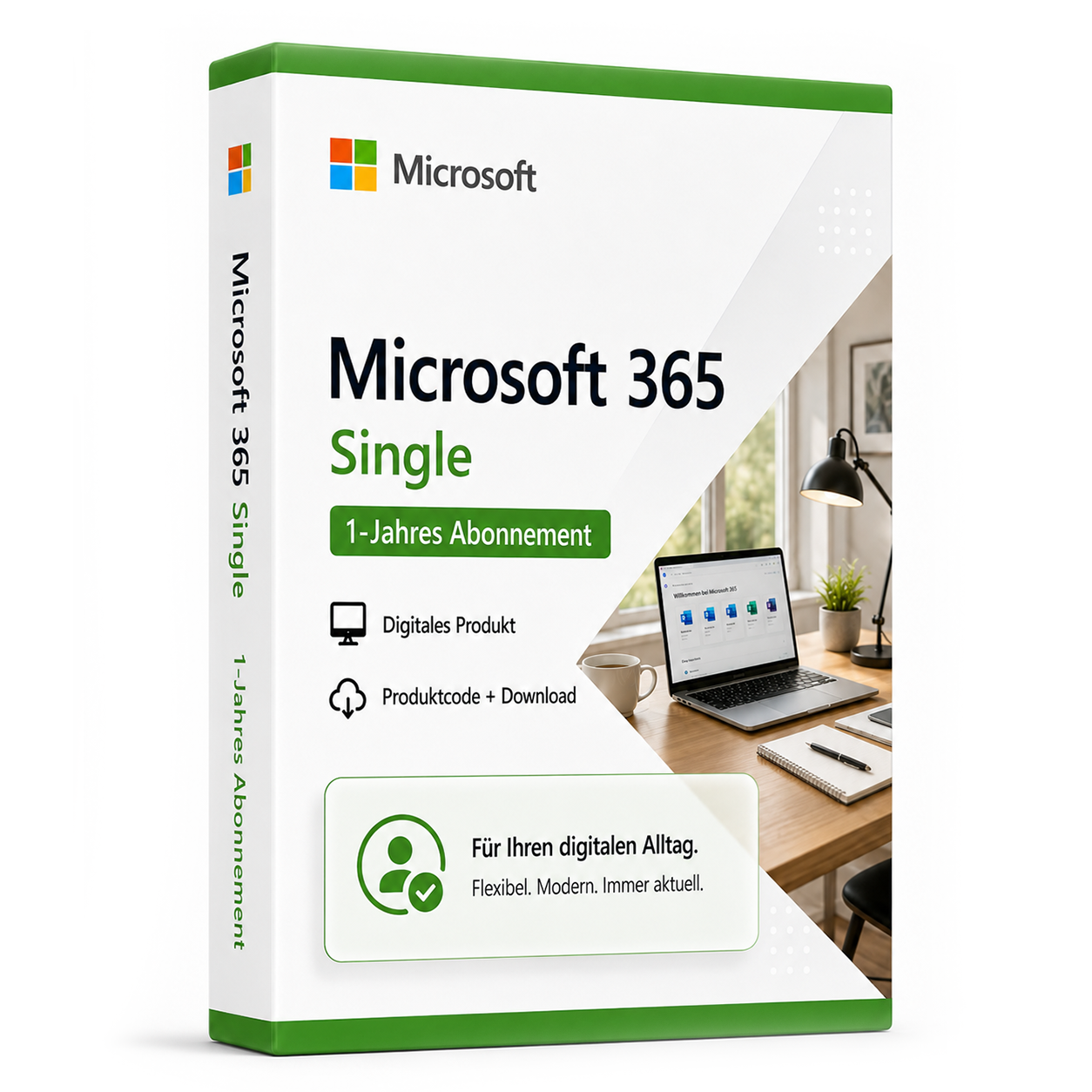
Microsoft 365 Single - 1-Year Subscription
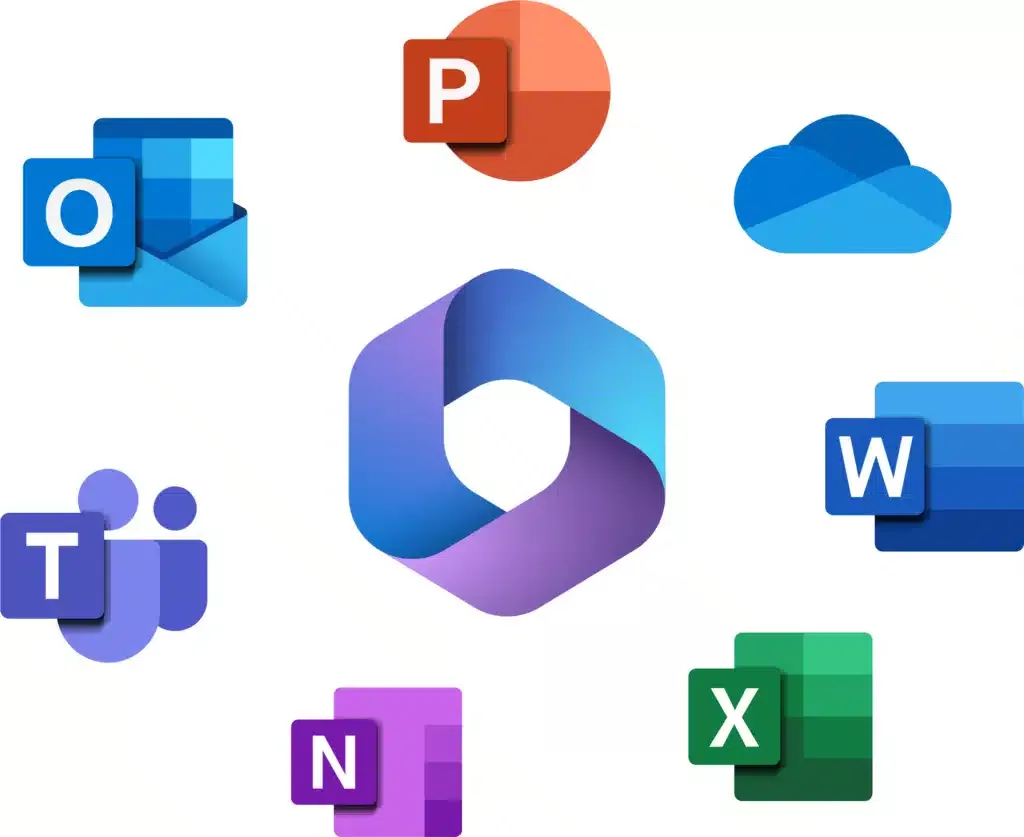
Microsoft 365 Single is a 1-year subscription for one person. It includes Word, Excel, PowerPoint, Outlook, and OneNote, as well as 1 TB of OneDrive storage. The apps are available for PC, Mac, smartphone, and tablet. One person can sign in on up to five devices simultaneously.
0 Leute schauen sich gerade das Produkt an. 0 haben es im Warenkorb.
incl. 19% VAT
In stock
- Immediate shipping via email: Product key, instructions, download & invoice in seconds.
- Offizielle Lizenz: Geprüft, sicher und direkt nach dem Kauf einsetzbar.
- 24/7 Premium Support: Free assistance with installation & activation.
- Buyer protection up to €20,000: Every purchase is covered by Trusted Shops secured.
Description
Microsoft 365 Single – 1-Year Subscription
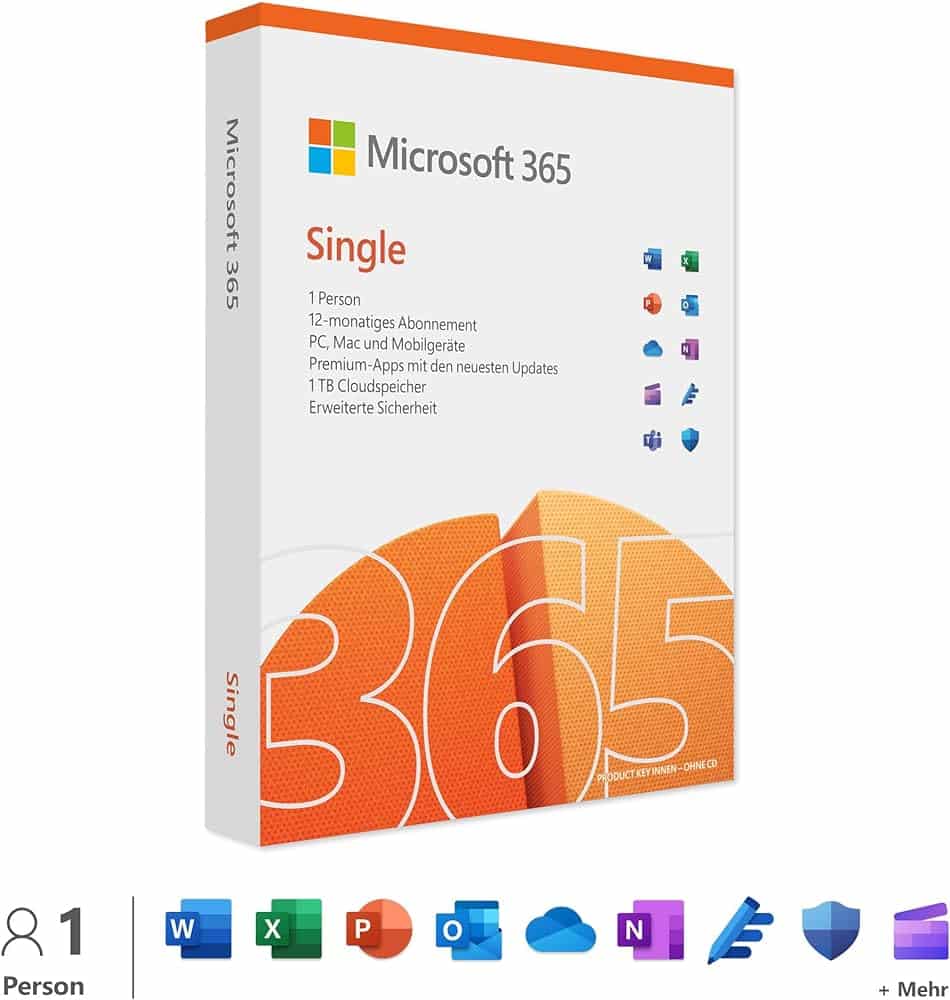 Microsoft 365 Single is a subscription for one person. It includes Word, Excel, PowerPoint, Outlook, and OneNote, as well as 1 TB of OneDrive storage. The apps can be used on PC, Mac, smartphone, and tablet; one person can be signed in on up to five devices simultaneously.
System requirements:
Microsoft 365 Single is a subscription for one person. It includes Word, Excel, PowerPoint, Outlook, and OneNote, as well as 1 TB of OneDrive storage. The apps can be used on PC, Mac, smartphone, and tablet; one person can be signed in on up to five devices simultaneously.
System requirements:
- Operating system: Windows 11, one of the three latest macOS versions, current Android and iOS versions
- Processor: 1 GHz or faster, x86- or x64-bit processor with SSE2 instruction set
- RAM: 2 GB RAM (64-bit) or 1 GB RAM (32-bit)
- Hard disk space: 3 GB of available disk space
- Screen resolution: At least 1280 x 768 pixels
- Graphics card: A DirectX 10 graphics card is required for hardware acceleration
- Browser: Current versions of Microsoft Edge, Chrome, Firefox, or Safari
- Internet access: Required for product activation, updates, and certain features
- Only activatable in Europe.
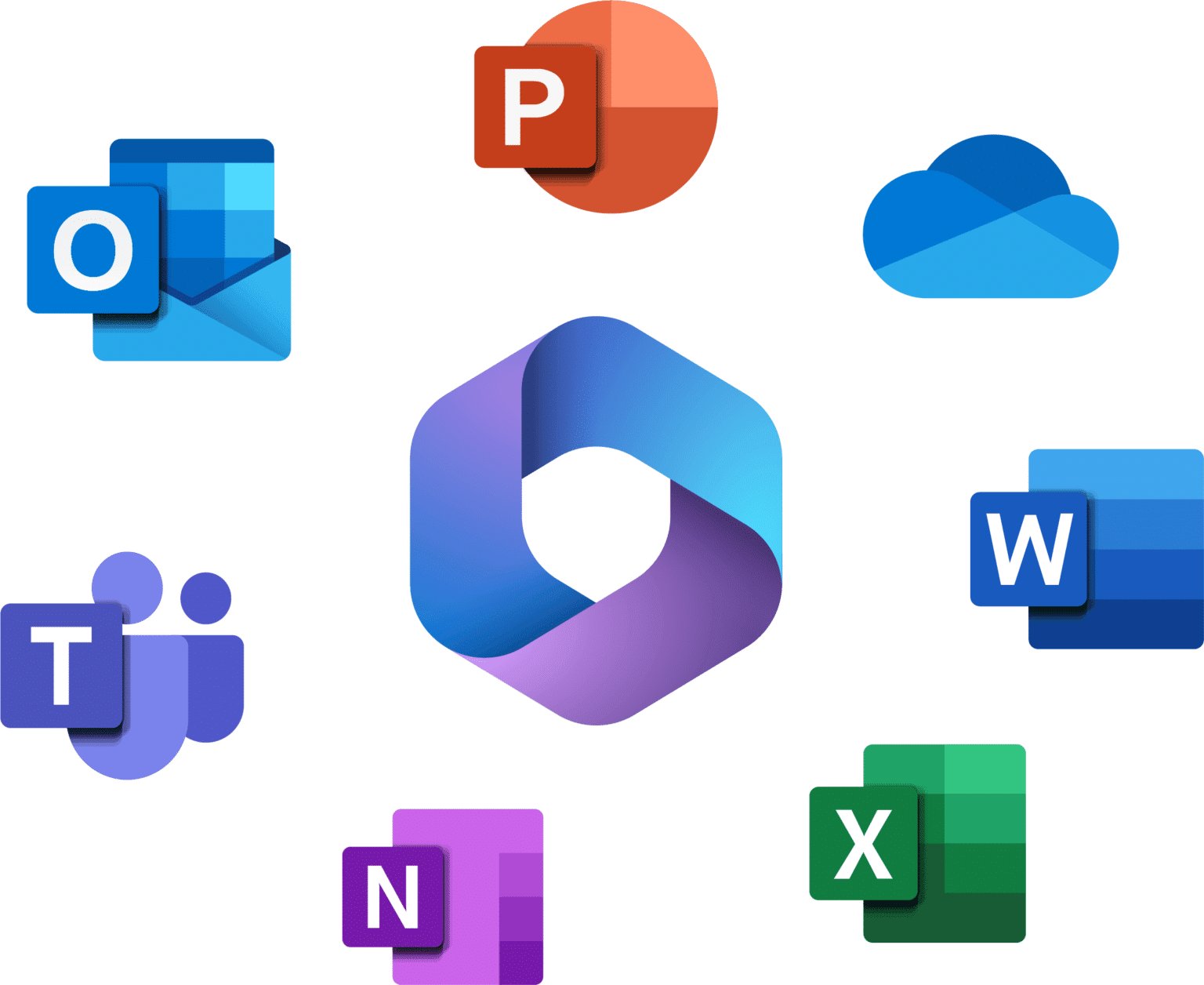 Included in the package:
Microsoft 365 Single includes 1 TB of cloud storage, advanced security features, and innovative apps, all in one subscription.
Included in the package:
Microsoft 365 Single includes 1 TB of cloud storage, advanced security features, and innovative apps, all in one subscription.
- For one person
- Use the application on up to five devices simultaneously
- Works with PC, Mac, iPhone, iPad, as well as Android smartphones and tablets
- 1 TB (1.000 GB) of secure cloud storage
- Word, Excel, PowerPoint, and OneNote with offline access and premium features
- Microsoft Defender with advanced security features for your personal data and devices
- Secure Outlook email without ads
- Microsoft Editor with advanced spelling, grammar, and writing assistance
- Clipchamp video editor with premium filters and effects
- Extended content library with high-quality photos, icons, fonts, videos, and audio
- Contact support via chat or email for assistance when needed.
Passt dazu – oft zusammen gekauft


Related products

incl. 19% VAT
incl. 19% VAT

incl. 19% VAT
incl. 19% VAT

incl. 19% VAT

incl. 19% VAT

incl. 19% VAT
incl. 19% VAT

incl. 19% VAT
incl. 19% VAT
Frequently asked questions about Microsoft 365 Single - 1-Jahres Abonnement
What apps are included in Microsoft 365 Single - 1-Year Subscription?
The following applications are included in Microsoft 365 Single - 1-Year Subscription: Word, Excel, PowerPoint, Outlook, OneNote, Teams, 1 TB OneDrive (depending on the plan). The exact functionality depends on the edition (Home, Standard, Professional Plus) – check the product name before purchase.
Is Microsoft 365 Single - 1-Year Subscription a subscription or a permanent license?
Microsoft 365 Single - 1-Year Subscription is a time-limited subscription. The duration is indicated in the product name (e.g., 1 year). After expiration, the usage rights end unless a renewal occurs.
Does Microsoft 365 Single - 1-Year Subscription work on Mac?
This version of Microsoft 365 Single - 1-Year Subscription is for Windows PCs. For Mac, you need a specific Mac edition (e.g., Office Home & Business for Mac). Check the product name.
Can I use Outlook and Access with Microsoft 365 Single - 1-Year Subscription?
Outlook and Access are only included in Professional Plus. Check the edition in the product name.
Do I need internet access to activate Microsoft 365 Single - 1-Year Subscription?
An internet connection is required for the initial activation of Microsoft 365 Single - 1-Year Subscription to verify the key with Microsoft. After that, Office can usually be used offline for 30 days before re-signing is necessary.
Which macOS versions is Microsoft 365 Single - 1-Year Subscription suitable for?
Microsoft 365 Single - 1-Year Subscription requires a compatible macOS version according to the manufacturer's specifications. Before purchasing, check if your Mac (Intel or Apple Silicon) and your macOS version are supported.
Can I also use Microsoft 365 Single - 1-Year Subscription on Windows?
No, Microsoft 365 Single - 1-Year Subscription is licensed for macOS. Windows licenses are separate products – a Mac key does not work on a PC and vice versa.
How do I receive the product key for Microsoft 365 Single - 1-Year Subscription?
After purchasing Microsoft 365 Single - 1-Year Subscription, you will automatically receive the product key, download link, and invoice via email – usually within a few minutes. Also, check the spam folder.
Do you offer assistance with the installation of Microsoft 365 Single - 1-Year Subscription?
Yes, our support helps with the installation and activation of Microsoft 365 Single - 1-Year Subscription. Use the included instructions or contact us through the help page if an error code occurs.
How long is Microsoft 365 Single - 1-Year Subscription valid?
The duration of Microsoft 365 Single - 1-Year Subscription is indicated in the product name (e.g., 1 or 2 years). After expiration, the usage rights end – a renewal is possible through a new purchase.

Microsoft 365 Single - 1-Year Subscription
79.99€In stock