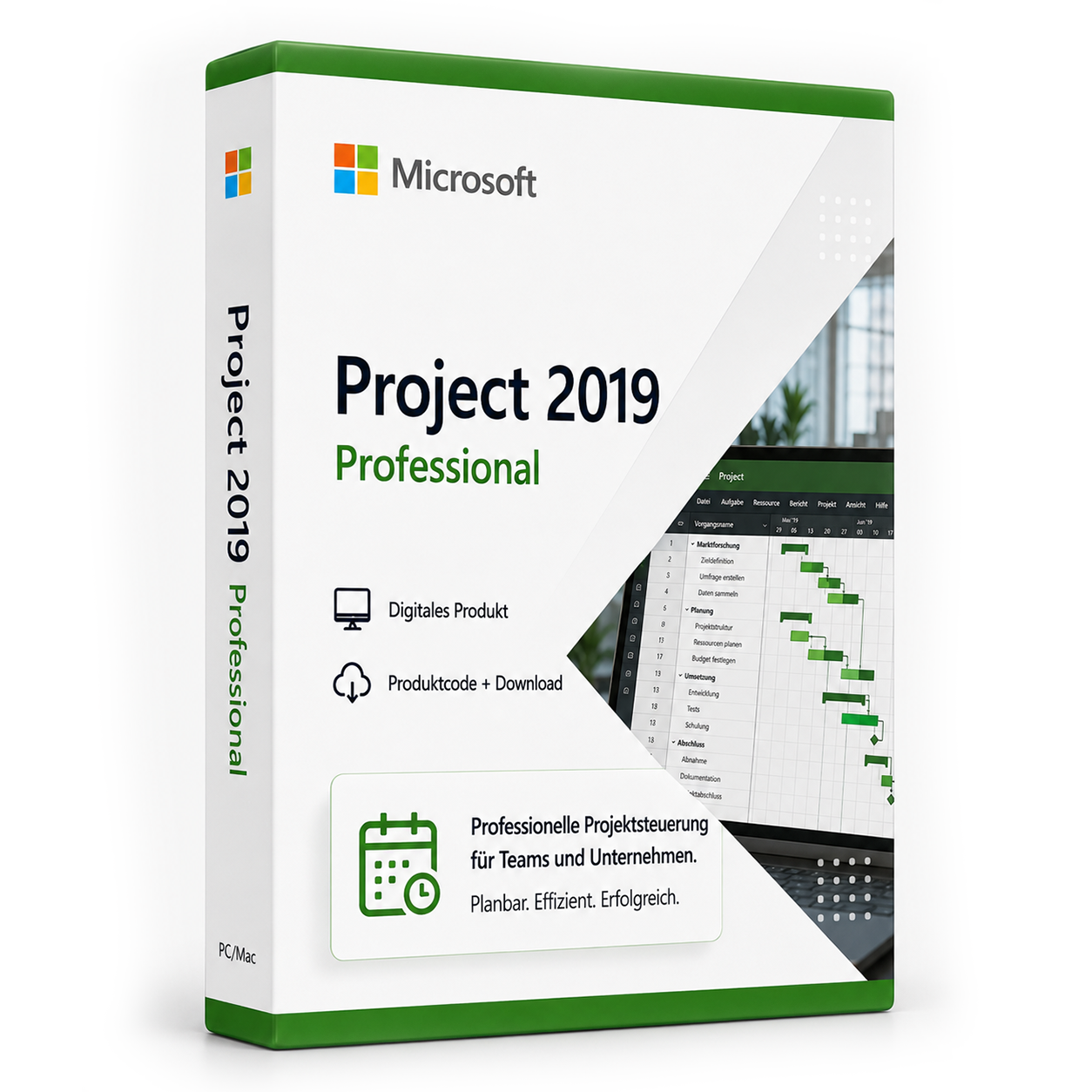
Microsoft Project 2019 Professional
Microsoft Project 2019 Professional ist eine Projektmanagement-Software-Lizenz von Microsoft. Die Lizenz wird als Produktschlüssel per E-Mail geliefert und kann nach dem Kauf sofort aktiviert werden. Es handelt sich um eine dauerhaft gültige Vollversion ohne Abonnement und ohne versteckte Folgekosten. Lieferung erfolgt digital per E-Mail mit Produktschlüssel, Download-Link und Rechnung durch SoftwareKing24.
0 Leute schauen sich gerade das Produkt an. 0 haben es im Warenkorb.
incl. 19% VAT
In stock
- Immediate shipping via email: Product key, instructions, download & invoice in seconds.
- Full version: Permanently valid license. No subscription, no ongoing costs.
- 24/7 Premium Support: Free assistance with installation & activation.
- Buyer protection up to €20,000: Every purchase is covered by Trusted Shops secured.
Description
Microsoft Project 2019 Professional
Buy the new Microsoft Project Professional 2019 at a low price and download it immediately at Softwareking24
Microsoft Project Professional 2019 in the 2019 version is a tool that takes on the entire range of project management. Project managers use this software to manage resources such as employees, time, and budget, and maintain an overview even with many simultaneous projects. Additionally, projects can be almost unlimited in size: from small tasks to projects that span several years and are therefore of particular importance. Collaboration on such projects is optionally possible locally over the network or via the cloud, allowing both small and large companies to save time and money while staying up to date on specific projects.Keep all your projects in view with Microsoft Project Professional 2019
To maintain an overview even with a large number of different projects, Microsoft Project Professional 2019 brings improved portfolio management. With this element of the program, decision-makers can immediately see which projects are currently on track and where there is a need for improvement. Timelines can be monitored, budget management provides an overview of financial resources, and managing human resources becomes even easier with this function. Prioritization indicates whether the most important projects are progressing as planned or if the project manager should intervene. First aid through analysis functions and corresponding action instructions is also available in portfolio management.The features of Microsoft Project Professional 2019
To manage such features in larger companies and via the cloud, synchronization with Project Online and Project Server is possible. Team members can immediately synchronize new entries in the project with other employees and are not reliant on manual actions. Additionally, users of Microsoft Project Professional 2019 can integrate Skype for Business directly into the program. This allows text and video chats or attendance checks directly from the software, significantly simplifying collaboration on projects. Skype for Business, Project Server, and Project Online are not included and must be purchased separately. Finance departments in companies can calculate payroll for team members on a task both project-related directly within the software and also record other expenses. Employees can also issue legally valid invoices in Microsoft Project Professional 2019 and record work performed in timesheets that are provided by templates. Thus, Project Professional 2019 is not only a tool for project management. The software also plays a role in budgeting and financing tasks of any kind, if desired. The possible integration of business intelligence software further facilitates this process.Switch to Microsoft Project Professional 2019 and experience the variety
Users of Microsoft Project Professional 2019 who have not previously come into contact with Microsoft Project Professional will immediately experience the comprehensive features of the program - through templates included with the software that allow the creation of even complex projects within minutes. These templates can be edited and saved for later use in other projects, so for the creation of business reports over the coming years, for example, no new start is necessary, just a simple change of the year. Most features of the predecessor and also familiar tools can also be found in the 2019 version, making the transition to the latest version easier for experienced users. Microsoft provides this version of Project Professional only for users of Windows 10. Other operating systems are not supported. It is a full license without subscription costs, so use is also possible offline. Microsoft will provide Project Professional in the 2019 version with all updates released during this time for at least five years. This includes security and feature updates.System requirements for download:
Delivery contents:
- 1 x Microsoft Project 2019 Professional product key
- Immediate download via express shipping (download link to download the software)
- Installation instructions
- Delivery takes place immediately after the order process as a download
Related products
incl. 19% VAT
incl. 19% VAT
incl. 19% VAT
incl. 19% VAT
incl. 19% VAT
incl. 19% VAT
incl. 19% VAT
incl. 19% VAT
incl. 19% VAT
Frequently asked questions about Microsoft Project 2019 Professional
What apps are included in Microsoft Project 2019 Professional?
Microsoft Project 2019 Professional includes the following applications: Microsoft Project (project planning, Gantt, resource management). The exact functionality depends on the edition (Home, Standard, Professional Plus) – check the product name before purchasing.
Is Microsoft Project 2019 Professional a subscription or a permanent license?
Microsoft Project 2019 Professional is a permanently valid one-time purchase license (not a subscription). You pay once and may use the software permanently on the licensed device as long as the system requirements are met.
Does Microsoft Project 2019 Professional work on Mac?
This version of Microsoft Project 2019 Professional is for Windows PCs. For Mac, you need a specific Mac edition (e.g., Office Home & Business for Mac). Check the product name.
Can I use Outlook and Access with Microsoft Project 2019 Professional?
Outlook and Access are only included in Professional Plus. Check the edition in the product name.
Do I need internet access to activate Microsoft Project 2019 Professional?
An internet connection is required for the initial activation of Microsoft Project 2019 Professional so that the key can be verified with Microsoft. After that, Office can usually be used offline for 30 days before a re-login is necessary.
How do I obtain the product key for Microsoft Project 2019 Professional?
After purchasing Microsoft Project 2019 Professional, you will automatically receive the product key, download link, and invoice via email – usually within a few minutes. Also, check the spam folder.
Do you offer assistance with the installation of Microsoft Project 2019 Professional?
Yes, our support helps with the installation and activation of Microsoft Project 2019 Professional. Use the included instructions or contact us through the help page if an error code occurs.
Is Microsoft Project 2019 Professional permanently valid?
Yes, Microsoft Project 2019 Professional is a one-time purchase license without a subscription. The key remains permanently valid as long as the manufacturer's system requirements are met.

Microsoft Project 2019 Professional
19.99€In stock