- Condition
- New
- License
- per accessing device
- SKU / GTIN
- SK24-VDI-2022-SUITE
- Manufacturer
- Microsoft
Microsoft Windows Server · Item no. 209300
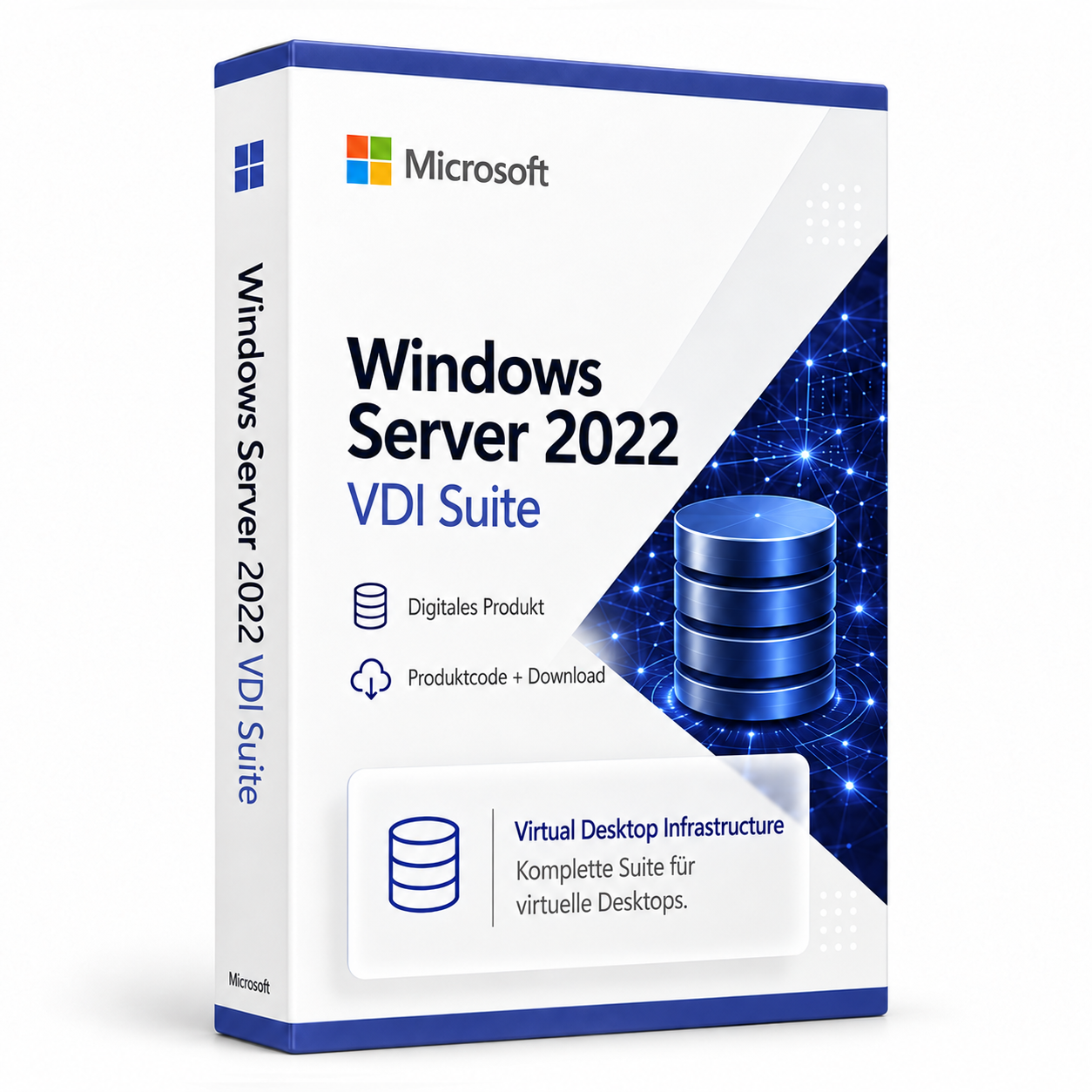
Windows Server 2022 VDI Suite per Device
Device-based access license for personal or pooled virtual Windows desktops.
In stock
Windows Server·Microsoft
Windows Server 2022 VDI Suite per Device
Windows Server 2022 VDI Suite per Device: access licence for virtual Windows desktops per device
The Windows Server 2022 VDI Suite per Device is a per-device access licence for virtual Windows desktops based on Windows Server 2022. In a virtual desktop infrastructure (VDI), each desktop runs in its own virtual machine in the data centre, and users work on it from their device. The desktops can be personally assigned to individual users or provided from a shared pool. The licence is aimed at organisations that connect centrally managed workstations, shared PCs, thin clients or terminals to such an environment.
Personal and pooled desktops
With personal desktops, each user is permanently assigned their own virtual machine. This is suitable, for example, for employees who need their own software or individual configurations. With pooled desktops, several users use desktops from a shared pool of identical virtual machines, which suits uniform workstations, for example in shift operations or in training rooms.
With this licence, each accessing device is counted, not the number of concurrent connections. A thin client at which several employees work over the course of the day therefore requires one licence.
Licensing in conjunction with Windows Server
The licence covers access by the devices, not the rest of the infrastructure. Licences for Windows Server are required for the servers on which the virtual desktops run, and under the Microsoft licence terms every user or device that accesses a server requires a Windows Server CAL. If Windows client operating systems run in the virtual machines, Microsoft requires separate licences with virtualisation rights for them, for example Windows VDA or Windows licences with Software Assurance. These rights are not part of this offer.
Activation takes place via a Remote Desktop licence server, which issues and tracks client access licences. You do not receive an ordinary Windows product key for this, but activation data for the licence server.
Buy Windows Server 2022 VDI Suite per Device: licence and scope of delivery
The licence is assigned per accessing device. Packages for 1, 5, 10, 25, 50, 100, 150, 200, 250, 300, 350, 400, 500, 750 or 1,000 devices are available on the product page. Not included are Windows Server licences and Windows Server CALs, Windows client rights for the virtual machines, as well as installation media, virtual machines and the setup of the infrastructure. The scope of delivery includes:
- the access licence for the selected number of devices
- License Server ID (SPK) and License Key Pack ID (LKP) for activation on the Remote Desktop licence server
- activation instructions (see Activating RDS CALs and VDI licences)
Once your payment has been received, you will receive your order by email. For the activation data, enter the Product ID of your activated licence server: with a customer account under My Product Codes, without a customer account via the Guest Portal. The SPK and LKP are then provided.
If you have any questions about activation, our Support team is available around the clock by email. You will find offers for businesses, schools and public authorities in the B2B Area. You will find further server products in the category Windows Server and under Operating Systems.
System requirements
| Server environment | Windows Server 2022 with VM-based virtual desktops |
|---|---|
| Licence server | activated Remote Desktop licence server |
| Additional licences | Windows Server and Windows Server CALs, Windows client rights for the virtual machines |
Requirements according to the product information.
FAQ
What information is needed to provide the licence?
The Product-ID of the activated licence server is required. Once it has been entered in the customer account or guest portal, the License Server ID (SPK) and License Key Pack ID (LKP) are assigned to the order.
Where can I find the activation instructions?
The instructions are available under Activate RDS CALs and VDI licences.
Related products

Microsoft Office 2019 Professional Plus & Windows 10 Professional (Bundle)
63
33,44 £incl. 19% VAT
Add to Cart
Microsoft Windows 7 Professional
128
13,37 £incl. 19% VAT
Add to Cart
Microsoft Windows 10 Home
92
20,90 £incl. 19% VAT
Add to Cart
Microsoft Windows Server 2016 Datacenter
9
33,44 £incl. 19% VAT
Add to Cart
Microsoft Windows 7 Ultimate
12
20,06 £incl. 19% VAT
Add to Cart
Microsoft Windows 10 Enterprise LTSC 2019
64
29,26 £incl. 19% VAT
Add to Cart
Microsoft Windows Server 2019 Datacenter
94
41,80 £incl. 19% VAT
Add to Cart
Microsoft Windows Server 2016 Standard
112
33,44 £incl. 19% VAT
Add to Cart