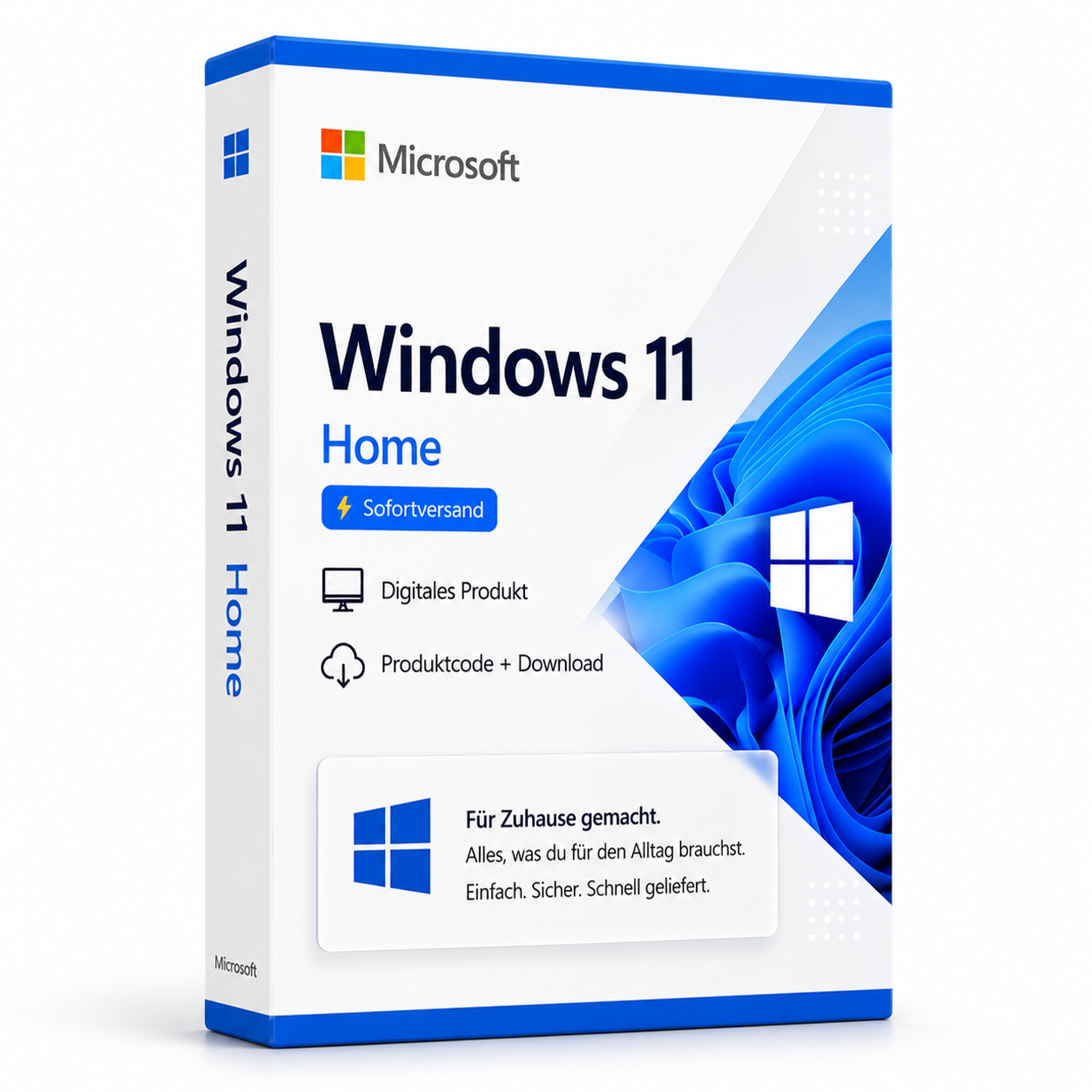
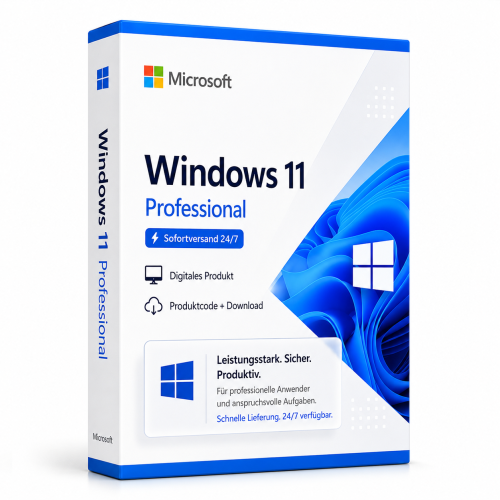
Microsoft Windows 11 Home | Instant Delivery
Buy Microsoft Windows 11 Home cheaply with affordable offers from Softwareking24. If you want to equip your computer with Windows 11 Home... Die Lizenz wird als Produktschlüssel per E-Mail geliefert und ist dauerhaft gültig (kein Abo). Lieferung erfolgt digital per E-Mail mit Produktschlüssel, Download-Link und Rechnung durch SoftwareKing24.
0 Leute schauen sich gerade das Produkt an. 0 haben es im Warenkorb.
incl. 19% VAT
In stock
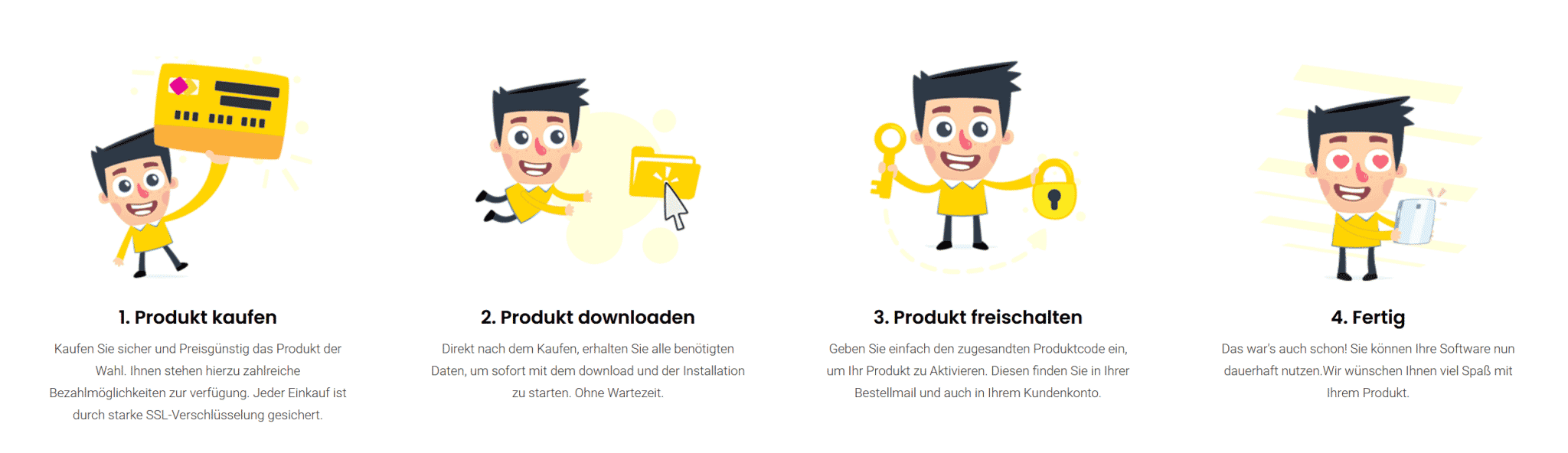
- Immediate shipping via email: Product key, instructions, download & invoice in seconds.
- Full version: Permanently valid license. No subscription, no ongoing costs.
- 24/7 Premium Support: Free assistance with installation & activation.
- Buyer protection up to €20,000: Every purchase is covered by Trusted Shops secured.
Description
 Windows: the popular operating system for PCs
The success story of Windows began more than three decades ago. At that time, it was still just a user interface and not a complete operating system. Nevertheless, the success was overwhelming even then. With Windows, it was possible to control the computer quickly and easily with the mouse. This represented a huge advantage over the other operating systems that were common at the time, which were entirely based on written commands. This made control complicated and cumbersome. Additionally, a high level of expertise was required. Windows, on the other hand, was extremely user-friendly and could be used without extensive training. You still benefit from the user-friendly and intuitive use in newer versions. Another advantage is that, due to the mentioned benefits, Windows quickly became the market leader in this area. As a result, more and more software products came to market for it. Since the various operating systems are not compatible with each other, they can only be used on Windows computers. Therefore, if you value a wide selection of user programs, it makes sense to use Windows.
Buy Microsoft Windows 11 Home at a low price and benefit from the latest version
Over the past decades, Microsoft has repeatedly created new versions of Windows. This was necessary to adapt the software to technological developments. With Windows 11, you are choosing the current version, which was first presented in 2021. This means that you are using a high-quality operating system that is up to date and is regularly provided with security updates. Windows 11 is the successor to Windows 10. This version was extremely popular and was used for many years. The goal in developing Windows 11 was to retain the essential features that were responsible for its high popularity. Therefore, the two versions have many similarities in terms of design and structure. However, Windows 11 Home is adapted to the latest hardware technology and offers more security and better performance.
Windows: the popular operating system for PCs
The success story of Windows began more than three decades ago. At that time, it was still just a user interface and not a complete operating system. Nevertheless, the success was overwhelming even then. With Windows, it was possible to control the computer quickly and easily with the mouse. This represented a huge advantage over the other operating systems that were common at the time, which were entirely based on written commands. This made control complicated and cumbersome. Additionally, a high level of expertise was required. Windows, on the other hand, was extremely user-friendly and could be used without extensive training. You still benefit from the user-friendly and intuitive use in newer versions. Another advantage is that, due to the mentioned benefits, Windows quickly became the market leader in this area. As a result, more and more software products came to market for it. Since the various operating systems are not compatible with each other, they can only be used on Windows computers. Therefore, if you value a wide selection of user programs, it makes sense to use Windows.
Buy Microsoft Windows 11 Home at a low price and benefit from the latest version
Over the past decades, Microsoft has repeatedly created new versions of Windows. This was necessary to adapt the software to technological developments. With Windows 11, you are choosing the current version, which was first presented in 2021. This means that you are using a high-quality operating system that is up to date and is regularly provided with security updates. Windows 11 is the successor to Windows 10. This version was extremely popular and was used for many years. The goal in developing Windows 11 was to retain the essential features that were responsible for its high popularity. Therefore, the two versions have many similarities in terms of design and structure. However, Windows 11 Home is adapted to the latest hardware technology and offers more security and better performance.

This Windows 11 version is for a new installation only, not for an upgrade from Windows 10 to Windows 11.
Related products
incl. VAT
incl. VAT
incl. 19% VAT
incl. 19% VAT
incl. 19% VAT
incl. 19% VAT
incl. 19% VAT
incl. VAT
incl. VAT
incl. 19% VAT
incl. 19% VAT
Frequently asked questions about Microsoft Windows 11 Home | Sofortversand
What are the hardware requirements for Microsoft Windows 11 Home | Instant delivery?
Microsoft Windows 11 Home | Instant delivery requires a 64-bit processor (1 GHz+), at least 4 GB of RAM, 64 GB of storage, UEFI with Secure Boot, TPM 2.0, and a DirectX 12 graphics card. Not all older PCs meet the TPM and Secure Boot requirements.
Do I need Secure Boot and TPM 2.0 for Microsoft Windows 11 Home | Instant delivery?
Yes, Secure Boot and TPM 2.0 are mandatory for Microsoft Windows 11 Home | Instant delivery. Without these features in the BIOS/UEFI, installation or activation on unsupported hardware will fail.
Does Microsoft Windows 11 Home | Instant delivery work for gaming?
Yes, Microsoft Windows 11 Home | Instant delivery supports DirectX 12, Auto-HDR, and the Xbox Game Bar. For current games, sufficient RAM (16 GB recommended), SSD, and a dedicated graphics card are crucial—regardless of the Windows edition.
Can I upgrade from Windows 10 to Microsoft Windows 11 Home | Instant delivery for free?
A free upgrade from Windows 10 to Microsoft Windows 11 Home | Instant delivery is only possible with qualified original licenses and compatible hardware. With the retail key for Microsoft Windows 11 Home | Instant delivery provided by us, a clean reinstallation or a qualified upgrade according to Microsoft guidelines will take place.
Is the Microsoft Windows 11 Home | Instant delivery license tied to the hardware?
Retail licenses of Microsoft Windows 11 Home | Instant delivery can be reactivated on a new PC after deactivation. OEM licenses are tied to the first activated motherboard. Typically, you will receive retail keys with transferability from us.
How many reinstalls are allowed with the Microsoft Windows 11 Home | Instant delivery key?
A retail key for Microsoft Windows 11 Home | Instant delivery can be active on one PC at a time. After deactivation via phone or online, reactivation on different hardware is possible. Multiple simultaneous uses on several PCs are not licensed.
Does Microsoft Windows 11 Home | Instant delivery work on a Mac with Boot Camp or Parallels?
Yes, Microsoft Windows 11 Home | Instant delivery can be installed in a virtual machine (Parallels, VMware) or via Boot Camp on Intel Macs. Apple Silicon Macs (M1/M2/M3) only support ARM Windows in VM—classic Boot Camp is not available there.
How do I receive the product key for Microsoft Windows 11 Home | Instant delivery?
After purchasing Microsoft Windows 11 Home | Instant delivery, you will automatically receive the product key, download link, and invoice via email—usually within a few minutes. Also, check your spam folder.
Do you offer assistance with the installation of Microsoft Windows 11 Home | Instant delivery?
Yes, our support helps with the installation and activation of Microsoft Windows 11 Home | Instant delivery. Use the included instructions or contact us through the help page if an error code occurs.
Is Microsoft Windows 11 Home | Instant delivery permanently valid?
Yes, Microsoft Windows 11 Home | Instant delivery is a one-time purchase license without a subscription. The key remains permanently valid as long as the manufacturer's system requirements are met.

Microsoft Windows 11 Home | Instant Delivery
24.99€In stock