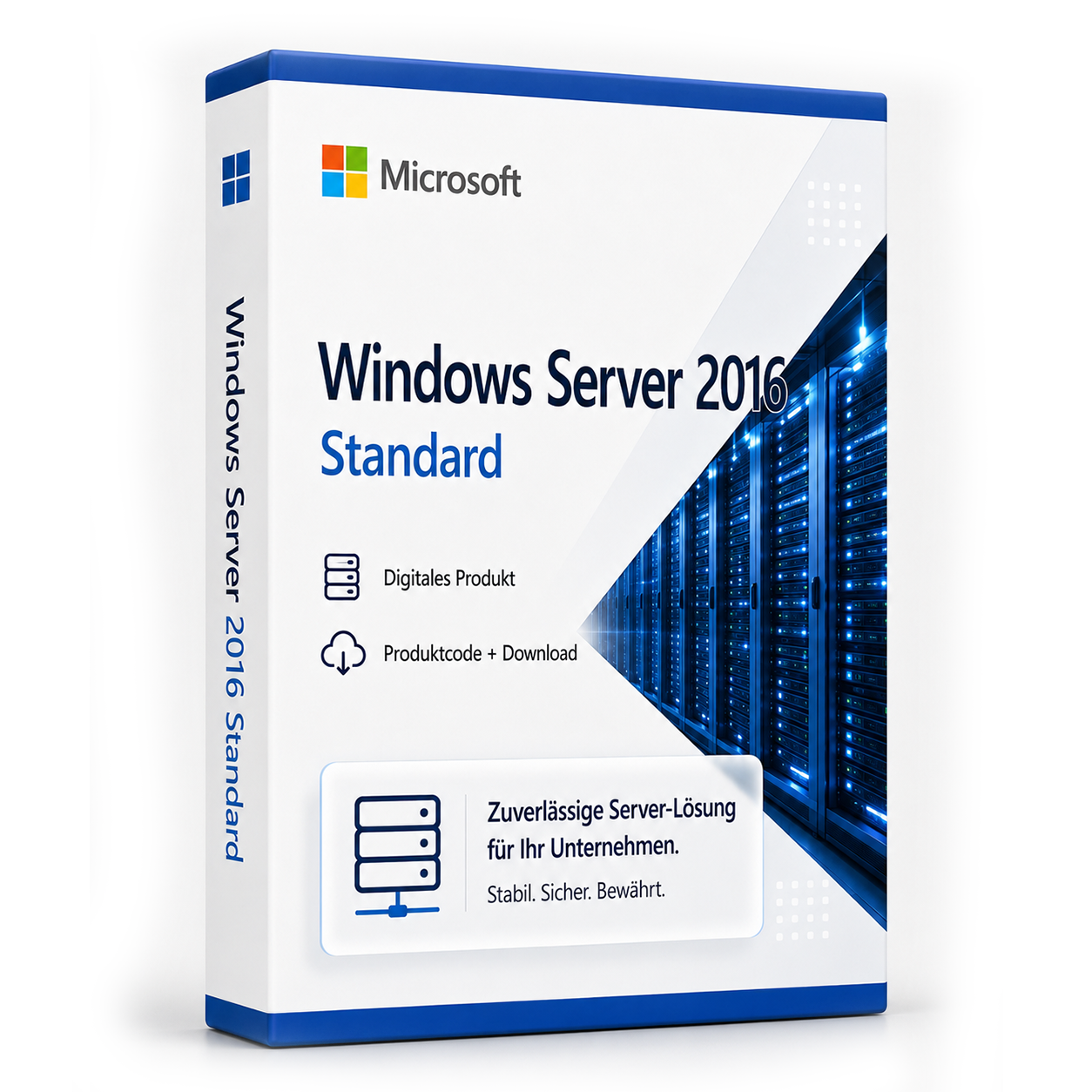

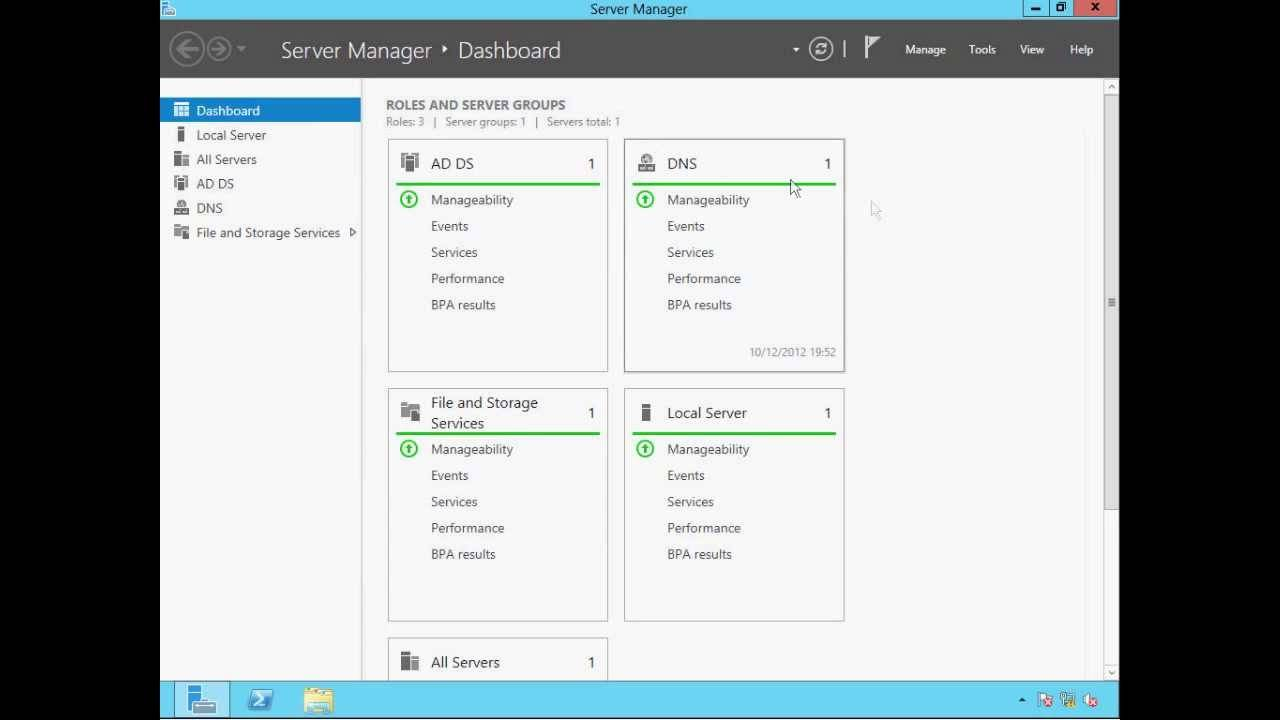
Microsoft Windows Server 2016 Standard
Microsoft Windows Server 2016 Standard Take the step into the future with Microsoft Windows Server 2016 Standard There is hardly a... Die Lizenz wird als Produktschlüssel per E-Mail geliefert und ist dauerhaft gültig (kein Abo). Lieferung erfolgt digital per E-Mail mit Produktschlüssel, Download-Link und Rechnung durch SoftwareKing24.
0 Leute schauen sich gerade das Produkt an. 0 haben es im Warenkorb.
incl. 19% VAT
In stock
- Immediate shipping via email: Product key, instructions, download & invoice in seconds.
- Full version: Permanently valid license. No subscription, no ongoing costs.
- 24/7 Premium Support: Free assistance with installation & activation.
- Buyer protection up to €20,000: Every purchase is covered by Trusted Shops secured.
Description
Microsoft Windows Server 2016 Standard
Take the step into the future with Microsoft Windows Server 2016 Standard
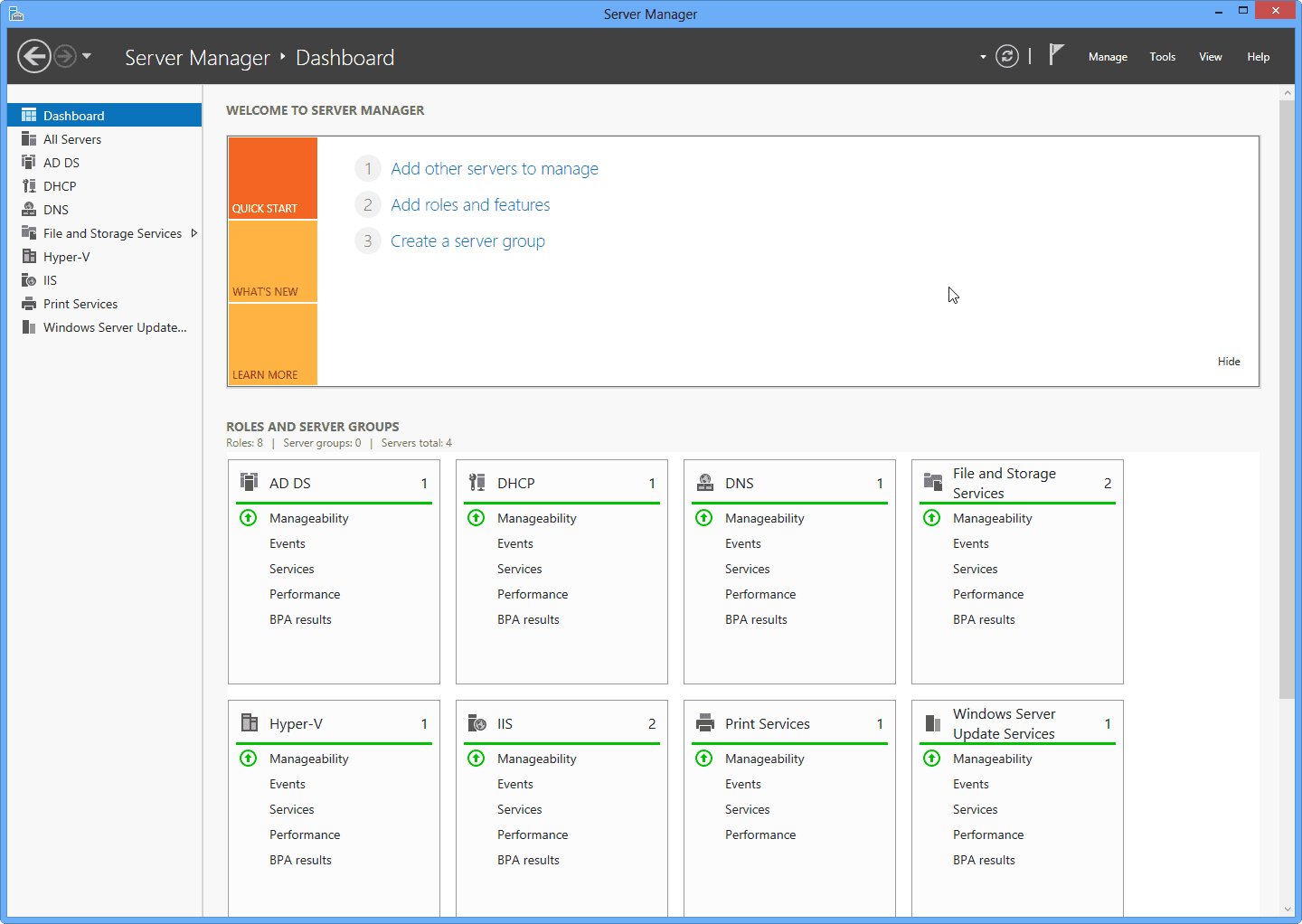
Today, there is hardly any way to optimally and truly purposefully run a company without a corresponding corporate server. Because IT in a company is what keeps the individual departments in communication, enables communication externally, and ensures that every employee has access to the data and information they need at any time. To ensure all of this, you need an excellent operating system that can not only optimally manage your corporate server but also enables you to make the most of your network's capabilities. This is exactly the solution that Microsoft Windows Server 2016 Standard offers. Buy Microsoft Windows Server cheap and download immediately The 2019 version of Windows Server enables hybrid cloud scenarios. The basis is the Project Honolulu introduced in 2015. Existing Windows Server environments can be easily connected to the new cloud services. This allows users to integrate Azure Backup, Disaster Recovery, Azure File Sync, and other Microsoft services seamlessly into existing infrastructures and applications. The software "Project Honolulu" was officially introduced alongside the release of Windows Server 2016. This server management tool is a central interface for managing servers running under Windows 2019, 2016, or 2012R2, with or without a GUI. Typical tasks such as performance monitoring or server configuration are simplified, as they are designed differently in Project Honolulu. Managing Windows services in architectures with mixed servers has also been made easier.Windows Server 2016: Security is the priority
One of the key aspects that sets Windows Server 2016 apart from its predecessors is the significant improvement in security. Numerous security vulnerabilities were one of the main criticisms of previous Microsoft server operating systems. Therefore, the developers have significantly enhanced this area. One example is Credential Guard. This protects particularly sensitive passwords through a special virtualization that only privileged software can access. Furthermore, the developers found that a large portion of attacks occurs within the company's own network. Therefore, they introduced the option to significantly restrict access rights. While in previous versions an authorized technician had access to all server areas, it is now possible to grant rights only for a specific sub-area and to restrict them temporally.Windows Server expands performance and reliability
It is also possible to use it as a Remote Desktop Session Host (RDSH). In this case, Windows-based programs or the entire desktop can be shared among users when they run on the host. The new features for storage management are also interesting. The Storage Migration Services (SMS) allow for the updating of old file servers to version 2016. Data, access rights, and settings are transferred. The storage migration transfers the identity of the old server to a new one, allowing the previous machine to be removed from the network. The necessary tool is included in the Honolulu tools. Windows Server 2016 Standard also offers the Storage Replica feature. It was already included in the Datacenter Edition of Windows Server 2016 and serves for block-based replication of volumes between servers and clusters. Windows Server 2016 also comes with a graphical interface that some users missed in the 2016 version.Windows Server 2016 Standard Download - System Requirements
| Processor |
1.4 GHz 64-bit EMT64 or AMD64, Quad-Core recommended |
| Memory |
512 MB ECC supported memory modules and 800 MB for VM installations |
| Hard Drive |
for Core 32 GB, for GUI an additional 4 GB |
| Disk Controller | PCI Express Compliant Disk Controller |
Delivery includes:
- 1 x Microsoft Windows Server 2016 Standard product key
- Immediate download via express shipping (download link to download the software)
- Installation instructions
- Delivery occurs directly after the order process as a download
Related products
incl. 19% VAT
incl. 19% VAT
incl. 19% VAT
incl. 19% VAT
incl. 19% VAT
incl. 19% VAT
incl. 19% VAT
incl. VAT
incl. VAT
incl. 19% VAT
incl. 19% VAT
Frequently asked questions about Microsoft Windows Server 2016 Standard
How many users are possible with Microsoft Windows Server 2016 Standard?
With Microsoft Windows Server 2016 Standard, the number of users depends on the server edition (Essentials, Standard, Datacenter) and the additionally licensed CALs. Without CALs, only the local server console or limited administrative access is possible.
Standard vs. Datacenter – which server edition do I need?
Windows Server Standard is suitable for smaller environments with few VMs. Datacenter (e.g., Microsoft Windows Server 2016 Standard) is more economical for data centers with many virtual machines per host. Check your number of VMs before purchasing.
Can I use Microsoft Windows Server 2016 Standard as a domain controller?
Yes, Microsoft Windows Server 2016 Standard supports Active Directory, DNS, DHCP, and Group Policies as a domain controller. CALs (User or Device) are required for each access to the server – in addition to the server license.
What are the hardware requirements for Microsoft Windows Server 2016 Standard?
For Microsoft Windows Server 2016 Standard, a 64-bit processor starting at 1 GHz, at least 4 GB of RAM, and 64 GB of free storage space are recommended. A DirectX 9-capable graphics card is sufficient – TPM 2.0 is not mandatory on 10.
Does Microsoft Windows Server 2016 Standard work for gaming?
Yes, Microsoft Windows Server 2016 Standard supports DirectX 12, Auto-HDR, and the Xbox Game Bar. For current games, sufficient RAM (16 GB recommended), SSD, and a dedicated graphics card are crucial – regardless of the Windows edition.
Is the Microsoft Windows Server 2016 Standard license tied to the hardware?
Retail licenses of Microsoft Windows Server 2016 Standard can be reactivated on a new PC after deactivation. OEM licenses are tied to the first activated motherboard. With us, you typically receive retail keys with transferability.
How many new installations are allowed with the Microsoft Windows Server 2016 Standard key?
A retail key for Microsoft Windows Server 2016 Standard may be active on one PC at a time. After telephone or online deactivation, reactivation on different hardware is possible. Multiple simultaneous use on several PCs is not licensed.
Does Microsoft Windows Server 2016 Standard work on a Mac with Boot Camp or Parallels?
Yes, Microsoft Windows Server 2016 Standard can be installed in a virtual machine (Parallels, VMware) or via Boot Camp on Intel Macs. Apple Silicon Macs (M1/M2/M3) only support ARM Windows in VM – classic Boot Camp is not available there.
How do I receive the product key for Microsoft Windows Server 2016 Standard?
After purchasing Microsoft Windows Server 2016 Standard, you will automatically receive the product key, download link, and invoice via email – usually within a few minutes. Also, check the spam folder.
Do you offer assistance with the installation of Microsoft Windows Server 2016 Standard?
Yes, our support helps with the installation and activation of Microsoft Windows Server 2016 Standard. Use the included instructions or contact us through the help page if an error code occurs.

Microsoft Windows Server 2016 Standard
39.99€In stock