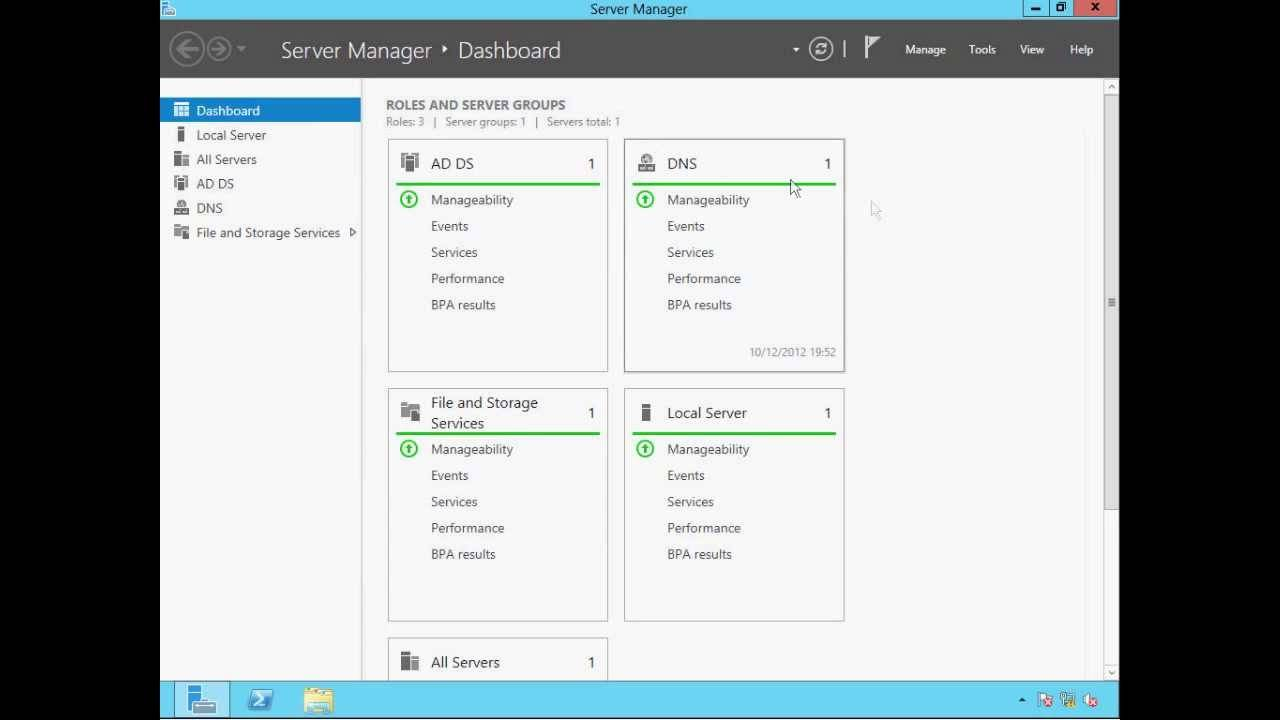

Microsoft Windows Server 2019 DataCenter
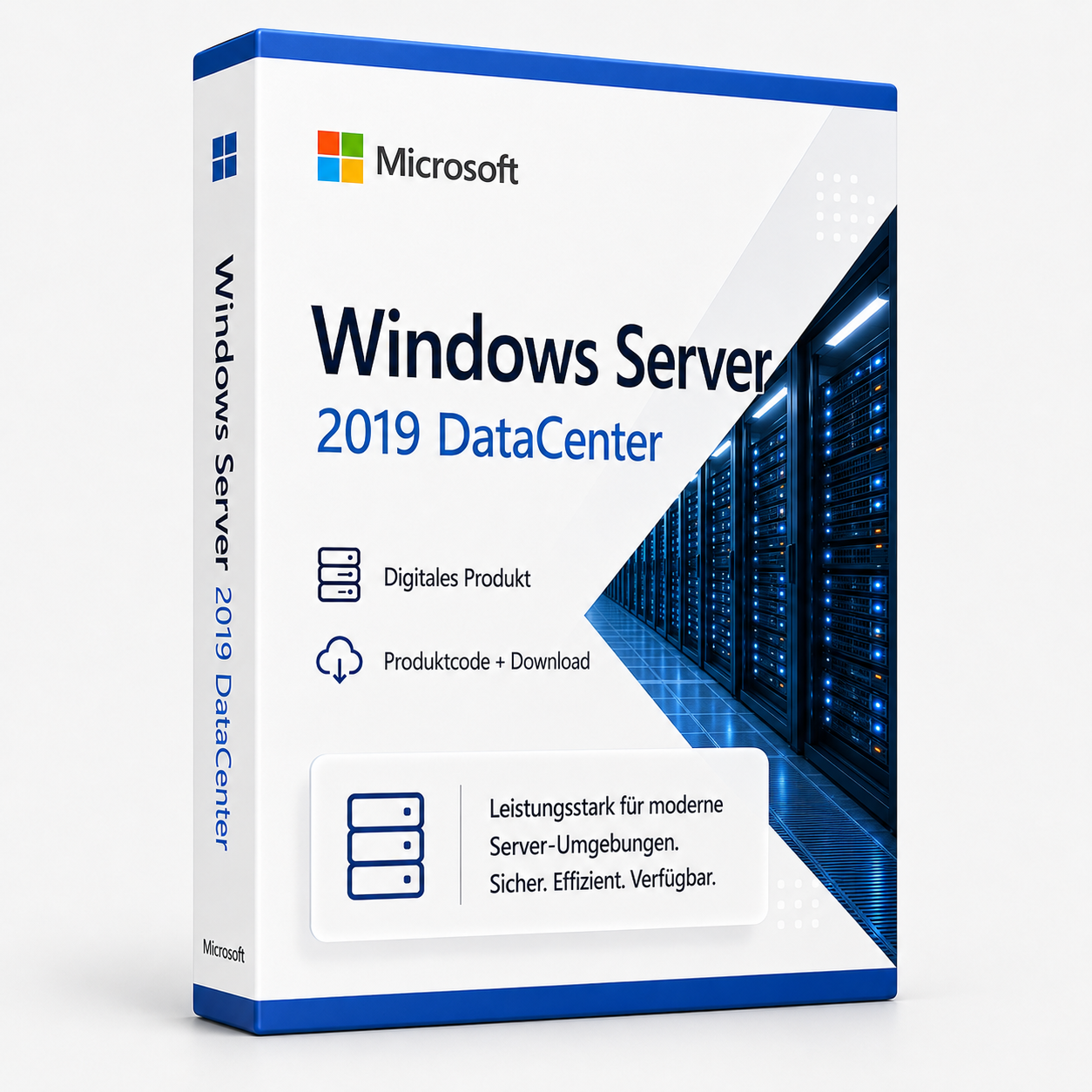
Microsoft Windows Server 2019 DataCenter ist ein Server-Betriebssystem von Microsoft. Die Lizenz wird als Produktschlüssel per E-Mail geliefert und kann nach dem Kauf sofort aktiviert werden. Es handelt sich um eine dauerhaft gültige Vollversion ohne Abonnement und ohne versteckte Folgekosten.
0 Leute schauen sich gerade das Produkt an. 0 haben es im Warenkorb.
incl. 19% VAT
In stock
- Immediate shipping via email: Product key, instructions, download & invoice in seconds.
- Full version: Permanently valid license. No subscription, no ongoing costs.
- 24/7 Premium Support: Free assistance with installation & activation.
- Buyer protection up to €20,000: Every purchase is covered by Trusted Shops secured.
Description
Windows Server 2019 DataCenter
Buy Windows Server 2019 DataCenter at a low price and benefit from reliability and performance including immediate download
With the Microsoft Windows Server 2019 DataCenter edition, the software company from Redmond builds on the strengths of Windows Server 2016 and helps large companies and organizations establish a stable and powerful network structure. The new version features numerous improvements and exclusive functions. The server operating system offers advantages especially for companies that want to purchase Windows Server 2019 DataCenter and use it in a "hybrid cloud scenario." Part of the overall package is, among other things, better connectivity to Microsoft Azure through the use of the browser-based tool "Project Honolulu."More security in Windows Server 2019
Security remains a major topic in the server area. With the Windows Server 2019 DataCenter edition, Microsoft again responds to current threats from the World Wide Web and improves its server operating system in numerous areas. Particularly interesting for users is the collaboration with Windows Defender Advanced Threat Protection. This protection mechanism specializes in detecting threats without signature files and effectively protects against rootkits and zero-day attacks that conventional antivirus scanners do not detect, thanks to cloud connectivity. Additionally, there is simpler and better encryption that also includes network traffic and virtual machines (VMs).Express updates and better integration of Microsoft Azure
Users of the Windows Server 2019 DataCenter edition also benefit from Microsoft's express updates, as already known from the desktop operating system Windows 10. The big advantage is that the new express updates are significantly smaller than the delta updates previously common with Windows Server. The express updates, which function similarly to incremental backups, not only speed up downloading and installation but also reduce the number of necessary reboots of the servers in use. The new version is also characterized by closer integration with Microsoft Azure. This, in turn, opens up new possibilities for users of the Windows Server 2019 DataCenter edition, such as simplified file synchronization, data backup via Azure Backup, or equipping file servers with Azure Files from the cloud. In addition to connecting clusters to Microsoft Azure, there is also the option to back up data to the cloud using the Storage Migration Assistant. Also new is the improved virtualization of Linux servers under Windows Server 2019 and their protection via "shielded VMs," which was previously only possible with Windows servers. With Windows Subsystem for Linux, Linux distributions can now also be integrated within the Windows installation using Windows Server 2019. This has the advantage that Linux servers can now also be conveniently managed from Windows servers using Linux commands.Flexible licensing concept for large organizations
Companies that purchase Windows Server 2019 DataCenter continue to benefit from a well-thought-out licensing concept that scores with maximum flexibility. Like the standard edition of Windows Server 2019, the DataCenter edition is also licensed hardware-dependent via core licensing, including the accessing devices or users. As with its predecessor, the "8-core minimum" per processor and the "16-core minimum" per server still apply.Microsoft Windows Server 2019 DataCenter Download - System Requirements
| Platform | Windows |
| Processor | Processor with at least 1.4 GHz (Single-Core), at least 1.3 GHz (Multi-Core) - 3.1 GHz or more recommended (Single and Multi-Core), maximum support of 2 CPU sockets |
| Memory | At least 2 GB RAM (or 4 GB if Windows Server Essentials is provided as a VM), 16 GB RAM recommended, maximum support of 64 GB |
| Graphics Card | N/A |
| Sound Card | N/A |
| Hard Drive | At least 160 GB of hard disk space with a system partition with a capacity of at least 60 GB |
| Screen | N/A |
Scope of delivery:
- 1 x Windows Server 2019 DataCenter product key
- Immediate download via express (download link for downloading)
- Installation instructions
- Delivery takes place directly after the ordering process as a download
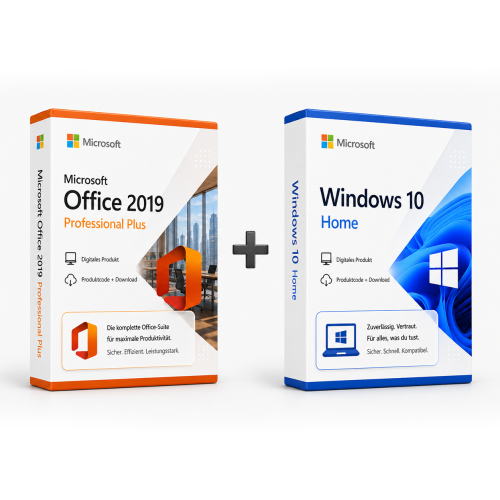
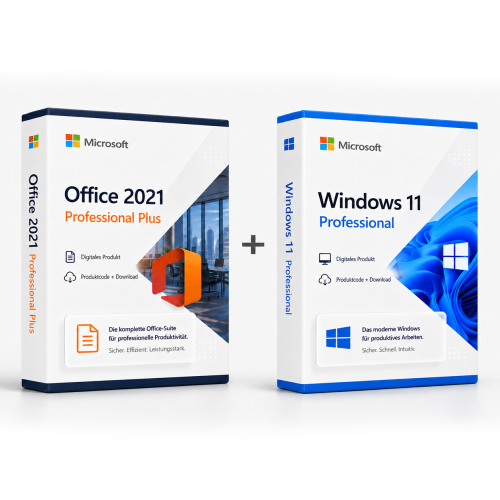
Related products
incl. 19% VAT
incl. 19% VAT
incl. 19% VAT
incl. 19% VAT
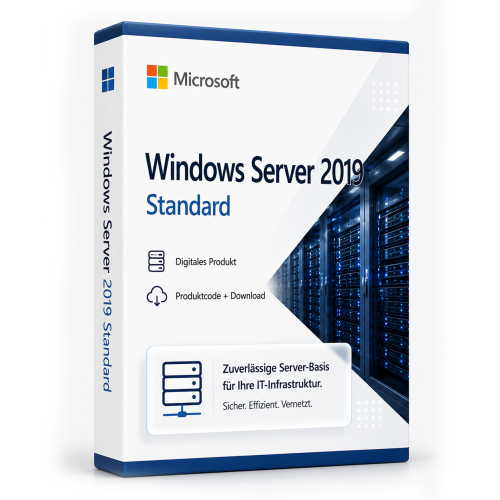
incl. VAT
incl. VAT
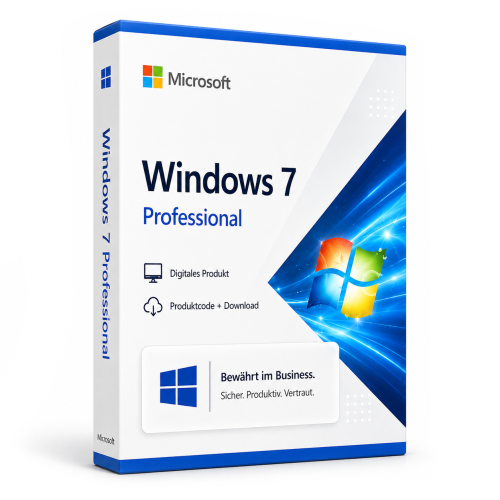
incl. 19% VAT
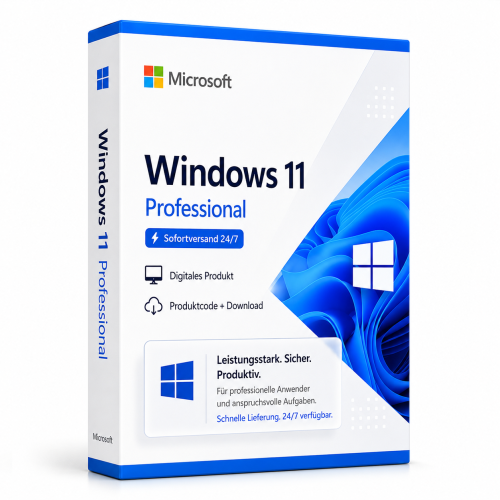
incl. 19% VAT
incl. 19% VAT
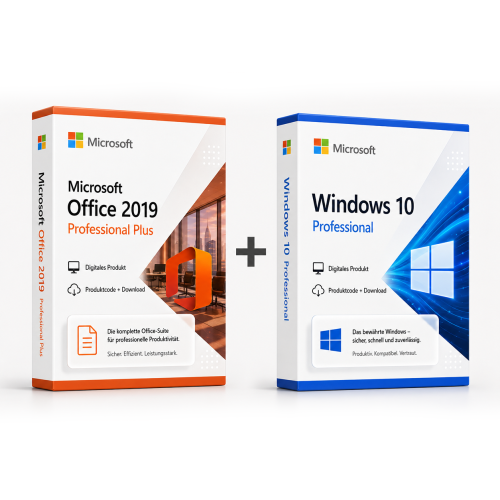
incl. 19% VAT
incl. 19% VAT
Frequently asked questions about Microsoft Windows Server 2019 DataCenter
How many users are possible with Microsoft Windows Server 2019 DataCenter?
In Microsoft Windows Server 2019 DataCenter, the number of users depends on the server edition (Essentials, Standard, Datacenter) and the additionally licensed CALs. Without CALs, only the local server console or limited management access is possible.
Standard vs. Datacenter – when is Microsoft Windows Server 2019 DataCenter the right choice?
Microsoft Windows Server 2019 DataCenter (Datacenter) is designed for highly virtualized environments with unlimited VM density per host. Windows Server Standard is sufficient for a few VMs (2 virtual instances). Datacenter is worthwhile from medium to high virtualization density.
Can I use Microsoft Windows Server 2019 DataCenter as a domain controller?
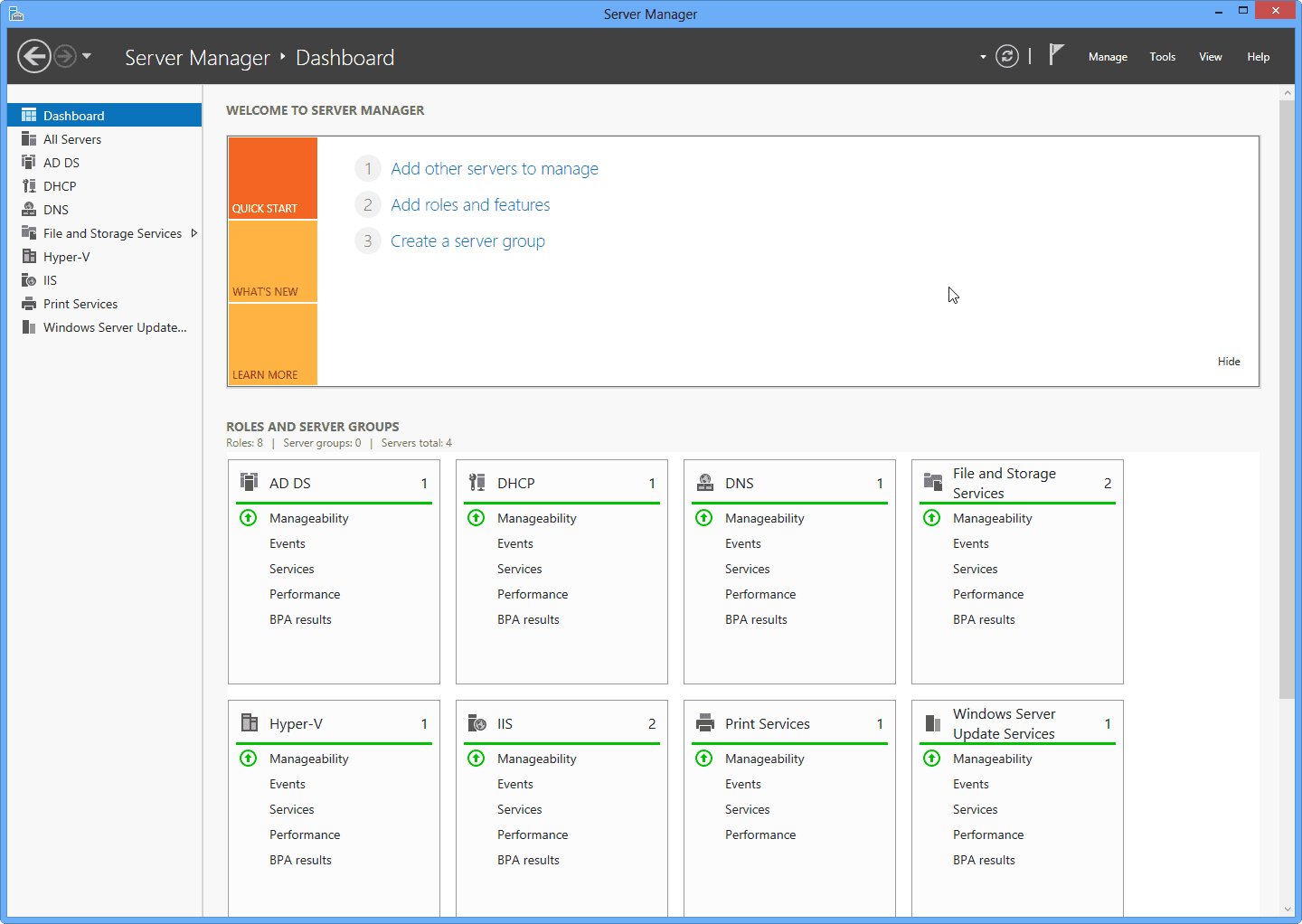
Yes, Microsoft Windows Server 2019 DataCenter supports Active Directory, DNS, DHCP, and Group Policies as a domain controller. CALs (User or Device) are required for each access to the server – in addition to the server license.
What are the hardware requirements for Microsoft Windows Server 2019 DataCenter?
For Microsoft Windows Server 2019 DataCenter, a 64-bit processor starting at 1 GHz, at least 4 GB of RAM, and 64 GB of free storage space are recommended. A DirectX 9-capable graphics card is sufficient – TPM 2.0 is not mandatory for 10.
Does Microsoft Windows Server 2019 DataCenter work for gaming?
Yes, Microsoft Windows Server 2019 DataCenter supports DirectX 12, Auto-HDR, and the Xbox Game Bar. For current games, sufficient RAM (16 GB recommended), SSD, and a dedicated graphics card are crucial – regardless of the Windows edition.
Is the Microsoft Windows Server 2019 DataCenter license tied to the hardware?
Retail licenses of Microsoft Windows Server 2019 DataCenter can be reactivated on a new PC after deactivation. OEM licenses are tied to the first activated motherboard. With us, you typically receive retail keys with transferability.
How many new installations are allowed with the Microsoft Windows Server 2019 DataCenter key?
A retail key for Microsoft Windows Server 2019 DataCenter may be active on one PC at a time. After telephone or online deactivation, reactivation on different hardware is possible. Multiple simultaneous use on several PCs is not licensed.
Does Microsoft Windows Server 2019 DataCenter work on a Mac with Boot Camp or Parallels?
Yes, Microsoft Windows Server 2019 DataCenter can be installed in a virtual machine (Parallels, VMware) or via Boot Camp on Intel Macs. Apple Silicon Macs (M1/M2/M3) only support ARM-Windows in VM – classic Boot Camp is not available there.
How do I obtain the product key for Microsoft Windows Server 2019 DataCenter?
After purchasing Microsoft Windows Server 2019 DataCenter, you will automatically receive the product key, download link, and invoice via email – usually within a few minutes. Also check the spam folder.
Do you offer assistance with the installation of Microsoft Windows Server 2019 DataCenter?
Yes, our support helps with the installation and activation of Microsoft Windows Server 2019 DataCenter. Use the included instructions or contact us through the help page if an error code occurs.

Microsoft Windows Server 2019 DataCenter
49.99€In stock