
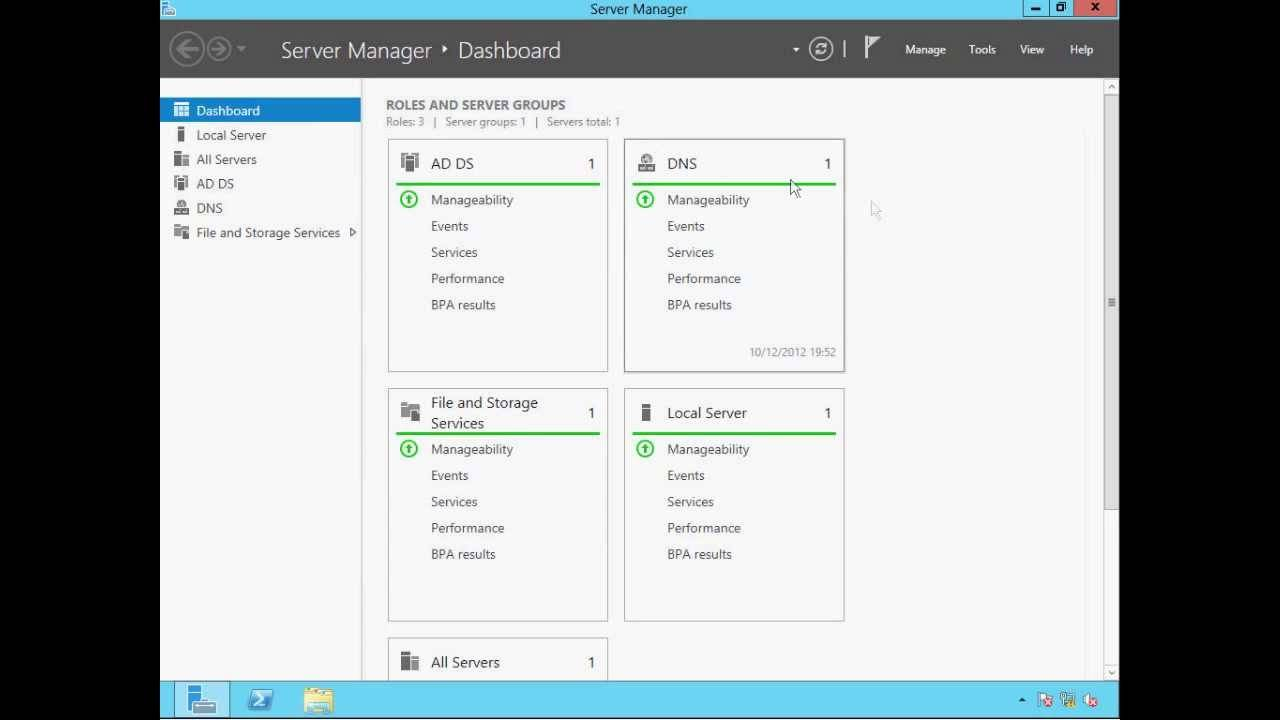
Microsoft Windows Server 2019 Standard
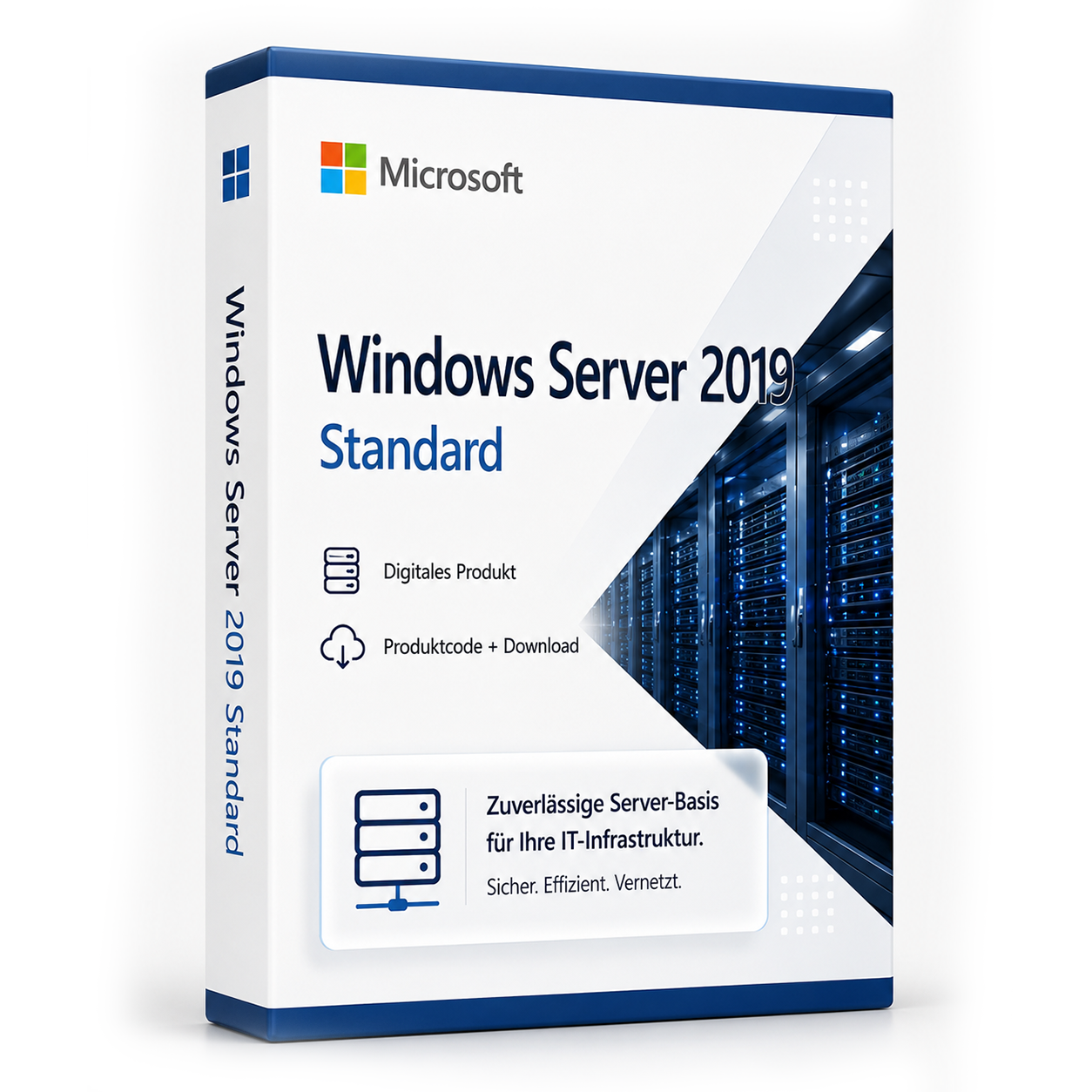
Microsoft Windows Server 2019 Standard ist ein Server-Betriebssystem von Microsoft. Die Lizenz wird als Produktschlüssel per E-Mail geliefert und kann nach dem Kauf sofort aktiviert werden. Es handelt sich um eine dauerhaft gültige Vollversion ohne Abonnement und ohne versteckte Folgekosten.
0 Leute schauen sich gerade das Produkt an. 0 haben es im Warenkorb.
inkl. MwSt.
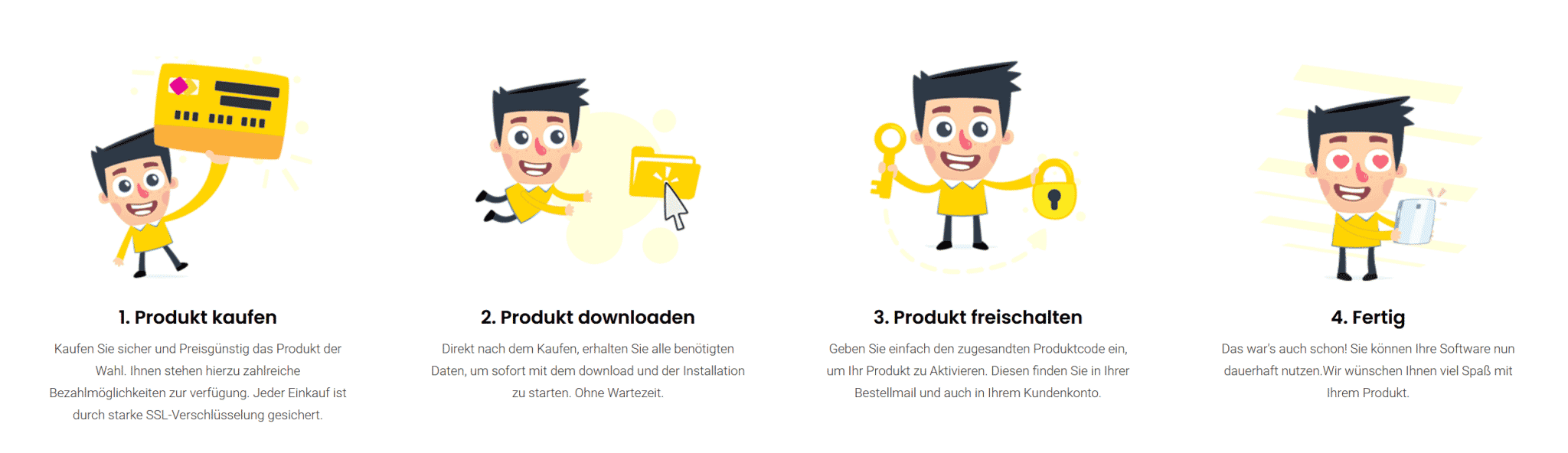
- Sofortversand per E-Mail: Produktschlüssel, Anleitung, Download & Rechnung in Sekunden.
- Vollversion: Dauerhaft gültige Lizenz. Kein Abo, keine laufenden Kosten.
- 24/7 Premium Support: Kostenlose Hilfe bei Installation & Aktivierung.
- Käuferschutz bis 20.000 €: Jeder Kauf ist über Trusted Shops abgesichert.
Beschreibung
Windows Server 2019 Standard
Das neue Microsoft Windows Server 2019 Standard ist die Weiterentwicklung des beliebten Betriebssystems Windows Server 2016. Es eignet sich für die meisten Infrastrukturszenarien und auch für Workloads wie Microsoft SQL Server oder Microsoft SharePoint. Über die Sicherheitsstandards von Windows Server 2019 hinaus werden effiziente Funktionen zum Schutz vor Bedrohungen geboten. So wurden die virtuellen Maschinen (VMs) weiterentwickelt, die sensible Anwendungen schützen. Es werden nun auch Linux-VMs unterstützt. Administratoren können zudem Netzwerksegmente zwischen Servern auf einfache Weise verschlüsseln. Neu eingeführt ist die Windows Defender Advanced Threat Protection (ATP). Diese bietet in Windows Server 2019 Standard einen vorbeugenden Schutz vor Angriffen und Zero-Day-Exploits. Sie erlaubt auch, den gesamten Sicherheitszyklus zentral zu verwalten.
Windows Server 2019 Standard günstig kaufen und sofort downloaden
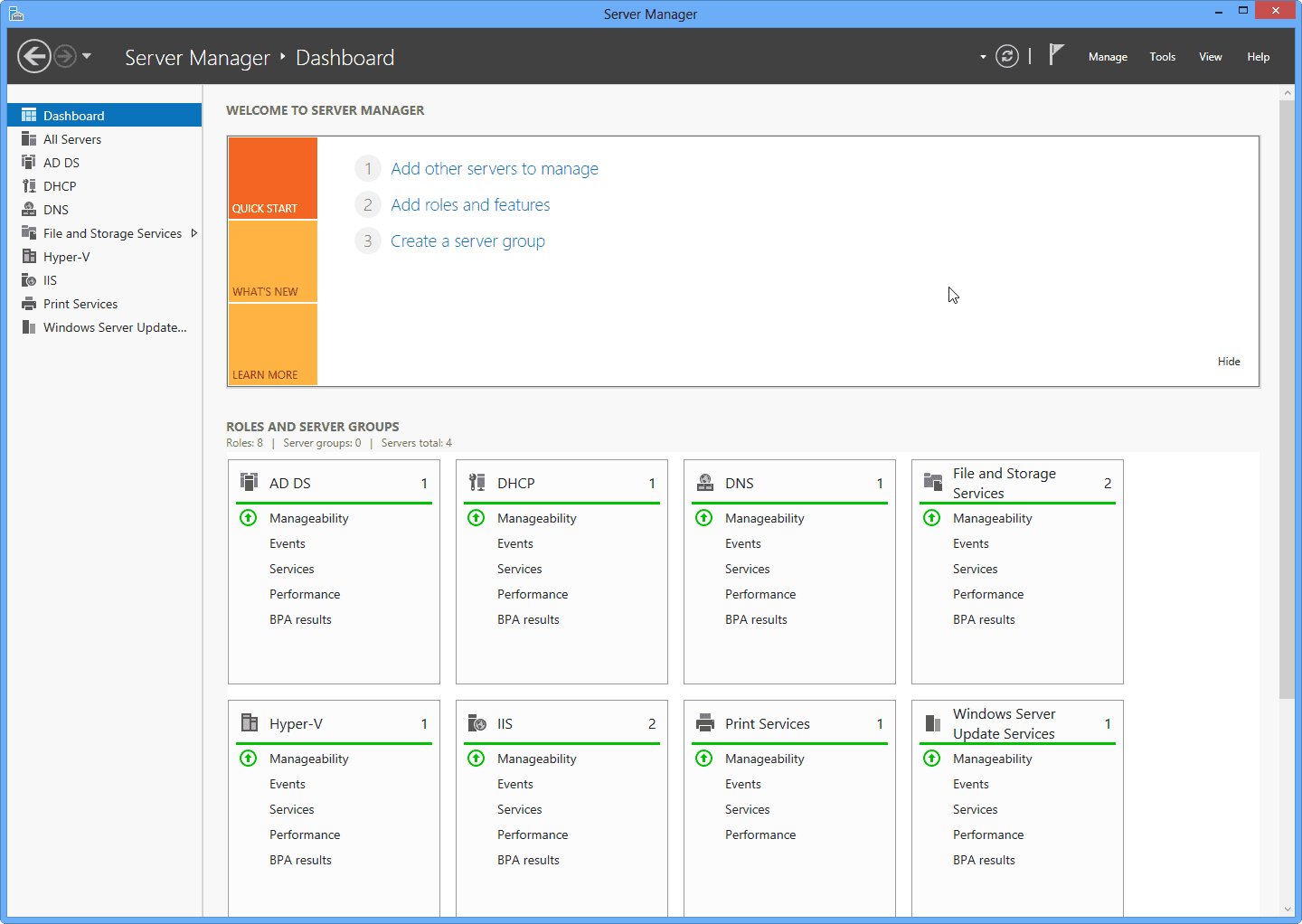
Die 2019er Version von Windows Server macht hybride Cloud-Szenarien möglich. Grundlage ist das 2017 vorgestellte Project Honolulu. Bestehende Windows Server-Umgebungen lassen sich leicht mit den neuen Cloud-Diensten verbinden. Der Benutzer kann somit Azure Backup, Desaster Recovery, Azure File Sync und andere Microsoft-Dienste unkompliziert in vorhandene Infrastrukturen und Applikationen integrieren. Die Software „Project Honolulu“ wurde gleichzeitig mit der Veröffentlichung von Windows Server 2019 offiziell vorgestellt. Dieses Server-Management-Tool ist eine zentrale Schnittstelle, um Server, die – mit oder ohne GUI – unter Windows 2019, 2016 oder 2012R2 laufen, zu verwalten. Typische Aufgaben wie Performance Monitoring oder Serverkonfiguration werden einfacher, da sie bei Project Honolulu anders gestaltet sind. Auch das Managen von Windows Services in Architekturen mit gemischten Servern wurde vereinfacht.
Kleinere Container und HCI-Infrastrukturen
Windows Server 2019 Standard unterstützt Entwickler stärker als bisher bei der Modernisierung bestehender Anwendungen, wenn diese mit Container-Technologien arbeiten. Dazu dienen die Server Core Basis Containerimages des Betriebssystems. Images können auf ein Drittel ihrer derzeitigen Größe verkleinert werden. Damit reduziert sich auch die Downloadzeit um etwa 72 Prozent. Unterstützung gibt es zudem für das Open-Source Containersystem Kubernetes. Hyperkonvergente Infrastrukturen (HCI) sind schon von Windows Server 2016 und dem Windows Server Software Defined-Programm bekannt. Auch in Windows Server 2019 sind vorkonfigurierte HCI-Lösungen nützlich. Sie helfen bei der Erfüllung von Rechen- und Speicheranforderungen und sind einfach zu implementieren und skalieren. Auch sie können durch Project Honolulu verwaltet werden, wodurch sich die tägliche Arbeit mit HCI-Implementierungen stark vereinfacht.
Windows Server 2019 erweitert Leistungsfähigkeit und Zuverlässigkeit
Möglich wird außerdem die Nutzung als Remote Desktop Session Host (RDSH). Dabei können Windows-basierte Programme oder der gesamte Desktop unter Nutzern geteilt werden, wenn sie auf dem Host laufen. Interessant sind auch die neuen Funktionen für das Speicher-Management. Die Storage Migration Services (SMS) ermöglichen es, vor allem alte File-Server auf die Version 2019 zu aktualisieren. Dabei werden Daten, Zugriffsrechte und Einstellungen übernommen. Die Storage-Migration überträgt die Identität des alten Servers auf einen neuen, sodass der vorherige Rechner vom Netz kann. Das nötige Werkzeug ist in den Honolulu-Tools enthalten. Windows Server 2019 Standard bietet des Weiteren das Feature Storage Replica. Es war bereits in der Datacenter Edition von Windows Server 2016 enthalten und dient der blockbasierten Replizierung von Volumes zwischen Servern und Clustern. Windows Server 2019 wartet zusätzlich mit einer grafischen Oberfläche auf, die manche Nutzer in der 2016er Version vermisst haben.
Windows Server 2019 Standard Download – Systemanforderungen
| Prozessor |
1.4 GHz 64-bit EMT64 oder AMD64, Quad-Core empfohlen |
| Arbeitsspeicher |
512 MB ECC unterstützte Memory Module und 800 MB für VM-Installationen |
| Festplatte |
für Core 32 GB, für GUI weitere 4 GB |
| Disk Controller | PCI Express Compliant Disk Controller |
Lieferumfang:
- 1 x Microsoft Windows Server 2019 Standard Produkt Key
- Sofortdownload per Expressversand (Downloadlink zum Herunterladen der Software)
- Installationsanleitung
- Lieferung erfolgt direkt nach dem Bestellvorgang als Download
Hinweis: Dieses Angebot beinhaltet keinen Produkt-Key Aufkleber (COA-Label). Dieses Angebot richtet sich an Privat sowie Unternehmen, Geschäftskunden, Behörden, Organisationen, Schulen, Gemeinden und Kirchen.
Zusätzliche Information
| Core Anzahl (1 User) | 2-core Key (1 User), 4-core Key (1 User), 6-core Key (1 User), 8-core Key (1 User), 10-core Key (1 User), 12-core Key (1 User), 14-core Key (1 User), 16-core Key (1 User), 18-core Key (1 User), 20-core Key (1 User), 22-core Key (1 User), 24-core Key (1 User), 26-core Key (1 User), 28-core Key (1 User), 30-core Key (1 User), 32-core Key (1 User) |
|---|
Passt dazu – oft zusammen gekauft


Ähnliche Produkte

inkl. 19 % MwSt.

inkl. 19 % MwSt.
inkl. 19 % MwSt.

inkl. 19 % MwSt.

inkl. 19 % MwSt.
inkl. 19 % MwSt.

inkl. 19 % MwSt.
inkl. 19 % MwSt.

inkl. 19 % MwSt.
inkl. 19 % MwSt.
Häufige Fragen zu Microsoft Windows Server 2019 Standard
Wie viele Benutzer sind mit Microsoft Windows Server 2019 Standard möglich?
Bei Microsoft Windows Server 2019 Standard richtet sich die Benutzerzahl nach der Server-Edition (Essentials, Standard, Datacenter) und den zusätzlich lizenzierten CALs. Ohne CALs ist nur die lokale Server-Konsole bzw. begrenzte Verwaltungszugriffe möglich.
Standard vs. Datacenter – welche Server-Edition brauche ich?
Windows Server Standard eignet sich für kleinere Umgebungen mit wenigen VMs. Datacenter (z. B. Microsoft Windows Server 2019 Standard) ist für Rechenzentren mit vielen virtuellen Maschinen pro Host wirtschaftlicher. Prüfen Sie Ihre VM-Anzahl vor dem Kauf.
Kann ich Microsoft Windows Server 2019 Standard als Domänencontroller nutzen?
Ja, Microsoft Windows Server 2019 Standard unterstützt Active Directory, DNS, DHCP und Gruppenrichtlinien als Domänencontroller. CALs (User oder Device) sind für jeden Zugriff auf den Server erforderlich – zusätzlich zur Server-Lizenz.
Welche Hardware-Anforderungen hat Microsoft Windows Server 2019 Standard?
Für Microsoft Windows Server 2019 Standard empfehlen sich ein 64-Bit-Prozessor ab 1 GHz, mindestens 4 GB RAM und 64 GB freier Speicherplatz. Eine DirectX-9-fähige Grafikkarte ist ausreichend – TPM 2.0 ist bei 10 nicht zwingend.
Funktioniert Microsoft Windows Server 2019 Standard für Gaming?
Ja, Microsoft Windows Server 2019 Standard unterstützt DirectX 12, Auto-HDR und die Xbox-Game-Bar. Für aktuelle Spiele sind ausreichend RAM (16 GB empfohlen), SSD und eine dedizierte Grafikkarte entscheidend – unabhängig von der Windows-Edition.
Ist die Microsoft Windows Server 2019 Standard-Lizenz an die Hardware gebunden?
Retail-Lizenzen von Microsoft Windows Server 2019 Standard können nach Deaktivierung auf einem neuen PC erneut aktiviert werden. OEM-Lizenzen sind an das erstaktivierte Mainboard gebunden. Bei uns erhalten Sie in der Regel Retail-Keys mit Übertragbarkeit.
Wie viele Neuinstallationen sind mit dem Microsoft Windows Server 2019 Standard-Key erlaubt?
Ein Retail-Key für Microsoft Windows Server 2019 Standard darf auf einem PC gleichzeitig aktiv sein. Nach telefonischer oder Online-Deaktivierung ist eine erneute Aktivierung auf anderer Hardware möglich. Mehrfach parallele Nutzung auf mehreren PCs ist nicht lizenziert.
Funktioniert Microsoft Windows Server 2019 Standard auf einem Mac mit Boot Camp oder Parallels?
Ja, Microsoft Windows Server 2019 Standard lässt sich in einer virtuellen Maschine (Parallels, VMware) oder per Boot Camp auf Intel-Macs installieren. Apple-Silicon-Macs (M1/M2/M3) unterstützen nur ARM-Windows in VM – klassisches Boot Camp entfällt dort.
Wie erhalte ich den Produktschlüssel für Microsoft Windows Server 2019 Standard?
Nach dem Kauf von Microsoft Windows Server 2019 Standard erhalten Sie den Produktschlüssel, Download-Link und Rechnung automatisch per E-Mail – in der Regel innerhalb weniger Minuten. Prüfen Sie auch den Spam-Ordner.
Bieten Sie Hilfe bei der Installation von Microsoft Windows Server 2019 Standard?
Ja, unser Support hilft bei der Installation und Aktivierung von Microsoft Windows Server 2019 Standard. Nutzen Sie die mitgelieferte Anleitung oder kontaktieren Sie uns über die Hilfe-Seite, wenn ein Fehlercode auftritt.