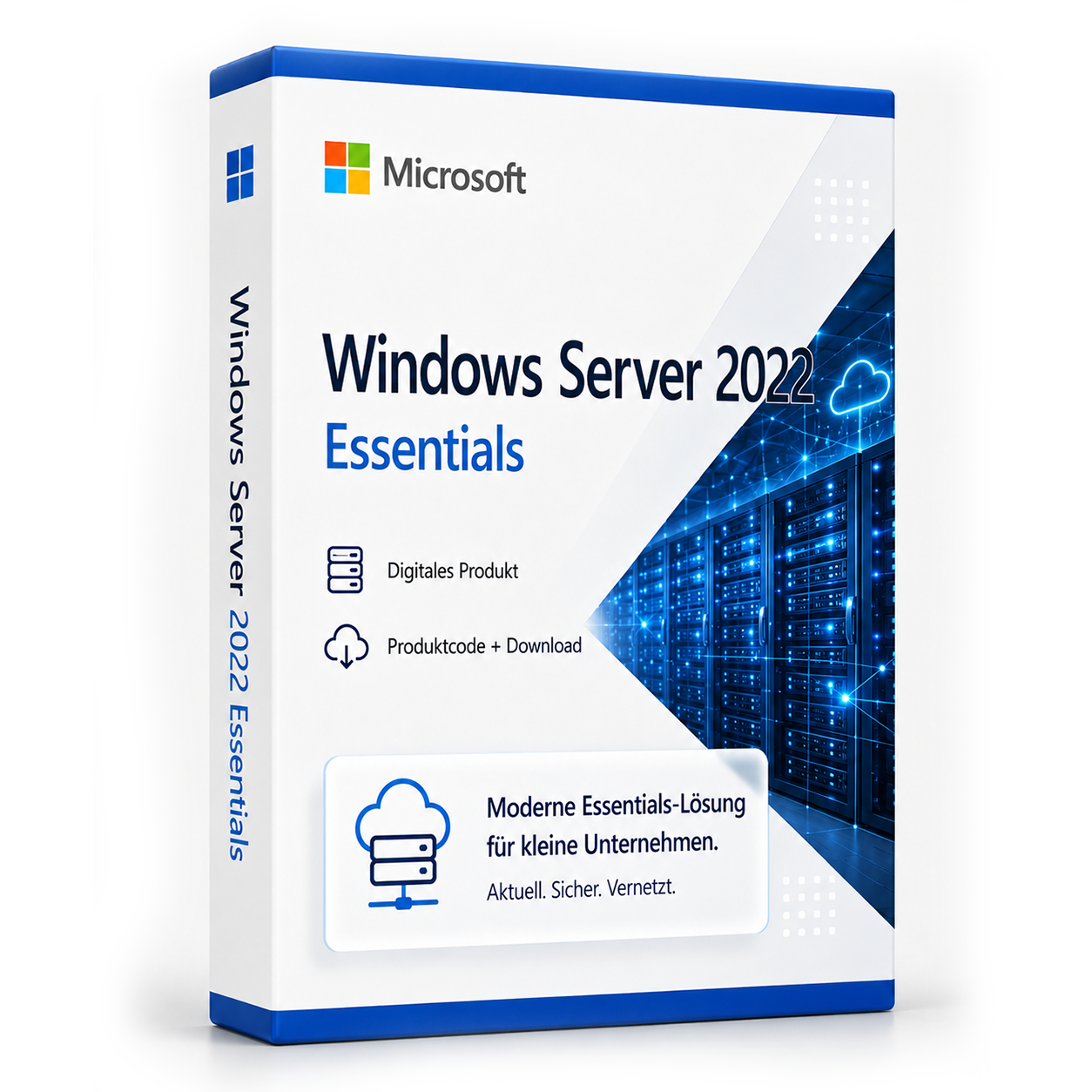

Microsoft Windows Server 2022 Essentials
Microsoft Windows Server 2022 Essentials ist ein Server-Betriebssystem von Microsoft. Die Lizenz wird als Produktschlüssel per E-Mail geliefert und kann nach dem Kauf sofort aktiviert werden. Es handelt sich um eine dauerhaft gültige Vollversion ohne Abonnement und ohne versteckte Folgekosten.
incl. 19% VAT
34.99€
In stock
- Immediate shipping via email: Product key, instructions, download & invoice in seconds.
- Full version: Permanently valid license. No subscription, no ongoing costs.
- 24/7 Premium Support: Free assistance with installation & activation.
- Buyer protection up to €20,000: Every purchase is covered by Trusted Shops secured.
Description
Microsoft Windows Server 2022 Essentials
Buy Microsoft Windows Server 2022 Essentials at a low price from the bestseller softwareking24.com. The Server 2022 Essentials is a special license of Windows Server and is no longer a separate edition, as it was until Windows Server 2019. Small and medium-sized businesses should consider this edition. Here, modern Windows features can be purchased at a low cost. The Essentials Server 2022 has been available since September. The licensing of Server 2022 Essentials has changed: The edition is not available in volume licensing programs. The Essentials license is limited to one server with one CPU and a maximum of 10 cores. The Windows Server 2022 Essentials has the same features as the Windows Server 2022 Standard and can be used as a terminal server, with associated CALs. Microsoft Windows Server 2022 is, as in the two previous versions, available in four editions:
- Essentials
- Default
- Datacenter
- Datacenter Azure Edition
| Edition | Ideal for... | Virtualization rights | Access licenses | CPU Limit | |
|---|---|---|---|---|---|
| Essentials | Small businesses with basic IT requirements; very small or no in-house IT department | Installation 1x physical or 1x virtual * | no CALs required (limited to 25 users / 50 devices) | max. 1 CPU max. 10 cores | |
| Default | For all companies that need advanced features and virtualize to a lesser extent | 2 virtual Windows Server machines ** | CALs required *** | unlimited cores | |
| Datacenter | For all companies with high demands on IT workloads with a large number of virtual systems | Unlimited virtual Windows Server machines | |||
| Datacenter Azure Edition | Special license for operating a virtual machine (VM) on Azure IaaS or on an Azure Stack HCI cluster | Still in the public preview phase. | |||
- (*) The Windows Server Essentials license allows one installation of a physical and a virtual Essentials server, provided the physical server exclusively provides the Hyper-V role for the virtualization of the Essentials server.
- (**) The Windows Server Standard Edition license allows 2 OSEs (Operating System Environments) if all physical cores are licensed.
- (***) CALs are required for each user or device that directly or indirectly accesses a server. Detailed information can be found on the Microsoft website.
For efficient server roles: Buy Microsoft Windows Server 2022 Essentials at a low price
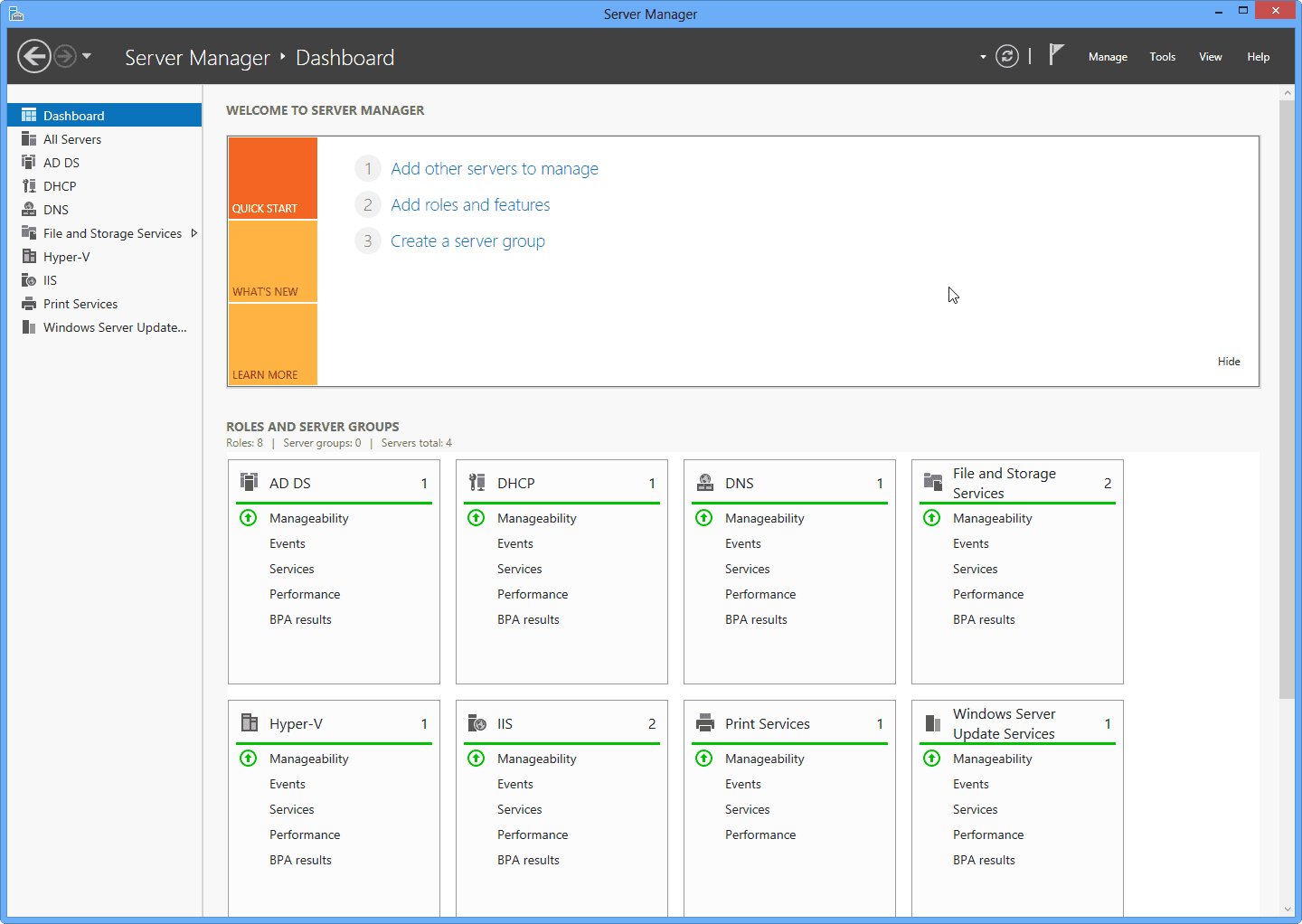
When you buy Windows Server 2022 Essentials, you have access to Active Directory, among other features. Active Directory is a user management service that allows a server to function as a so-called domain controller. Instead of each user logging in to a local computer, the domain controller takes care of the entire user account authentication. The top features of Windows Server Essentials Another feature of Windows Server 2022 is the Dynamic Host Configuration Protocol (DHCP). DHCP is a protocol that allows a server to automatically assign IP addresses to all devices on the network. At home, this is likely handled by your router. In a business environment, however, IT staff can utilize the greater DHCP functionality of Windows Server 2022 Essentials. The Windows Server 2022 Essentials license allows you to set up a print server in just a few steps. By setting up such a server, you can easily assign printers to computers, thereby reducing redundant work. The user-friendly interface of the server operating system makes it extremely comfortable to use the numerous Windows Server 2022 features.
What's new in Windows Server 2022
In Windows Server 2022, the list of new features is relatively short; Microsoft focuses on new features for the new Azure Stack HCI operating system. We can look forward to the following innovations in Windows Server 2022:- Security improvements
- Azure hybrid features
- Nested virtualization of AMD processors
- Microsoft Edge as the browser
- Storage optimizations for Storage Spaces Direct (Azure Stack HCI)
 Minimum hardware requirements for Windows Server 2022