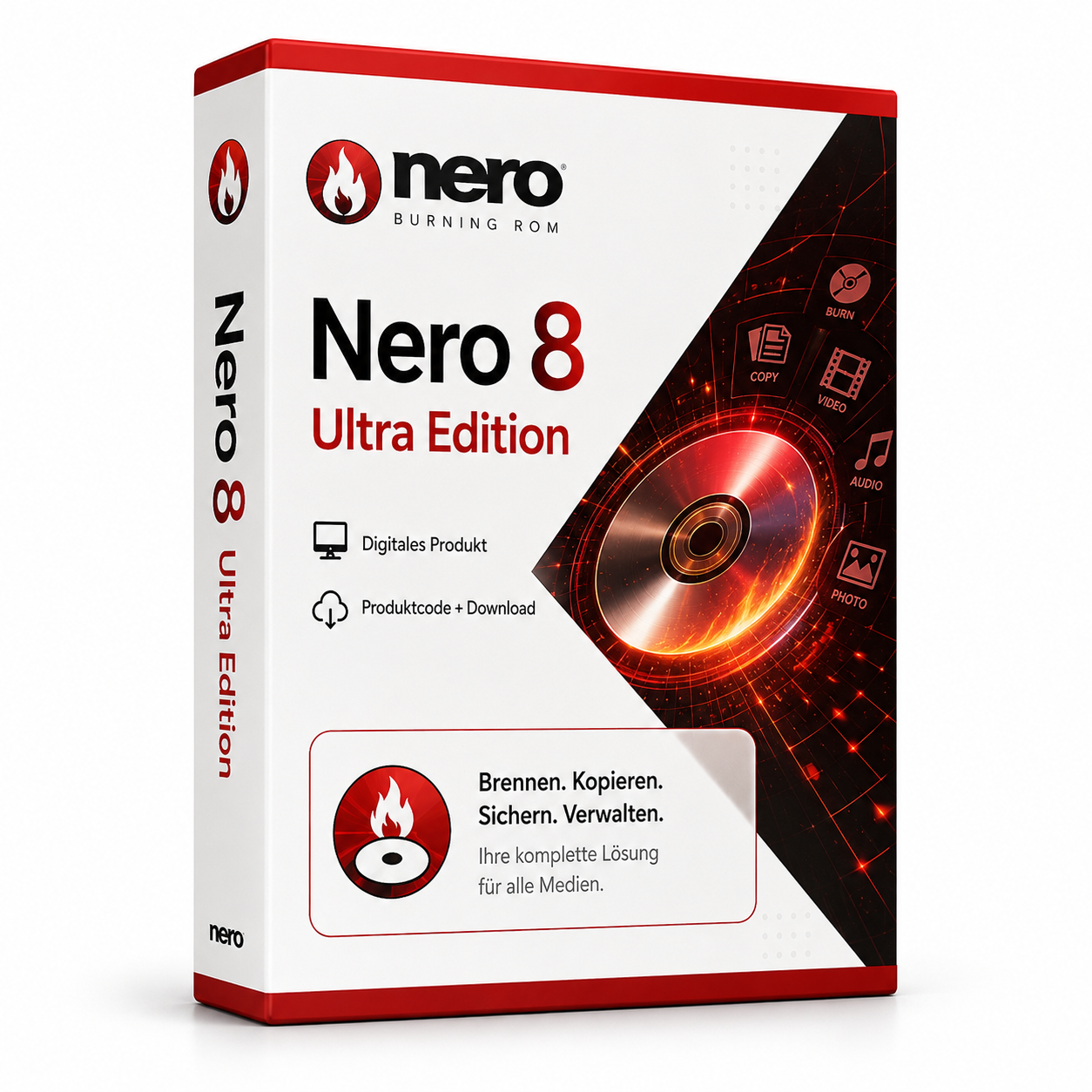
Nero 8 Ultra Edition
Nero 8 Ultra Edition - Complete Media Suite for All Burning and Editing Tasks Nero 8 Ultra Edition offers a comprehensive solution for all media tasks - from simple CD/DVD burning to professional video editing. This complete software suite combines all the necessary tools for creating, editing, and managing your digital media. With intuitive assistants and powerful professional features, you can effortlessly master projects such as video DVDs, audio CDs, data backups, and media conversion in various formats.
0 Leute schauen sich gerade das Produkt an. 0 haben es im Warenkorb.
incl. 19% VAT
In stock
- Immediate shipping via email: Product key, instructions, download & invoice in seconds.
- Full version: Permanently valid license. No subscription, no ongoing costs.
- 24/7 Premium Support: Free assistance with installation & activation.
- Buyer protection up to €20,000: Every purchase is covered by Trusted Shops secured.
Description
Nero 8 Ultra Edition: The complete media solution for demanding users
Nero 8 Ultra Edition represents the ultimate all-in-one solution for all media tasks, combining powerful burning features with comprehensive editing tools. This software suite has been specifically designed to provide both beginners and advanced users with all the necessary tools for professional media management. With Nero 8 Ultra Edition, you can effortlessly create video DVDs, burn audio CDs, convert media formats, and back up important data - all within an integrated working environment.Core features for professional media editing
Nero 8 Ultra Edition integrates a wide range of specialized tools into a coherent user interface. The software is designed to simplify complex media tasks while ensuring professional results without requiring technical knowledge.High-speed burning
The software supports burning CDs, DVDs, and dual-layer discs at maximum speed and reliability. Integrated quality assurance features ensure perfect results with every burning process, while batch processing allows for simultaneous creation of multiple copies.Versatile video editing
The integrated video editor offers extensive editing features including cutting, trimming, transitions, and special effects. You can combine videos from various sources, add subtitles, and create menus for DVD projects that meet professional standards.Universal media conversion
The software converts nearly any media format into the desired target size and quality. All common video, audio, and image formats are supported, including optimized presets for mobile devices, web publishing, and archiving purposes.Diverse application areas for different user groups
Nero 8 Ultra Edition is suitable for a wide range of users and projects. The flexible software solution offers specific features for different needs and experience levels in media editing and management.- Creation of professional video DVDs with custom menus
- Burning audio CDs for car stereo systems and CD players
- Backing up important data on optical media
- Converting media for mobile devices and online platforms
- Digital archiving of photos, videos, and documents
- Creation of presentation discs for business purposes
Intuitive workflows and user-friendly interface
The installation of Nero 8 Ultra Edition is straightforward and guides you systematically through the setup process. The clearly structured user interface offers both wizards for beginners and advanced manual settings for experienced users who have specific requirements for their media projects. The main menu presents all available functions in logically grouped categories, while context-sensitive help features assist at every step of the work process. The drag-and-drop functionality simplifies project assembly, and the preview function allows for quality control before the final burning or exporting of your media.Tip for optimal burning results
For best results, use high-quality media and reduce other system activities during the burning process. Nero 8 Ultra Edition offers an integrated disc quality check that ensures the reliability of your burned media.System requirements for Nero 8 Ultra Edition
Nero 8 Ultra Edition is optimized for Windows systems and has moderate requirements for your hardware. For smooth performance with demanding media projects, we recommend adhering to the recommended system requirements.| Component | Minimum requirements | Recommended requirements |
|---|---|---|
| Operating system | Windows XP | Windows 7 or higher |
| Processor | 1 GHz Intel Pentium III | 2 GHz multi-core processor |
| Memory | 512 MB RAM | 2 GB RAM or more |
| Graphics card | DirectX 9.0 compatible graphics card | DirectX 10 compatible graphics card |
| Hard disk space | 1.5 GB free disk space | 3 GB free disk space |
| Optical drive | CD/DVD burner required for burning functions | |
| Internet connection | Required for activation and online features | |
Performance optimization
For optimal performance in video editing and conversion, close other resource-intensive applications during processing. Nero 8 Ultra Edition intelligently utilizes available system resources and provides real-time progress displays for all ongoing processes.Your advantages when purchasing at softwareking24.com
As a customer of softwareking24.com, you benefit from a transparent purchasing process and reliable service for your media projects.Direct delivery
The product code will be made available to you immediately in your customer account after purchase and sent to you via email simultaneously.Permanent use
You receive a permanent version without subscription or recurring costs - buy once, use for a lifetime.Original software
You receive an original product key from the manufacturer with full functionality and installation rights.Discover the possibilities of professional media editing
Nero 8 Ultra Edition offers a timeless solution for anyone who values comprehensive media features and permanent usage rights. With this complete software suite, you can tackle nearly any task in media editing, management, and archiving without limitations or hidden costs. The combination of powerful burning features, professional video editing, and universal media conversion makes Nero 8 Ultra Edition the ideal choice for users seeking a reliable all-in-one solution for their media projects. Choose now for permanent media competence without subscription obligations.Related products
incl. 19% VAT
Frequently asked questions about Nero 8 Ultra Edition
Which versions of Windows is Nero 8 Ultra Edition suitable for?
Nero 8 Ultra Edition supports Windows 10 and 11 (64-bit). Check the manufacturer's specifications for older versions of Windows – partition tools may require admin rights.
Do I need administrator rights for Nero 8 Ultra Edition?
Yes, administrator rights are generally required for Nero 8 Ultra Edition (Registry, drivers, partitions). Start the setup as an administrator and back up important data beforehand.
Is Nero 8 Ultra Edition usable with SSD and HDD?
Yes, Nero 8 Ultra Edition works on SSD and HDD drives. For partitioning tools, a complete backup is recommended before making changes.
How do I obtain the product key for Nero 8 Ultra Edition?
After purchasing Nero 8 Ultra Edition, you will automatically receive the product key, download link, and invoice via email – usually within a few minutes. Also, check the spam folder.
Do you offer assistance with the installation of Nero 8 Ultra Edition?
Yes, our support helps with the installation and activation of Nero 8 Ultra Edition. Use the included instructions or contact us through the help page if an error code occurs.
Is Nero 8 Ultra Edition permanently valid?
Yes, Nero 8 Ultra Edition is a one-time purchase license without a subscription. The key remains permanently valid as long as the manufacturer's system requirements are met.

Nero 8 Ultra Edition
19.99€In stock