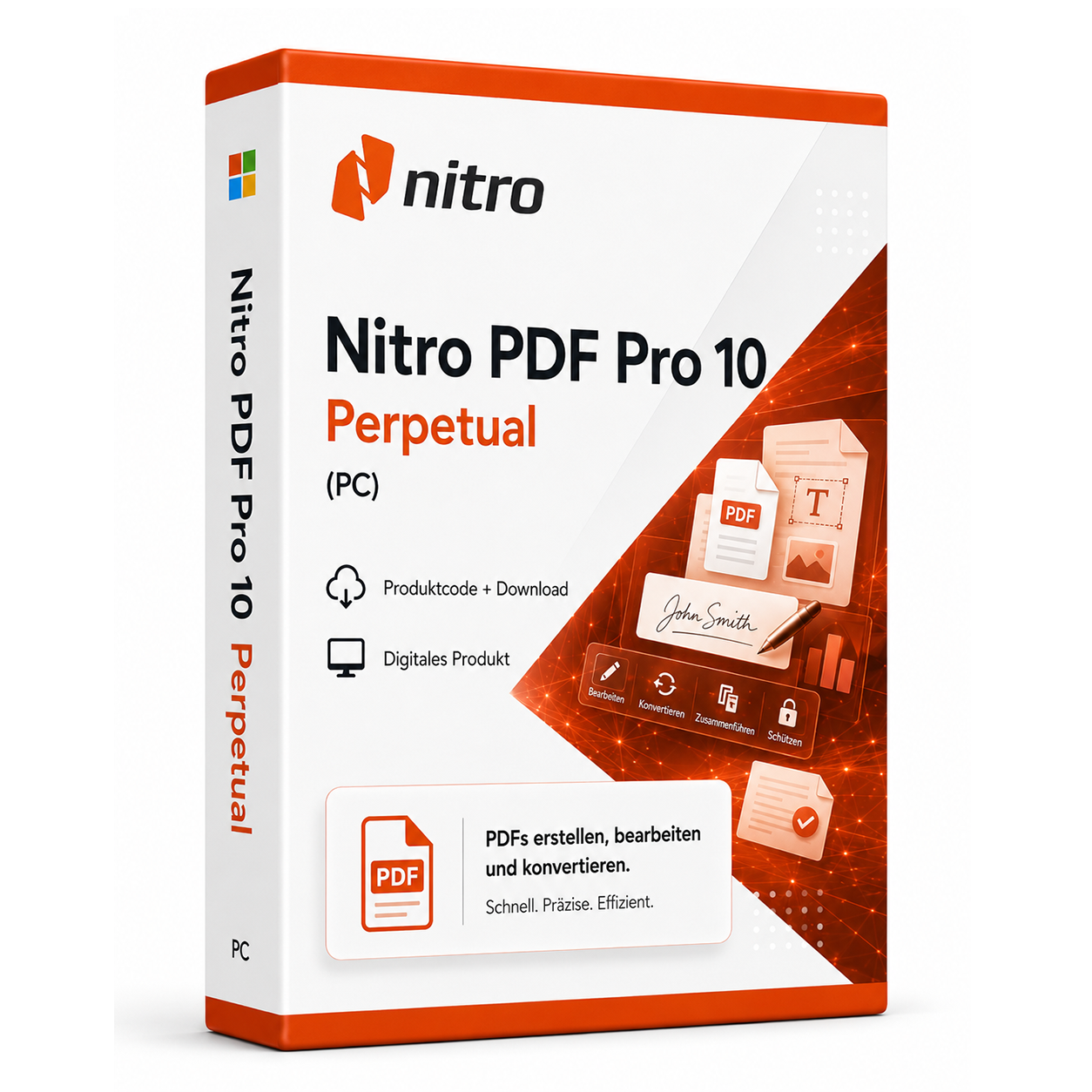
Nitro PDF Pro 10 Perpetual (PC)
Nitro PDF Pro 10 Perpetual - Comprehensive PDF Editing Without Subscription Nitro PDF Pro 10 Perpetual offers a fully equipped PDF solution for professional document editing without monthly fees.
0 Leute schauen sich gerade das Produkt an. 0 haben es im Warenkorb.
incl. 19% VAT
In stock
- Immediate shipping via email: Product key, instructions, download & invoice in seconds.
- Full version: Permanently valid license. No subscription, no ongoing costs.
- 24/7 Premium Support: Free assistance with installation & activation.
- Buyer protection up to €20,000: Every purchase is covered by Trusted Shops secured.
Description
Nitro PDF Pro 10 Perpetual: Professional PDF Solution Without Subscription Commitment
Nitro PDF Pro 10 Perpetual represents an economical alternative to expensive subscription-based PDF solutions, without compromising on functionality and performance. This fully equipped PDF software provides all the essential tools for daily work with PDF documents in businesses, government agencies, and private households. With a user-friendly interface and powerful editing features, Nitro PDF Pro 10 enables efficient document management without ongoing costs.Comprehensive Features for Professional PDF Editing
Nitro PDF Pro 10 Perpetual combines essential PDF functions with an intuitive user interface that provides optimal working conditions for both beginners and experienced users. The software covers the complete workflow from document creation to secure distribution.Complete PDF Creation and Editing
Create PDF documents from over 300 file formats or scan paper documents directly into PDFs. Edit text, images, and page layouts with precise tools reminiscent of modern word processors. The OCR (Optical Character Recognition) feature recognizes text in scanned documents, making it searchable and editable. Change fonts, sizes, and colors or easily adjust paragraph formats.Conversion Between File Formats
Seamlessly convert PDF files into editable formats such as Microsoft Word, Excel, PowerPoint, and vice versa. The intelligent conversion technology retains layout, formatting, and table structures. Particularly useful for further processing documents or extracting content from existing PDFs. Batch processing allows the conversion of multiple documents simultaneously, saving valuable time.Form Creation and Editing
Create interactive PDF forms with various field types such as text fields, checkboxes, radio buttons, and dropdown menus. Fill out existing forms and save the data for later use. The form field recognition automatically identifies potential form fields in existing documents and transforms them into interactive elements. Ideal for applications, surveys, and business forms.Diverse Applications for Various Users
Nitro PDF Pro 10 Perpetual is used in numerous professional and private application scenarios, supporting different user groups with their PDF requirements.- Office work and administrative tasks in businesses
- Legal departments for contract management and processing
- Educational institutions for teaching materials and scripts
- Self-employed and freelancers for quotes and invoices
- Private users for personal documents and records
- Authorities and public institutions for forms and applications
Intuitive Workflow for Efficient Document Editing
The workflow with Nitro PDF Pro 10 begins with opening existing PDF files or creating new documents. The software offers several ways to create PDFs: Direct creation from Office applications via the integrated toolbar, conversion of existing files, or capture via scanner. After opening a document, various editing tools are available, organized in logically grouped tabs. The main interface is clearly structured and provides quick access to frequently used functions. Through the "Home" menu, you can access basic editing tools, while the "Create," "Convert," and "Review" tabs hold specialized functions for specific tasks. The preview feature shows changes in real-time before they are finalized. For recurring tasks, you can create custom toolbars.Tip for Efficient Work
Use the batch processing feature for simultaneous operations on multiple documents. The combination of right-click menus and keyboard shortcuts significantly speeds up your work. Create templates for frequently used documents to save time on formatting.System Requirements for Nitro PDF Pro 10 Perpetual
To ensure smooth operation of Nitro PDF Pro 10 Perpetual, the following system requirements should be met. The software is optimized for use in various Windows environments and requires only moderate system resources.| Component | Minimum Requirements | Recommended Requirements |
|---|---|---|
| Operating System | Windows 7 | Windows 10 |
| Processor | 1 GHz Processor | 2 GHz Multi-Core Processor |
| Memory | 1 GB RAM | 4 GB RAM |
| Graphics Card | 1024x768 Screen Resolution | 1920x1080 or higher |
| Hard Disk Space | 300 MB Free Space | 1 GB Free Space |
| Internet Connection | Required for Activation | |
| .NET Framework | Version 4.5 or higher | |
Performance Recommendation for Optimal Speed
For best performance when working with large PDF files, we recommend sufficient memory and an SSD hard drive. Close unnecessary applications before editing extensive documents. The OCR function works particularly efficiently with adequate processing power.Your Advantages When Buying at softwareking24.com
As a customer of softwareking24.com, you benefit from a transparent purchasing process and reliable service for your software solutions.Direct Provisioning
The product code will be made available to you immediately in your customer account after purchase and sent to you via email simultaneously.Lifetime Use
Nitro PDF Pro 10 as a permanent version without subscription - one-time purchase, lifetime use without further costs.Original Software
You will receive an original product key from the manufacturer with full support for version 10.Opt for an Economical PDF Solution
Nitro PDF Pro 10 Perpetual offers you all the essential features for professional PDF editing at a one-time price. Compared to expensive subscription models, you save significant costs in the long run without having to forgo important features. The software has proven itself in numerous businesses and among private users, delivering reliable results in daily work with PDF documents. With dPasst dazu – oft zusammen gekauft


Frequently asked questions about Nitro PDF Pro 10 Perpetual (PC)
What apps are included in Nitro PDF Pro 10 Perpetual (PC)?
Nitro PDF Pro 10 Perpetual (PC) includes the following applications: Word, Excel, PowerPoint, and depending on the edition, Outlook, Publisher, or Access. The exact functionality depends on the edition (Home, Standard, Professional Plus) – check the product name before purchasing.
Is Nitro PDF Pro 10 Perpetual (PC) a subscription or a permanent license?
Nitro PDF Pro 10 Perpetual (PC) is a permanently valid one-time purchase license (not a subscription). You pay once and may use the software permanently on the licensed device as long as the system requirements are met.
Does Nitro PDF Pro 10 Perpetual (PC) work on Mac?
This version of Nitro PDF Pro 10 Perpetual (PC) is for Windows PCs. For Mac, you need a specific Mac edition (e.g., Office Home & Business for Mac). Check the product name.
Can I use Outlook and Access with Nitro PDF Pro 10 Perpetual (PC)?
Outlook and Access are only included in Professional Plus. Check the edition in the product name.
Do I need internet access to activate Nitro PDF Pro 10 Perpetual (PC)?
An internet connection is required for the initial activation of Nitro PDF Pro 10 Perpetual (PC) so that the key can be verified with Microsoft. After that, Office can typically be used offline for 30 days before re-signing is necessary.
How do I obtain the product key for Nitro PDF Pro 10 Perpetual (PC)?
After purchasing Nitro PDF Pro 10 Perpetual (PC), you will automatically receive the product key, download link, and invoice via email – usually within a few minutes. Also, check the spam folder.
Do you offer assistance with the installation of Nitro PDF Pro 10 Perpetual (PC)?
Yes, our support helps with the installation and activation of Nitro PDF Pro 10 Perpetual (PC). Use the included instructions or contact us through the help page if an error code occurs.
Is Nitro PDF Pro 10 Perpetual (PC) permanently valid?
Yes, Nitro PDF Pro 10 Perpetual (PC) is a one-time purchase license without a subscription. The key remains permanently valid as long as the manufacturer's system requirements are met.

Nitro PDF Pro 10 Perpetual (PC)
13.99€In stock