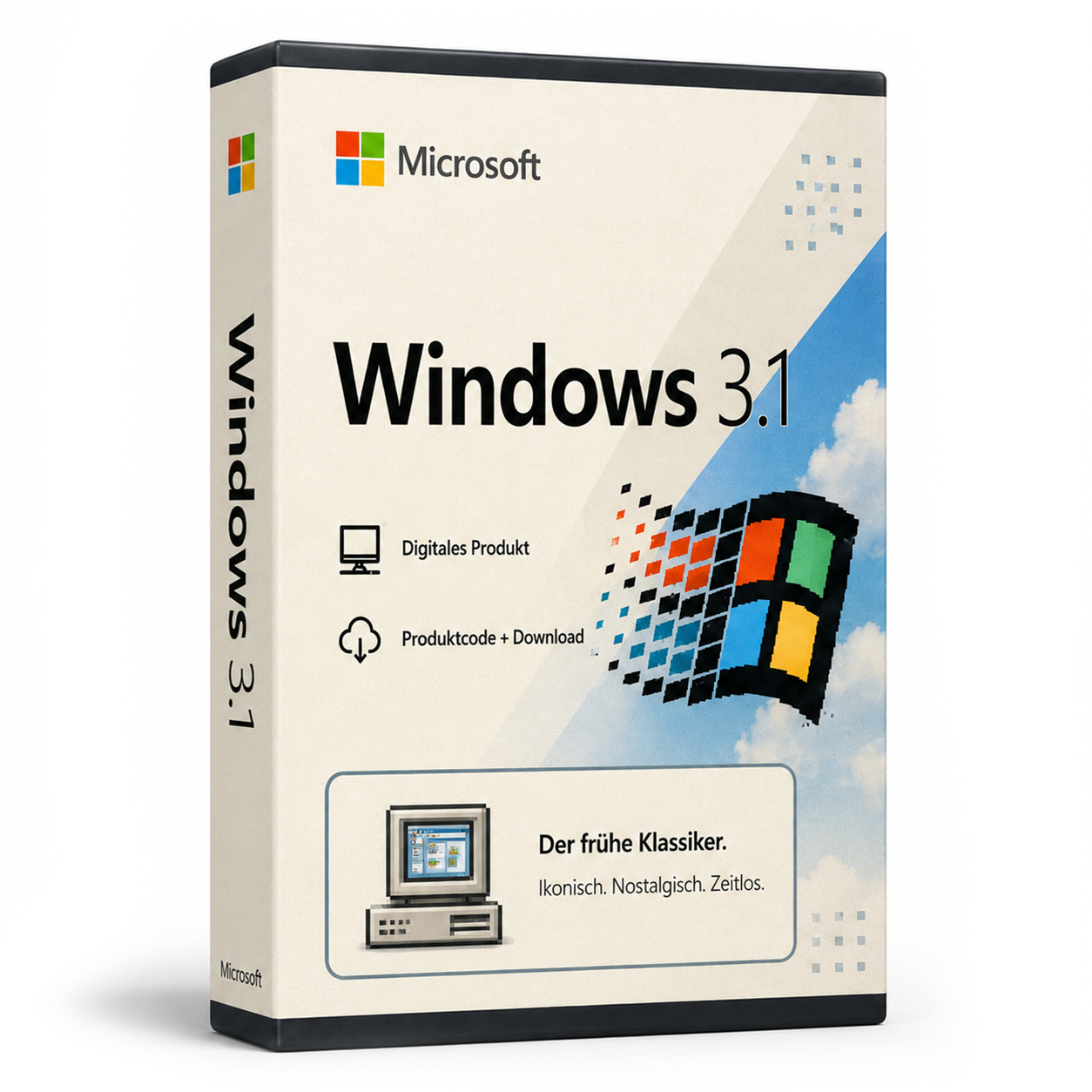
Microsoft Windows 3.1
Windows 3.1 - German & English Windows 3.1 pcgh Windows 3.1 was an operating system from Microsoft, released in 1992. Windows 3.1 was a... Die Lizenz wird als Produktschlüssel per E-Mail geliefert und ist dauerhaft gültig (kein Abo). Lieferung erfolgt digital per E-Mail mit Produktschlüssel, Download-Link und Rechnung durch SoftwareKing24.
0 Leute schauen sich gerade das Produkt an. 0 haben es im Warenkorb.
incl. 19% VAT
In stock
- Immediate shipping via email: Product key, instructions, download & invoice in seconds.
- Full version: Permanently valid license. No subscription, no ongoing costs.
- 24/7 Premium Support: Free assistance with installation & activation.
- Buyer protection up to €20,000: Every purchase is covered by Trusted Shops secured.
Description
Windows 3.1 - Deutsch & English
Windows 3.1 pcgh
-
- Processor: 286 or higher (recommended: 386 or higher)
- RAM: At least 1 MB (recommended: 4 MB or more)
- Hard disk space: At least 10 MB of free space
- Graphics card: VGA graphics card or higher
- Monitor: VGA-compatible monitor or higher
- Keyboard: Standard keyboard
- Mouse: Microsoft-compatible mouse or another pointing device
- Drives: At least one floppy disk drive and one hard disk drive
- Operating system: MS-DOS 3.0 or higher (must be installed before installing Windows 3.1)
Related products
incl. 19% VAT
incl. 19% VAT
incl. 19% VAT
incl. 19% VAT
incl. 19% VAT
incl. 19% VAT
incl. 19% VAT
Frequently asked questions about Microsoft Windows 3.1
What are the hardware requirements for Microsoft Windows 3.1?
For Microsoft Windows 3.1, a 64-bit processor starting at 1 GHz, at least 4 GB of RAM, and 64 GB of free storage space are recommended. A DirectX 9-capable graphics card is sufficient – TPM 2.0 is not mandatory for 10.
Does Microsoft Windows 3.1 work for gaming?
Yes, Microsoft Windows 3.1 supports DirectX 12, Auto-HDR, and the Xbox Game Bar. For current games, sufficient RAM (16 GB recommended), SSD, and a dedicated graphics card are crucial – regardless of the Windows edition.
Is the Microsoft Windows 3.1 license tied to the hardware?
Retail licenses for Microsoft Windows 3.1 can be reactivated on a new PC after deactivation. OEM licenses are tied to the first activated motherboard. Typically, you will receive retail keys with transferability from us.
How many reinstallations are allowed with the Microsoft Windows 3.1 key?
A retail key for Microsoft Windows 3.1 may be active on one PC at a time. After telephone or online deactivation, reactivation on different hardware is possible. Multiple simultaneous use on several PCs is not licensed.
Does Microsoft Windows 3.1 work on a Mac with Boot Camp or Parallels?
Yes, Microsoft Windows 3.1 can be installed in a virtual machine (Parallels, VMware) or via Boot Camp on Intel Macs. Apple Silicon Macs (M1/M2/M3) only support ARM Windows in VM – classic Boot Camp is not available there.
On which systems does Microsoft Windows 3.1 run?
Microsoft Windows 3.1 is a classic PC game for Windows. It runs on Windows 10/11; for very old titles, compatibility mode (Windows XP/7) may be necessary.
Is Microsoft Windows 3.1 immediately playable after purchase?
Yes, after purchasing Microsoft Windows 3.1, you will receive the download link and possibly a key via email. Installation takes only a few minutes.
Does Microsoft Windows 3.1 require an internet connection?
Microsoft Windows 3.1 can be played offline after installation. Internet is only needed for download and possible activation.
Is Microsoft Windows 3.1 family-friendly?
Retro titles like Microsoft Windows 3.1 are generally rated as suitable for all audiences. Check the age rating on the product page, if available.
How do I obtain the product key for Microsoft Windows 3.1?
After purchasing Microsoft Windows 3.1, you will automatically receive the product key, download link, and invoice via email – usually within a few minutes. Also, check your spam folder.

Microsoft Windows 3.1
14.99€In stock