
Buying a Windows 11 Pro Key Legally: What to Look For
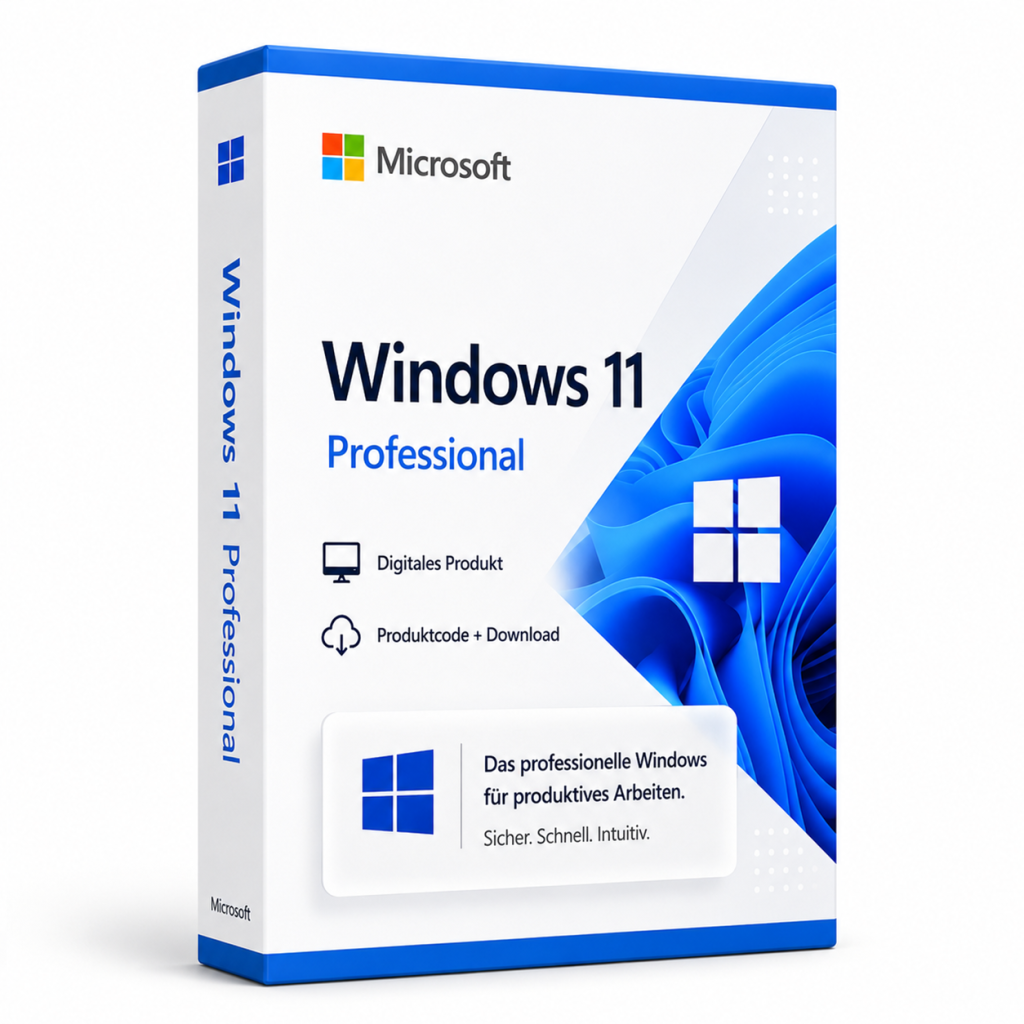
You can buy a Windows 11 Pro key from Microsoft or from retailers that deliver licenses digitally. Check for clear license details, a proper invoice and activation through Microsoft's official channels.
You can buy a Windows 11 Pro key directly from Microsoft or from retailers that deliver software licenses digitally. Before you buy, check that the seller describes the license clearly, issues a proper invoice and that activation runs through Microsoft's official channels. On the resale of used software licenses within the EU, the Court of Justice of the European Union has issued a landmark ruling, summarized below.
What did the EU court decide about used licenses?
On July 3, 2012, the Court of Justice of the European Union ruled in case C-128/11 (UsedSoft v Oracle) that reselling a perpetual software license within the EU is permitted if the original buyer makes their own copy unusable. This ruling is frequently referred to in discussions about license trading.
Please note that this guide only summarizes the ruling and does not constitute legal advice. If you need a binding answer for your specific situation, please consult a qualified professional.
A one-time license, not a subscription
Windows is sold as a perpetual license. You pay once and keep using it without ongoing fees. A subscription such as Microsoft 365 works differently. For home users and small offices, this makes costs easy to plan, since there is no yearly renewal.
How to recognize a trustworthy offer
A few simple checks help you assess whether an offer is sound:
- Clear product name: The edition (Home or Pro) is stated unambiguously.
- Company details: The seller lists a business address and a customer service you can actually reach.
- Invoice: You receive an invoice showing your details and the product name.
- Official activation: You enter the key in Windows itself and it is activated through Microsoft, with no extra tools from unknown sources.
- System requirements: The seller reminds you that your PC must meet Microsoft's requirements.
Be cautious if an offer comes without an invoice, asks you to install activation tools or leaves the edition unclear.
Windows 11 Home or Pro?
Before buying a key, it is worth checking whether you actually need the Pro features:
| Feature | Windows 11 Home | Windows 11 Pro |
|---|---|---|
| BitLocker drive encryption | no | yes |
| Remote Desktop host | no | yes |
| Hyper-V virtualization | no | yes |
| Group Policy Editor | no | yes |
| Joining a company domain | no | yes |
If you only use your PC privately, Home is often enough. For freelancers, home offices and small businesses, Pro is usually the better fit.
Step by step: activating Windows 11 Pro
- Check the system requirements: Use Microsoft's compatibility check tool to confirm your PC is supported.
- Back up your data: Save your important files before any installation or upgrade.
- Buy the license: Choose, for example, Microsoft Windows 11 Professional and keep the key from your delivery in a safe place.
- Enter the key: Go to Settings > System > Activation and select "Change product key". For a clean install, you can also enter the key during setup.
- Confirm activation: The Activation page should now show that Windows is activated.
- Install updates: Open Windows Update and install the current version of Windows 11.
Moving from Windows 10
Support for Windows 10 Home and Pro ended on October 14, 2025. Since then, security updates are only available through Microsoft's paid or time-limited Extended Security Updates (ESU) program, which runs until October 2028 at the latest for businesses. Microsoft provides the details for home users directly. If your PC meets the requirements, switching to Windows 11 is one way to receive regular updates again.
Frequently asked questions
Do I have to pay for Windows 11 Pro again every year?
No. Windows is a perpetual license. You pay once, and there is no annual renewal as there would be with a subscription.
Can I upgrade from Windows 11 Home to Pro?
Yes. Under Settings > System > Activation you can enter a Pro key, and Windows switches to the Pro edition. Your files and apps normally stay in place, but a backup beforehand is still a good idea.
Will Windows 11 Pro keep receiving updates?
Yes. Windows 11 Home and Pro receive ongoing feature updates, and each version has its own end-of-support date. Always install the current version via Windows Update.
Microsoft Windows 11 Professional
Digital delivery · 19.99 EUR
comment Kommentare (0)
Noch keine Kommentare. Schreiben Sie den ersten!
Kommentar hinterlassen