
Windows Server 2025 Support: How Long Will It Get Updates?
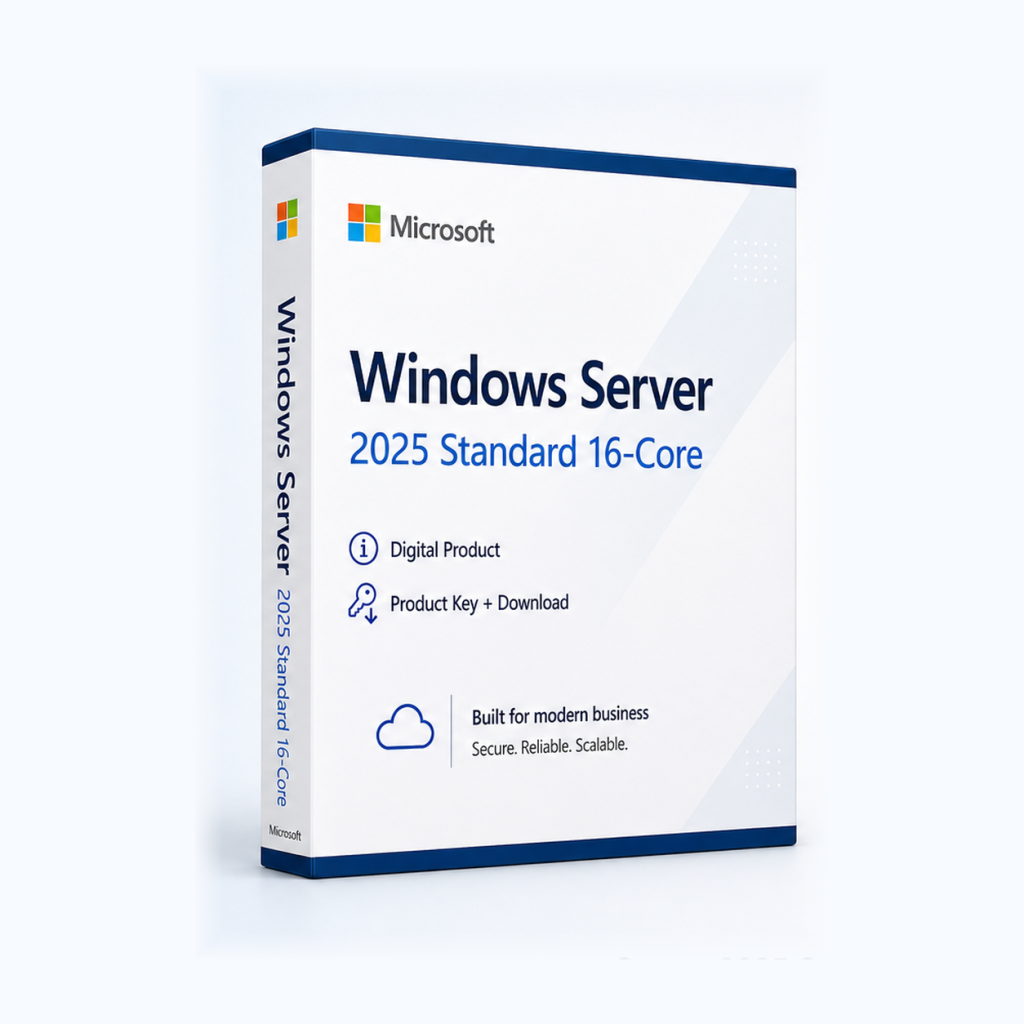
Windows Server 2025 is in mainstream support until October 9, 2029. Extended support with security updates follows, and Microsoft's official lifecycle lists the exact end date.
Windows Server 2025 is in mainstream support until October 9, 2029. After that, extended support with security updates begins. Microsoft's official lifecycle lists the exact end date of that phase.
Mainstream vs. extended support
Microsoft usually splits the lifecycle of its server products into two phases:
- Mainstream support: You get security updates plus non-security fixes and improvements.
- Extended support: This phase mostly covers security updates only. No new features or design changes are added.
When extended support ends, Microsoft stops releasing security updates for that version. Any server still running it stays open to newly discovered vulnerabilities. For businesses, that can also cause problems during data protection or compliance audits.
Windows Server versions compared
Here is where the most common Windows Server versions stand as of November 19, 2026:
| Version | Support status | Key date |
|---|---|---|
| Windows Server 2016 | Extended support | ends January 12, 2027 |
| Windows Server 2019 | Extended support | ends January 9, 2029 |
| Windows Server 2022 | Mainstream support ended October 13, 2026; now in extended support | security updates until October 14, 2031 |
| Windows Server 2025 | Mainstream support | until October 9, 2029, then extended support |
Of the Windows Server versions compared here, Windows Server 2025 is the only one still in mainstream support. Support for Windows Server 2016 ends in just a few weeks, so if you still run it, start planning your migration now.
How to check and plan your server support
- Identify your version: Run winver from the Run dialog or open System Information. Both show the installed version and edition.
- Check its support status: Compare it with the table above or look it up in Microsoft's official lifecycle.
- Map your dependencies: List the roles, services and applications on the server, such as Active Directory, file services, databases or business software. Ask third-party vendors whether their products are supported on the new server version.
- Review hardware and requirements: Check CPU, memory, storage and firmware against the requirements Microsoft publishes for Windows Server 2025. For virtual machines, check both the VM resources and the hypervisor.
- Sort out licensing: Windows Server uses core-based licensing. Count the physical processor cores in your server, then use Microsoft's licensing terms to work out how many licenses you need and whether you also need client access licenses.
- Test, then migrate: Try the migration in a test environment first. Make a full backup beforehand and schedule a maintenance window.
- Keep installing updates: After you migrate, install Microsoft's updates regularly. Support only protects you if the updates are actually applied.
Who should upgrade?
Upgrading makes the most sense if you still run Windows Server 2016, whose support ends on January 12, 2027. Windows Server 2019 users should plan ahead as well, because extended support for that version ends on January 9, 2029. Windows Server 2022 has been in extended support since October 13, 2026. It still gets security updates but no longer receives non-security fixes.
As the newest of these versions, Windows Server 2025 remains in mainstream support until October 9, 2029. If you need a license, Microsoft Windows Server 2025 Standard is available as a digital server license. Before you buy, please check the system requirements, the licensing basis (number of cores) and what is included in the delivery.
Frequently asked questions
Will Windows Server 2025 still get security updates after October 9, 2029?
Yes. Once mainstream support ends, extended support begins and Microsoft keeps releasing security updates. Microsoft's official lifecycle lists how long that phase lasts.
Can I keep using Windows Server 2016 after January 12, 2027?
The server will keep running, but it will no longer get security updates. That is a serious risk for production systems, so plan your migration in good time.
Is it legal to buy a resold server license?
On July 3, 2012, the Court of Justice of the European Union ruled in case C-128/11 (UsedSoft v. Oracle) that reselling a perpetual license within the EU is permitted if the original seller makes their own copy unusable. This is not legal advice. If you have questions about your specific situation, please consult a qualified advisor.
Microsoft Windows Server 2025 Standard
Digital delivery · 59.99 EUR
Ähnliche Artikel
Windows 8.1 or 8.1 Pro: Which Edition Is Right for You?
For everyday tasks, standard Windows 8.1 is enough. Choose Windows 8.1 Pro if you need BitLocker, incoming Remote Deskto...
Buying a Windows 11 Pro Key Legally: What to Look For
You can buy a Windows 11 Pro key from Microsoft or from retailers that deliver licenses digitally. Check for clear licen...
comment Kommentare (0)
Noch keine Kommentare. Schreiben Sie den ersten!
Kommentar hinterlassen