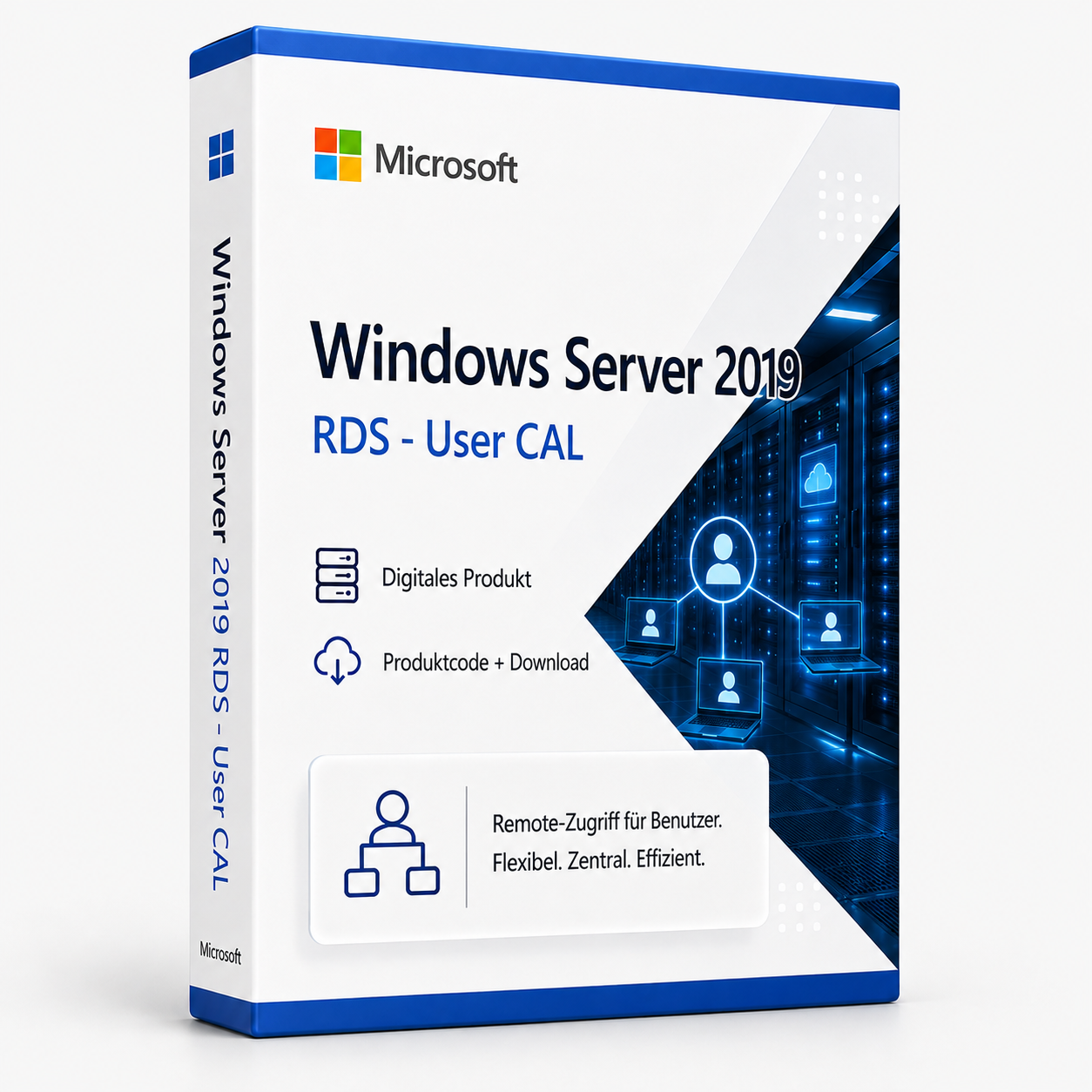

Microsoft Windows Server 2019 RDS - User CAL
Microsoft Windows Server 2019 RDS User CAL - Remote Desktop License for User Access The Microsoft Windows Server 2019 RDS User CAL is an essential Remote Desktop license that allows individual users to access Windows Server 2019 Remote Desktop Services. This User CAL (Client Access License) entitles a specific user to use Terminal Server services regardless of the number of devices used.
0 Leute schauen sich gerade das Produkt an. 0 haben es im Warenkorb.
incl. VAT
- Immediate shipping via email: Product key, instructions, download & invoice in seconds.
- Full version: Permanently valid license. No subscription, no ongoing costs.
- 24/7 Premium Support: Free assistance with installation & activation.
- Buyer protection up to €20,000: Every purchase is covered by Trusted Shops secured.
Description
Microsoft Windows Server 2019 RDS User CAL - Remote Desktop License for User Access
The Microsoft Windows Server 2019 RDS User CAL is an essential Remote Desktop license that allows individual users to access Windows Server 2019 Remote Desktop Services. This User CAL (Client Access License) entitles a specific user to use Terminal Server services regardless of the number of devices used. As a permanent Remote Desktop license, it provides lasting access rights without subscription obligations and is ideal for companies with fixed user numbers in RDS environments.
Your key benefits:
- Permanent authorization for one user to access the RDS server
- Independent of the number of devices used per user
- Full compatibility with Windows Server 2019 Remote Desktop Services
- Easy license management via the RDS license server
You will receive the product code for Microsoft Windows Server 2019 RDS User CAL after purchase in your customer account and via email. Permanent license without subscription.
Microsoft Windows Server 2019 RDS User CAL: Essential Remote Desktop License for Corporate Access
To operate Windows Server 2019 Remote Desktop Services, a corresponding Remote Desktop license is a legal and technical prerequisite. The Microsoft Windows Server 2019 RDS User CAL meets this requirement as a specific Client Access License that allows individual users to access Terminal Server services. This Remote Desktop license follows the per-user licensing model, which is particularly advantageous for companies with mobile workforces, as each licensed user can access the RDS environment from multiple devices. With the Windows Server 2019 RDS User CAL, organizations have the necessary legal basis for operating centralized desktop and application delivery.
Comprehensive Access Permissions for RDS Environments
The Microsoft Windows Server 2019 RDS User CAL provides all necessary permissions for accessing Windows Server 2019 Remote Desktop Services as a Remote Desktop license. This licensing solution is designed to simplify the complexity of user access in Terminal Server environments while offering maximum flexibility for mobile work models. From basic session permissions to advanced application virtualization - each access level is tailored to the specific requirements of modern corporate infrastructures.
Per-User Licensing Model
The User CAL model entitles a specific user to access Windows Server 2019 Remote Desktop Services, regardless of how many devices this access occurs from. This Remote Desktop license is ideal for companies with mobile employees who need to access centralized applications and desktops from various locations and devices. Each licensed user can simultaneously open sessions on the RDS server from a desktop PC, laptop, and mobile devices. This model significantly simplifies license management, as the number of licenses needed directly corresponds to the number of active users, regardless of the number of devices.
Full RDS Functionality
With the Windows Server 2019 RDS User CAL, users gain access to the complete range of Remote Desktop Services. This Remote Desktop license includes permission for Remote Desktop sessions, application virtualization via RemoteApp, and access to virtual desktops. The license enables the use of advanced RDS features such as RemoteFX for enhanced graphics performance, USB redirection for peripherals, and multimedia streaming for video-intensive applications. Particularly advantageous is the integration with modern security features such as Multi-Factor Authentication and Conditional Access, which are covered by the User CAL.
Central License Management and Compliance
The management of RDS User CALs is done centrally via the Windows Server 2019 RDS license server, which controls the allocation and monitoring of all client accesses. This Remote Desktop license offers automatic licensing reports that transparently display current license consumption and available licenses. The license server proactively warns when capacity limits are reached and supports tracking of license assignments for compliance audits. For growing companies, the scalability of the licensing model allows for gradual expansion of the user base without complex license migrations.
Diverse Application Areas for Different Company Sizes
The Microsoft Windows Server 2019 RDS User CAL is applicable in various corporate environments and supports different remote work scenarios. This flexible Remote Desktop license adapts to your individual user requirements and offers the right access solution for every organization.
- Companies with mobile employees and home office workplaces
- Industries with shift work and shared device usage
- Organizations with high security requirements and centralized data storage
- Educational institutions with flexible access models for students and lecturers
- Healthcare sector with mobile patient care and ward work
- Manufacturing with shop floor terminals and varying user accesses
Easy Implementation and License Management
The implementation process of the Windows Server 2019 RDS User CAL begins with the installation and configuration of the RDS license server in the Windows Server 2019 environment. This Remote Desktop license is initially installed and activated on the license server, after which it becomes available for assignment to users. The license server automatically manages the allocation of CALs to connecting clients and ensures that only authorized users gain access to the RDS services.
The management of User CALs is done through the Remote Desktop Services management console, which provides a clear overview of all licensed users and their activity status. Upon the first connection of a user to the RDS server, the license server automatically assigns an available User CAL and logs this assignment. Particularly convenient is the ability to reassign CALs between users when employees leave the company or change their role.
Related products
incl. 19% VAT
incl. 19% VAT
incl. 19% VAT
incl. 19% VAT
incl. 19% VAT
incl. 19% VAT
incl. 19% VAT
incl. 19% VAT
Frequently asked questions about Microsoft Windows Server 2019 RDS - User CAL
Is Remote Desktop (RDS) supported with Microsoft Windows Server 2019 RDS - User CAL?
Yes, Microsoft Windows Server 2019 RDS - User CAL is designed for Remote Desktop Services (RDS). The CAL allows access to a Windows Server RDS environment – the RDS role service must be set up separately on the server.
How many users or devices does Microsoft Windows Server 2019 RDS - User CAL cover?
Microsoft Windows Server 2019 RDS - User CAL covers 2019 concurrent accesses (User or Device CAL depending on the product designation). Each additional user or device requires another CAL license.
Standard vs. Datacenter – which server edition do I need?
Windows Server Standard is suitable for smaller environments with few VMs. Datacenter (e.g., Microsoft Windows Server 2019 RDS - User CAL) is more economical for data centers with many virtual machines per host. Check your number of VMs before purchasing.
Can I use Microsoft Windows Server 2019 RDS - User CAL as a domain controller?
Yes, Microsoft Windows Server 2019 RDS - User CAL supports Active Directory, DNS, DHCP, and Group Policies as a domain controller. CALs (User or Device) are required for each access to the server – in addition to the server license.
What are the hardware requirements for Microsoft Windows Server 2019 RDS - User CAL?
For Microsoft Windows Server 2019 RDS - User CAL, a 64-bit processor starting at 1 GHz, at least 4 GB of RAM, and 64 GB of free storage space are recommended. A DirectX 9-capable graphics card is sufficient – TPM 2.0 is not mandatory with 10.
Does Microsoft Windows Server 2019 RDS - User CAL work for gaming?
Yes, Microsoft Windows Server 2019 RDS - User CAL supports DirectX 12, Auto-HDR, and the Xbox Game Bar. For current games, sufficient RAM (16 GB recommended), SSD, and a dedicated graphics card are crucial – regardless of the Windows edition.
Is the Microsoft Windows Server 2019 RDS - User CAL license tied to the hardware?
Retail licenses of Microsoft Windows Server 2019 RDS - User CAL can be reactivated on a new PC after deactivation. OEM licenses are tied to the first activated motherboard. With us, you typically receive retail keys with transferability.
How many new installations are allowed with the Microsoft Windows Server 2019 RDS - User CAL key?
A retail key for Microsoft Windows Server 2019 RDS - User CAL may be active on one PC at a time. After deactivation via phone or online, reactivation on different hardware is possible. Multiple concurrent use on several PCs is not licensed.
Does Microsoft Windows Server 2019 RDS - User CAL work on a Mac with Boot Camp or Parallels?
Yes, Microsoft Windows Server 2019 RDS - User CAL can be installed in a virtual machine (Parallels, VMware) or via Boot Camp on Intel Macs. Apple Silicon Macs (M1/M2/M3) only support ARM Windows in VM – classic Boot Camp is not available there.
How do I obtain the product key for Microsoft Windows Server 2019 RDS - User CAL?
After purchasing Microsoft Windows Server 2019 RDS - User CAL, you will automatically receive the product key, download link, and invoice via email – usually within a few minutes. Also, check the spam folder.