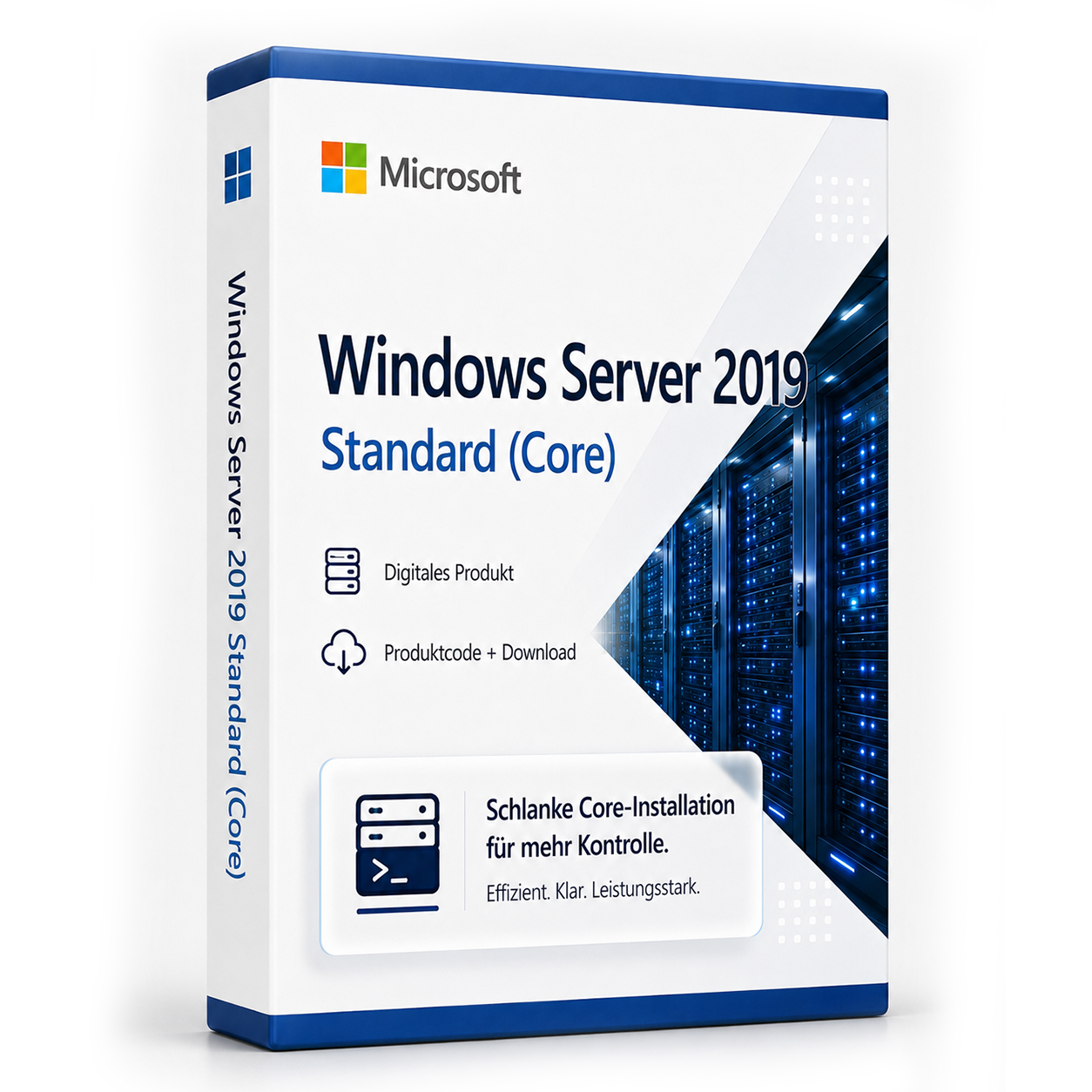

Microsoft Windows Server 2019 Standard (Core)
Microsoft Windows Server 2019 Standard Core Tabhair faoi deara nach bhfuil ag an leagan Core de na freastalaithe 2019 aon GUI/nó deasc agus go bhfuil sé á rialú trí chonsól,... Die Lizenz wird als Produktschlüssel per E-Mail geliefert und ist dauerhaft gültig (kein Abo).
0 Leute schauen sich gerade das Produkt an. 0 haben es im Warenkorb.
lena n-áirítear 19 % Dlí Cánach.
I stoc
- Seoladh láithreach trí ríomhphost: Eochair táirge, treoir, íoslódáil & conradh i soicind.
- Leagan iomlán: Ceadúnas bailí go buan. Níl síntiús, níl costais reatha.
- Tacaíocht Préimhe 24/7: Cabhair saor in aisce le suiteáil & gníomhachtú.
- Cosaint cheannaitheora suas le 20,000 €: Tá gach ceannach á chlúdach ag Trusted Shops cosanta.
Cur síos
Microsoft Windows Server 2019 Standard Core
Tabhair faoi deara nach bhfuil an leagan Core de na freastalaithe 2019 aon GUI/nó deasc ann agus caithfear é a rialú, a chothabháil agus a gníomhachtú trí chonsól.
Windows Server 2019 Standard Core ceannaigh go saor agus íoslódáil láithreach
Cuireann leagan 2019 de Windows Server ar chumas scéimeanna néata néata. Is é Project Honolulu a cuireadh i láthair i 2017 an bonn. Is furasta na timpeallachtaí Windows Server atá ann cheana a nascadh leis na seirbhísí néata nua. Mar sin, is féidir le húsáideoirí Azure Backup, Desaster Recovery, Azure File Sync agus seirbhísí Microsoft eile a chomhtháthú go héasca i struchtúir agus iarratais atá ann cheana. Cuireadh an bogearra "Project Honolulu" i láthair go hoifigiúil le seoladh Windows Server 2019. Is uirlis bhainistíochta freastalaithe í seo a sholáthraíonn comhoibriú lárnach chun freastalaithe a bhainistiú, a rith - le nó gan GUI - faoi Windows 2019, 2016 nó 2012R2. Éascaítear tascanna tipiciúla cosúil le monatóireacht feidhmíochta nó configuring freastalaithe, mar tá siad deartha go difriúil ag Project Honolulu. Éascaíodh freisin an bainistíocht seirbhísí Windows i struchtúir le freastalaithe measctha.Conraitheoirí níos lú agus infrastuctúir HCI
Tacaíonn Windows Server 2019 Standard core le forbróirí níos mó ná riamh le nuashonrú iarratais atá ann cheana, nuair a oibríonn siad le teicneolaíochtaí conraithe. Is éard atá i gceist leis na híomhánna bunúsacha conraithe de chuid an chórais oibriúcháin. Is féidir íomhánna a laghdú go trí thrian dá méid reatha. Mar sin, laghdaítear an t-am íoslódála thart ar 72 faoin gcéad. Tacaítear freisin leis an gcóras conraithe oscailte Kubernetes. Tá infrastuctúir hyper-converged (HCI) ar eolas cheana ó Windows Server 2016 agus clár Windows Server Software Defined. Tá réitigh HCI réamhchóirithe úsáideach freisin i Windows Server 2019. Cuireann siad ar chumas freastal ar riachtanais ríomhaireachta agus stórála agus tá siad éasca le cur i bhfeidhm agus le scála. Is féidir iad a bhainistiú trí Project Honolulu freisin, rud a éascaíonn an obair laethúil le cur i bhfeidhm HCI.Windows Server 2019 leathnaíonn cumas agus iontaofacht
Is féidir freisin é a úsáid mar Remote Desktop Session Host (RDSH). Is féidir le cláir bunaithe ar Windows nó an deasc iomlán a roinnt idir úsáideoirí, nuair a rithtear siad ar an Host. Tá na feidhmeanna nua do bhainistíocht stórála suimiúil freisin. Cuireann na Seirbhísí Míniú Stórála (SMS) ar chumas, go háirithe, freastalaithe comhad sean a nuashonrú go leagan 2019. Déantar sonraí, ceadanna rochtana agus socruithe a aistriú. Aistríonn an míniú stórála aitheantas an freastalaí sean go freastalaí nua, ionas gur féidir an ríomhaire roimhe seo a bhaint den líonra. Tá an uirlis riachtanach san uirlisí Honolulu. Cuireann Windows Server 2019 Standard an gné Storage Replica ar fáil. Bhí sé san eagrán Datacenter de Windows Server 2016 cheana agus tá sé deartha chun cóip a dhéanamh ar Volumes idir freastalaithe agus clustair. Tá comhoibriú grafach ar fáil freisin i Windows Server 2019, rud a raibh roinnt úsáideoirí ag iarraidh i leagan 2016.Microsoft Windows Server 2019 Standard Core - Riachtanais Chórais
| Próiseálaí |
1.4 GHz 64-bit EMT64 nó AMD64, Quad-Core molta |
| Cuimhne |
512 MB modúil cuimhne tacaíochta ECC agus 800 MB do shuiteálacha VM |
| Disc crua |
do Core 32 GB |
| Conraitheoir Disc | Conraitheoir Disc comhoiriúnach PCI Express |
Áireamhán:
- 1 x Microsoft Windows Server 2019 Standard Core Eochair táirge (Ní Core, gan GUI/Desktop comhoiriúnach)
- Íoslódáil láithreach trí sheachadadh gasta (nasc íoslódála chun an bogearra a íoslódáil)
- Treoir shuiteála
- Seachadadh díreach tar éis an ordú mar íoslódáil
Passt dazu – oft zusammen gekauft


Táirgí comhoiriúnacha

lena n-áirítear 19 % Dlí Cánach.
lena n-áirítear 19 % Dlí Cánach.

lena n-áirítear 19 % Dlí Cánach.
lena n-áirítear 19 % Dlí Cánach.

lena n-áirítear 19 % Dlí Cánach.
lena n-áirítear 19 % Dlí Cánach.

lena n-áirítear 19 % Dlí Cánach.
lena n-áirítear 19 % Dlí Cánach.

lena n-áirítear 19 % Dlí Cánach.
lena n-áirítear 19 % Dlí Cánach.

lena n-áirítear 19 % Dlí Cánach.
lena n-áirítear 19 % Dlí Cánach.
Häufige Fragen zu Microsoft Windows Server 2019 Standard (Core)
Wie viele Benutzer sind mit Microsoft Windows Server 2019 Standard (Core) möglich?
Bei Microsoft Windows Server 2019 Standard (Core) richtet sich die Benutzerzahl nach der Server-Edition (Essentials, Standard, Datacenter) und den zusätzlich lizenzierten CALs. Ohne CALs ist nur die lokale Server-Konsole bzw. begrenzte Verwaltungszugriffe möglich.
Standard vs. Datacenter – welche Server-Edition brauche ich?
Windows Server Standard eignet sich für kleinere Umgebungen mit wenigen VMs. Datacenter (z. B. Microsoft Windows Server 2019 Standard (Core)) ist für Rechenzentren mit vielen virtuellen Maschinen pro Host wirtschaftlicher. Prüfen Sie Ihre VM-Anzahl vor dem Kauf.
Kann ich Microsoft Windows Server 2019 Standard (Core) als Domänencontroller nutzen?
Ja, Microsoft Windows Server 2019 Standard (Core) unterstützt Active Directory, DNS, DHCP und Gruppenrichtlinien als Domänencontroller. CALs (User oder Device) sind für jeden Zugriff auf den Server erforderlich – zusätzlich zur Server-Lizenz.
Welche Hardware-Anforderungen hat Microsoft Windows Server 2019 Standard (Core)?
Für Microsoft Windows Server 2019 Standard (Core) empfehlen sich ein 64-Bit-Prozessor ab 1 GHz, mindestens 4 GB RAM und 64 GB freier Speicherplatz. Eine DirectX-9-fähige Grafikkarte ist ausreichend – TPM 2.0 ist bei 10 nicht zwingend.
Funktioniert Microsoft Windows Server 2019 Standard (Core) für Gaming?
Ja, Microsoft Windows Server 2019 Standard (Core) unterstützt DirectX 12, Auto-HDR und die Xbox-Game-Bar. Für aktuelle Spiele sind ausreichend RAM (16 GB empfohlen), SSD und eine dedizierte Grafikkarte entscheidend – unabhängig von der Windows-Edition.
Ist die Microsoft Windows Server 2019 Standard (Core)-Lizenz an die Hardware gebunden?
Retail-Lizenzen von Microsoft Windows Server 2019 Standard (Core) können nach Deaktivierung auf einem neuen PC erneut aktiviert werden. OEM-Lizenzen sind an das erstaktivierte Mainboard gebunden. Bei uns erhalten Sie in der Regel Retail-Keys mit Übertragbarkeit.
Wie viele Neuinstallationen sind mit dem Microsoft Windows Server 2019 Standard (Core)-Key erlaubt?
Ein Retail-Key für Microsoft Windows Server 2019 Standard (Core) darf auf einem PC gleichzeitig aktiv sein. Nach telefonischer oder Online-Deaktivierung ist eine erneute Aktivierung auf anderer Hardware möglich. Mehrfach parallele Nutzung auf mehreren PCs ist nicht lizenziert.
Funktioniert Microsoft Windows Server 2019 Standard (Core) auf einem Mac mit Boot Camp oder Parallels?
Ja, Microsoft Windows Server 2019 Standard (Core) lässt sich in einer virtuellen Maschine (Parallels, VMware) oder per Boot Camp auf Intel-Macs installieren. Apple-Silicon-Macs (M1/M2/M3) unterstützen nur ARM-Windows in VM – klassisches Boot Camp entfällt dort.
Wie erhalte ich den Produktschlüssel für Microsoft Windows Server 2019 Standard (Core)?
Nach dem Kauf von Microsoft Windows Server 2019 Standard (Core) erhalten Sie den Produktschlüssel, Download-Link und Rechnung automatisch per E-Mail – in der Regel innerhalb weniger Minuten. Prüfen Sie auch den Spam-Ordner.
Bieten Sie Hilfe bei der Installation von Microsoft Windows Server 2019 Standard (Core)?
Ja, unser Support hilft bei der Installation und Aktivierung von Microsoft Windows Server 2019 Standard (Core). Nutzen Sie die mitgelieferte Anleitung oder kontaktieren Sie uns über die Hilfe-Seite, wenn ein Fehlercode auftritt.

Microsoft Windows Server 2019 Standard (Core)
29,99€I stoc